ToDoBar vs Apple Reminders: Which Todo App Is Right for You?
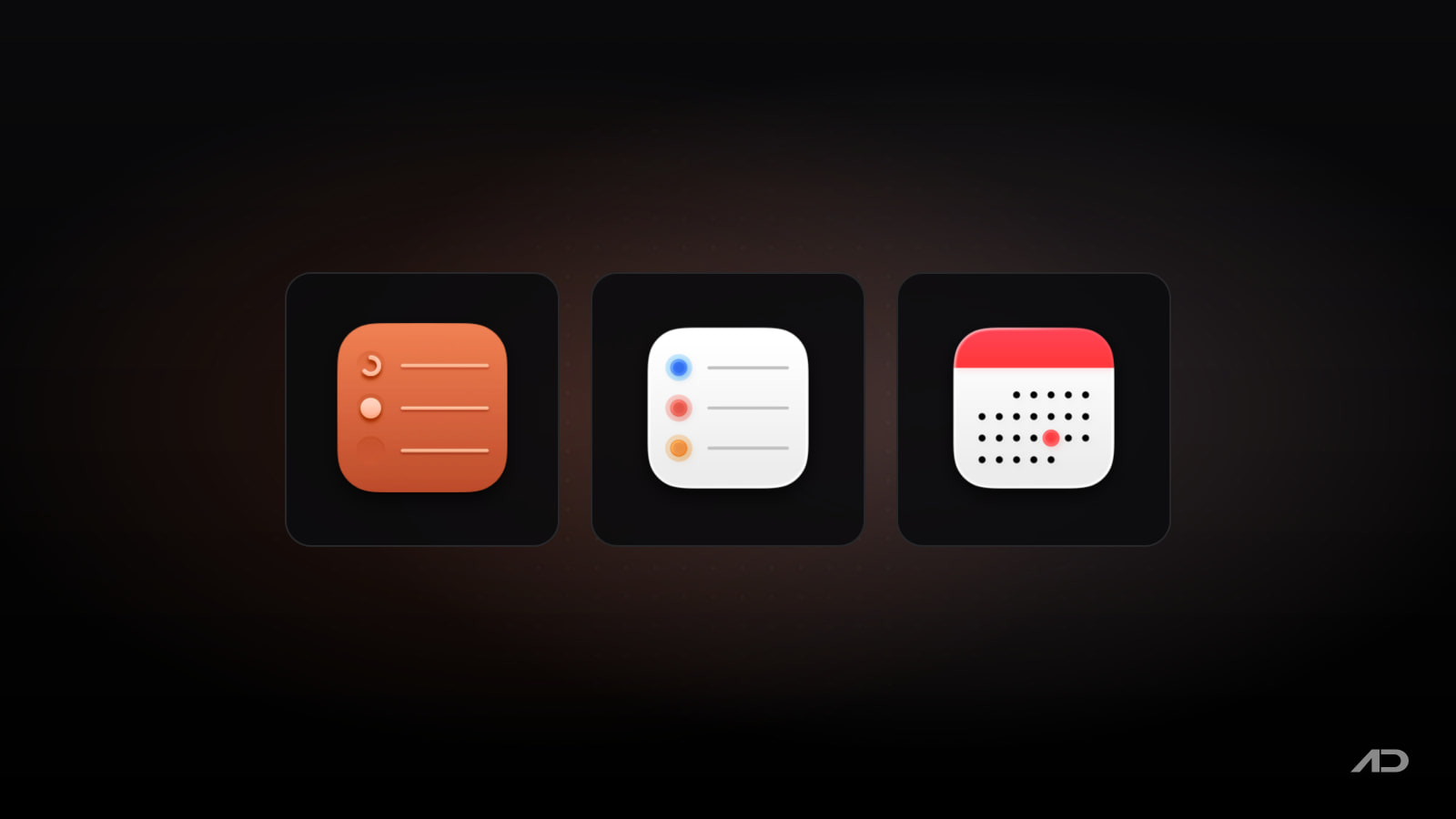
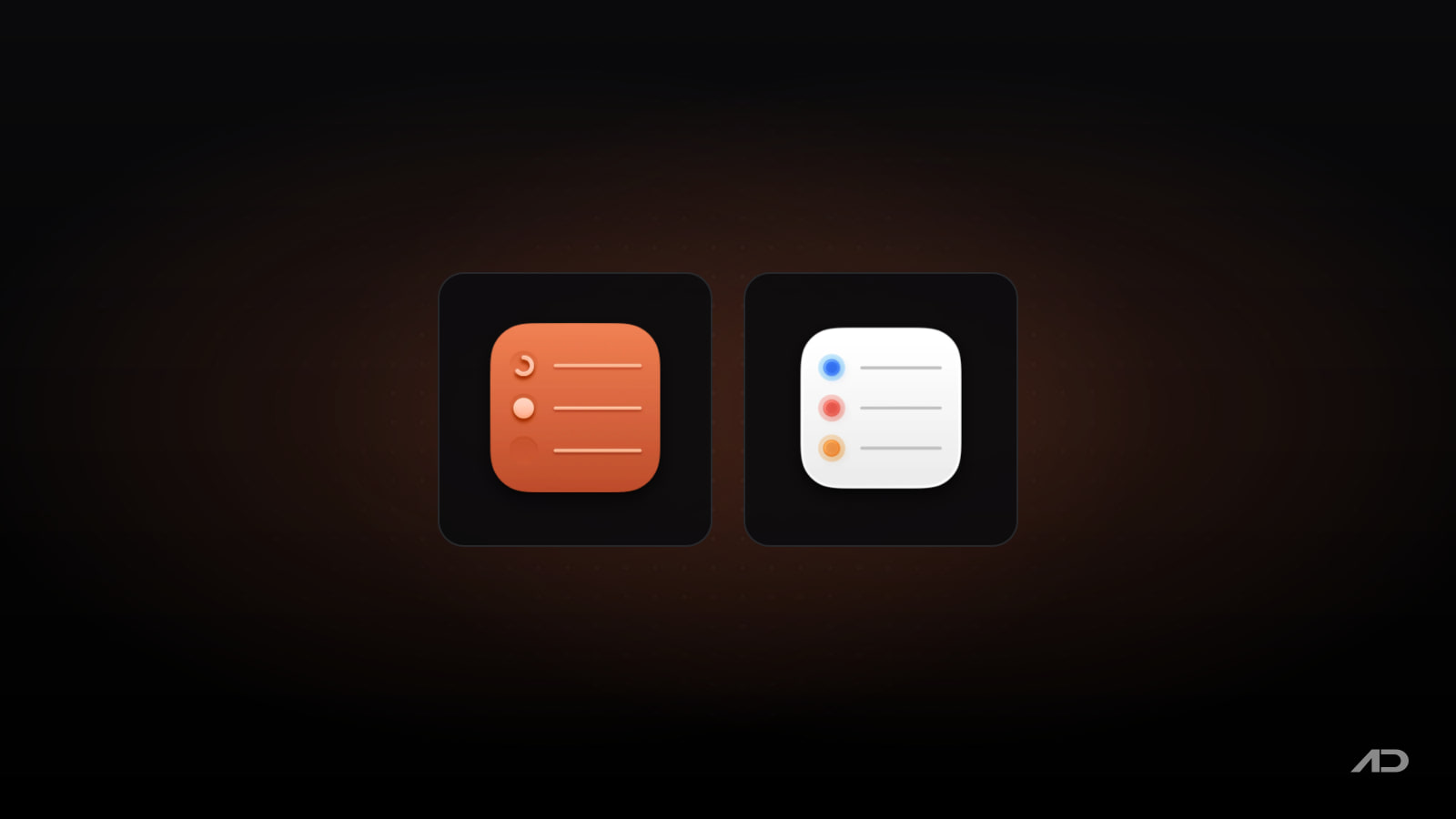
ToDoBar and Apple Reminders solve different problems. ToDoBar is a small menu bar list for what you need to get done today, with deadlines and a ring that shows how much time is left. Apple Reminders is a full task manager that comes free with your Mac and syncs to your iPhone, iPad and Apple Watch. Here's how they compare and which one fits the way you work.
Quick Verdict
- Choose Apple Reminders if you need your tasks on every Apple device, shared lists, subtasks, tags, location reminders or Siri. It's free and does far more.
- Choose ToDoBar if you want today's tasks one click away in the menu bar, with deadline reminders, a time-remaining ring and a pending count on the menu bar icon, and you work only on a Mac.
Feature Comparison
| Feature | ToDoBar | Apple Reminders |
|---|---|---|
| Price | $2.99 one-time (US) | Free with macOS |
| Lives in the menu bar | ✓ | ✗ |
| Pending task count on menu bar | ✓ | ✗ |
| Next task shown on menu bar | ✓ | ✗ |
| Time-remaining ring per task | ✓ | ✗ |
| Deadline notifications | ✓ (per task, adjustable lead time) | ✓ |
| Task colors | ✓ | List colors |
| Reorder tasks | ✓ (up/down arrows) | ✓ (drag) |
| Multiple lists, sections, smart lists | ✗ | ✓ |
| Subtasks and tags | ✗ | ✓ |
| Location-based reminders | ✗ | ✓ |
| Recurring tasks | ✗ | ✓ |
| iPhone, iPad, Apple Watch | ✗ | ✓ |
| iCloud sync | ✗ (data stays on the Mac) | ✓ |
| Shared lists and assigned reminders | ✗ | ✓ |
| Siri | ✗ | ✓ |
| Productivity history and analytics | ✓ (last year) | ✗ |
| CSV export | ✓ | ✗ (print lists) |
| Minimum macOS | macOS 13 Ventura | Built in |
ToDoBar
ToDoBar is a menu bar to-do list built for one day's work. Click the icon, type a task and press Enter.
What it does well:
- Quick capture: type and press Enter to add a task; click the delete icon to remove one.
- Deadlines and reminders: set a deadline per task and get a notification before it's due. You choose how far in advance, and turn notifications on or off globally or per task. (Set ToDoBar's notification style to Alert in System Settings > Notifications if you want them to stay on screen.)
- Time-remaining ring: each task shows a colorful ring of time elapsed and time left.
- Menu bar status: show the number of pending tasks for today on the icon, or the next pending task itself, without opening the app.
- Customization: task colors, popover size, theme (follow the system or force light or dark) and menu bar icon.
- History and export: see past to-dos, a year of productivity analytics, and export everything as CSV.
- Privacy: all data stays on your Mac; nothing is uploaded to the cloud.
- Reordering: move a task up or down with arrows (added in version 2.0).
Limitations: Mac only, with no sync, sharing, subtasks, lists or recurring tasks. The ToDoBar site lists drag-and-drop reordering, integrations with other apps and recurring tasks as planned features, without dates. The latest version, 2.1.0, came out in February 2025.
Pricing: a one-time purchase with no in-app purchases, $2.99 on the US Mac App Store. Businesses and schools get 50% off 20 or more copies through Apple Business Manager or Apple School Manager. It needs macOS 13 Ventura or later.
Apple Reminders
Apple Reminders comes with every Mac and syncs through iCloud with your other Apple devices. Apple's Reminders User Guide for Mac covers its current features, including:
- Organization: multiple lists, sections, custom smart lists, tags and subtasks, with a list or column view and pinned lists.
- Dates and places: due dates, repeating reminders and location-based reminders.
- Sharing: share a list and assign reminders to the people you share it with.
- Grocery lists: items are sorted into categories automatically.
- Templates: save a list as a template and reuse it.
- Calendar and widgets: create reminders from the Calendar app and add Reminders widgets.
- Apple Intelligence: on supported Macs, Reminders has Apple Intelligence features.
- Siri and other apps: add reminders by voice or from other apps.
Limitations: it's a full window app, so checking today's tasks takes more steps than a menu bar click, there's no time-remaining view or history analytics, and you can print lists but not export them as CSV. Some features need iCloud reminders and don't work with accounts from other providers.
Pricing: free.
Choose ToDoBar If You…
- Want today's tasks always visible from the menu bar.
- Work in deadline-driven blocks and like seeing time left at a glance.
- Want a pending count or the next task on the menu bar.
- Prefer your task data to stay on your Mac.
- Want a simple record of what you completed, with CSV export.
Choose Apple Reminders If You…
- Need tasks on your iPhone, iPad or Apple Watch.
- Share lists with family or coworkers.
- Use recurring tasks, subtasks, tags or location reminders.
- Add tasks with Siri.
- Want a free tool with no extra install.
You can also use both: keep long-term and shared tasks in Reminders, and put the handful of things you must finish today in ToDoBar. If you need more than either offers, see our comparison of Things 3, Todoist, TickTick and OmniFocus.
Final Verdict
Apple Reminders is the better task manager for most people: it's free, syncs everywhere and handles everything from groceries to shared projects. ToDoBar is a narrower tool that does one thing Reminders doesn't: it keeps today's tasks and their deadlines in your menu bar, where you see them without switching apps. If that's what you're missing, it's an inexpensive add-on; if you need sync or recurring tasks, stay with Reminders.
Catch these apps on sale: many paid Mac apps, including productivity apps, run discounts at least once a year, most often around Black Friday. Subscribe to the Apps.Deals newsletter to hear when the deals arrive.
Note: First published in January 2025 and updated in October 2026. Features and prices are current as of October 2026 and can change; verify them on each official site before buying.
Disclosure: ToDoBar is made by Softal, the same company behind Apps.Deals.

Presentify: Draw, highlight, and zoom on your Mac screen.
Annotate your screen, highlight your cursor, spotlight key areas, and zoom in during presentations, demos, tutorials, and screen shares.