RescueTime Alternatives for Mac: Timing, Rize and Free Options
RescueTime made automatic time tracking popular: install it, forget it, and at the end of the week you find out how much of your "work day" went to email, Slack and YouTube. It still works on the Mac, and the free plan still tracks your apps and websites in the background. But the free plan only shows two weeks of history, distraction blocking and alerts need a paid plan, and every minute you track is sent to RescueTime's servers for its web dashboard.
If any of that bothers you, or you simply want something that feels more at home on a Mac, there are good alternatives. Some keep your data on your Mac, one is a one-time purchase, one is free and open source, and one is already built into macOS.
Quick Verdict
- Best overall for Mac: Timing. A native Mac app with a detailed timeline, AI summaries, call and meeting detection, and solid reports for client work.
- Best AI-first tracker: Rize, which categorizes your day automatically, adds focus insights and break reminders, and runs on Mac and Windows.
- Best one-time purchase: Qbserve, a $29 license with local-only data and a live productivity score in the menu bar.
- Best free and open source: ActivityWatch, which keeps everything on your device and works across Mac, Windows, Linux and Android.
- Best if you only want the totals: Screen Time, built into macOS, free, and already counting your app use if you turn it on.
- Stay with RescueTime if you like its web reports and goals, want one tracker across Mac, Windows and phone, or need its Focus Sessions to block distractions.
Feature Comparison
| App | Price | Where your data lives | Platforms | Stands out for |
|---|---|---|---|---|
| RescueTime | Free (2 weeks of history); Solo Focus $7/month billed annually or $9 monthly | RescueTime's servers | Mac, Windows, iOS, Android | Goals, alerts and distraction-blocking Focus Sessions |
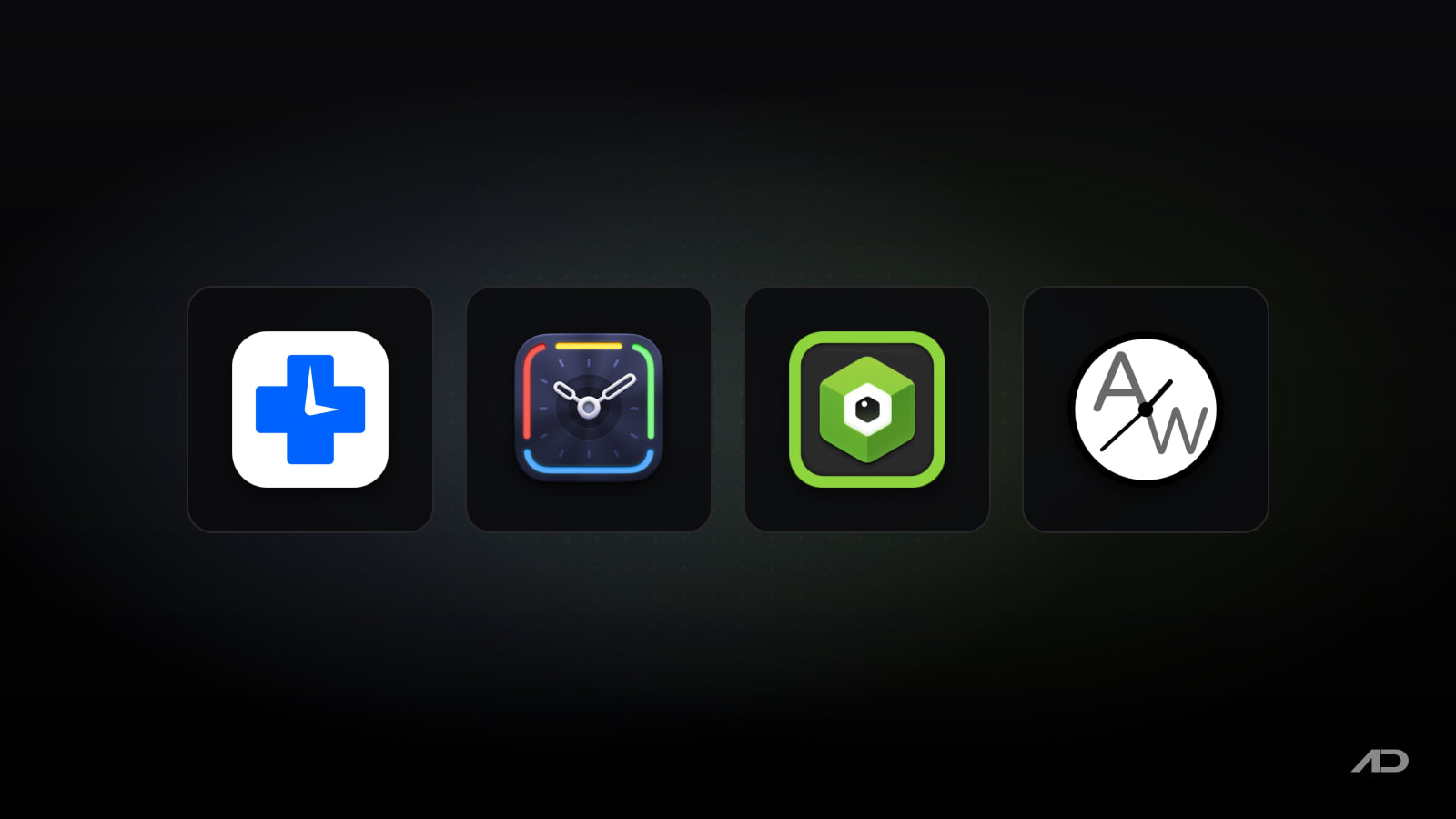
| Timing | From €8/month billed annually (Europe); 30-day free trial; also in Setapp | On your Mac, with optional sync | Mac only, plus a web app | Timeline, call and meeting prompts, client reports |
| Rize | Basic $9.99/month billed annually; 7-day free trial | Rize's servers | Mac and Windows | AI categorization, focus insights, break reminders |
| Qbserve | $29 one-time, up to 5 Macs; 15-day trial | On your Mac only | Mac only | Menu bar productivity score, invoices, no subscription |
| ActivityWatch | Free and open source (optional supporter plan) | On your device only | Mac, Windows, Linux, Android | Privacy, extensibility, cross-platform |
| Screen Time | Free, built in | Apple devices (shared via your Apple Account if you choose) | Mac, iPhone, iPad | Zero setup, daily and weekly app totals |
RescueTime
Before switching, it's worth knowing what you would give up. RescueTime now sells two products: Focus, the classic automatic tracker with reports, goals, alerts and Focus Sessions that block distracting apps and websites, and Timesheets, which turns tracked activity into client and project time. On the Mac it runs as a small background app, and you read your reports on the web.
The free plan covers automatic tracking and reports, limited to two weeks of history. Solo Focus costs $7 a month billed annually ($84 a year) or $9 monthly, and Solo+ adds Timesheets for $12 a month billed annually. Team plans start at $10 per user per month.
RescueTime's strengths are its long track record, its cross-platform reach and the way it pushes you toward goals rather than just reporting. Its weak spots on a Mac are the cloud-only data and a web dashboard that feels less immediate than a native app.
Timing
Timing is the most polished automatic time tracker built only for the Mac. It records which apps, documents and websites you use, then shows your day on an interactive timeline where you drag blocks of activity onto projects. It doesn't have to be fully manual, though: you can set up rules, and the higher plans add AI activity summaries that group related work and suggest time entries.
A few features stand out. Timing asks you to log time right after a video or voice call, can pull in calendar events and reminders, and can import your iPhone usage from Screen Time so phone time shows up in the same report. You can also start and stop timers for work away from the screen, and export reports as PDF, XLSX, CSV or HTML for timesheets and invoices. It supports the current macOS 27 and isn't on the Mac App Store, because the developer says sandboxing would limit what it can track.
Prices on Timing's site were in euros for our region: Professional costs €8 a month billed annually (€10 monthly) for one Mac, Expert €10 a month billed annually (€13 monthly) for two Macs, adding filters, AI summaries, call tracking and calendar integration, and Connect €16 per user per month billed annually (€20 monthly), adding team features, scripting, the web API and an MCP integration for AI agents. There's a 30-day free trial with no card required. Timing is also included in Setapp, which can be the cheaper route if you use other Setapp apps.
Choose Timing if you want a native Mac app, you bill clients or report hours, and you'd like your data to stay on your Mac.
Rize
Rize is the closest thing to a modern, AI-first RescueTime. It tracks apps and websites in the background, then uses AI to categorize and tag your time, so there's less manual sorting than in most trackers. On top of the reports, it gives focus and productivity insights, an AI chat about your work patterns, focus music and smart break reminders. Rize now also aims at agencies and firms, with client tracking, profitability and an MCP server on the higher plans.
Basic costs $9.99 a month billed annually and covers automatic tracking, AI categorization, insights, personal reports and data exports. Pro ($23.99 a month billed annually) adds client and scheduled reports, an efficiency dashboard, automations, the API and the MCP server, and Max ($39.99) raises the AI credit allowance. Team seats start at $29.99 per person per month billed annually. Every plan starts with a 7-day trial without a card. Rize has desktop apps for Mac and Windows.
Like RescueTime, Rize stores your data in the cloud, though it positions itself as private tracking without micromanagement: on teams, each person reviews their own time before anyone else sees it.
Choose Rize if you want automatic categorization with as little setup as possible, you like break reminders and focus coaching, or you also work on a Windows PC.
Qbserve
Qbserve was built by a small team specifically as a RescueTime alternative for the Mac, and it's the only paid app here without a subscription. A single $29 license covers up to five Macs belonging to you or your family, and there's a 15-day free trial.
It categorizes over 8,100 sites, apps and games automatically and keeps all tracked data on your Mac. The menu bar icon shows a live productivity score and changes color as your day goes well or badly, which is more immediate than checking a web dashboard. Freelancers get project rules based on web addresses, document paths and window titles, timesheets with a timeline and hourly notes, invoices in 18 languages, and JSON and CSV export. Alerts can trigger AppleScript, IFTTT or Zapier.
Qbserve is a smaller project than Timing, and its interface looks older. It is still maintained, though: the latest release, 1.91, added tracking for newer browsers such as Dia and Zen and improved the menu bar icon on recent macOS versions.
Choose Qbserve if you'd rather pay once, you want your data to stay local, and a live score in the menu bar sounds motivating.
ActivityWatch
ActivityWatch is the free, open-source option, and it describes itself as an alternative to RescueTime. It tracks the active app and window title out of the box; browser extensions for Chrome and Firefox add the active tab, and editor plugins track coding time. You group activity into categories and view reports in a local web dashboard. Data stays on your device and is never uploaded.
It's actively developed (version 0.14.1 shipped in October 2026) and runs on Mac, Windows, Linux and Android. The trade-off is polish: it runs as a small background app with a browser-based interface rather than a native Mac window, setting up categories takes some effort, and syncing between devices is still in progress. A supporter subscription, from $5 a month, funds development but isn't needed to use the app.
Choose ActivityWatch if you want a free tracker, value privacy above all, or like tinkering with categories and watchers.
Screen Time
The built-in option is easy to miss. In System Settings > Screen Time, turn on App & Website Activity and your Mac starts recording how long you use each app, how many notifications you get and how often you pick up your devices. With Share across devices on, it combines your Mac, iPhone and iPad usage under your Apple Account. Apple's guide on setting up Screen Time for yourself walks through it.
Screen Time also lets you set schedules and Time Allowances to limit entertainment, games and social apps. What it doesn't do is productivity scoring, projects, timesheets or exports. It answers "how long was I in Safari?", not "how many hours did I spend on the client project?".
Choose Screen Time if you mostly want a weekly reality check and don't want to install or pay for anything.
Which One Should You Pick?
- You track billable hours or report time to clients: Timing, or Rize Pro if you'd like AI to do more of the sorting.
- You want to understand and improve your focus: Rize, or RescueTime if its goals and Focus Sessions already work for you.
- You don't want another subscription: Qbserve.
- Privacy is the priority: Timing, Qbserve or ActivityWatch, which keep tracking data on your Mac.
- You want it free: ActivityWatch for real reports, Screen Time for simple totals.
- You use Windows too: RescueTime, Rize or ActivityWatch.
Tracking only tells you where time went. If the report shows you need help staying on task, pair your tracker with a website blocker or a Pomodoro timer. If you mainly need manual timers for client billing, our Toggl Track alternatives post covers Clockify, Harvest and Timely.
Final Verdict
RescueTime is still a capable tracker, and its free plan is a fine way to start. For most Mac users, though, Timing is the better tool: native, detailed and private by default, with reports that hold up for client work. Rize is the pick if you want AI to handle categorization and nudge you toward better focus. Qbserve is the smart buy if you're tired of subscriptions, ActivityWatch is the best free tracker, and Screen Time is already on your Mac if all you want is the totals.
Try two of them side by side for a week. Most offer a free trial, and a week of your own data will tell you more than any feature table.
Catch these apps on sale: many paid Mac apps, including productivity apps like these, run discounts at least once a year, most often around Black Friday. Subscribe to the Apps.Deals newsletter to hear when the deals arrive.
Note: Features and prices are current as of November 2026. Timing's prices were shown in euros for our region and vary by country; check each developer's site before buying.
Disclosure: This post contains affiliate links; if you buy through them, we may earn a commission at no extra cost to you.
FaceScreen: Show your face and name on screen.
A stylish floating camera for video calls, live streams, and screen recordings. Available for Mac, iPhone, and iPad.