Anki vs Mochi vs RemNote: Best Flashcard App for Mac
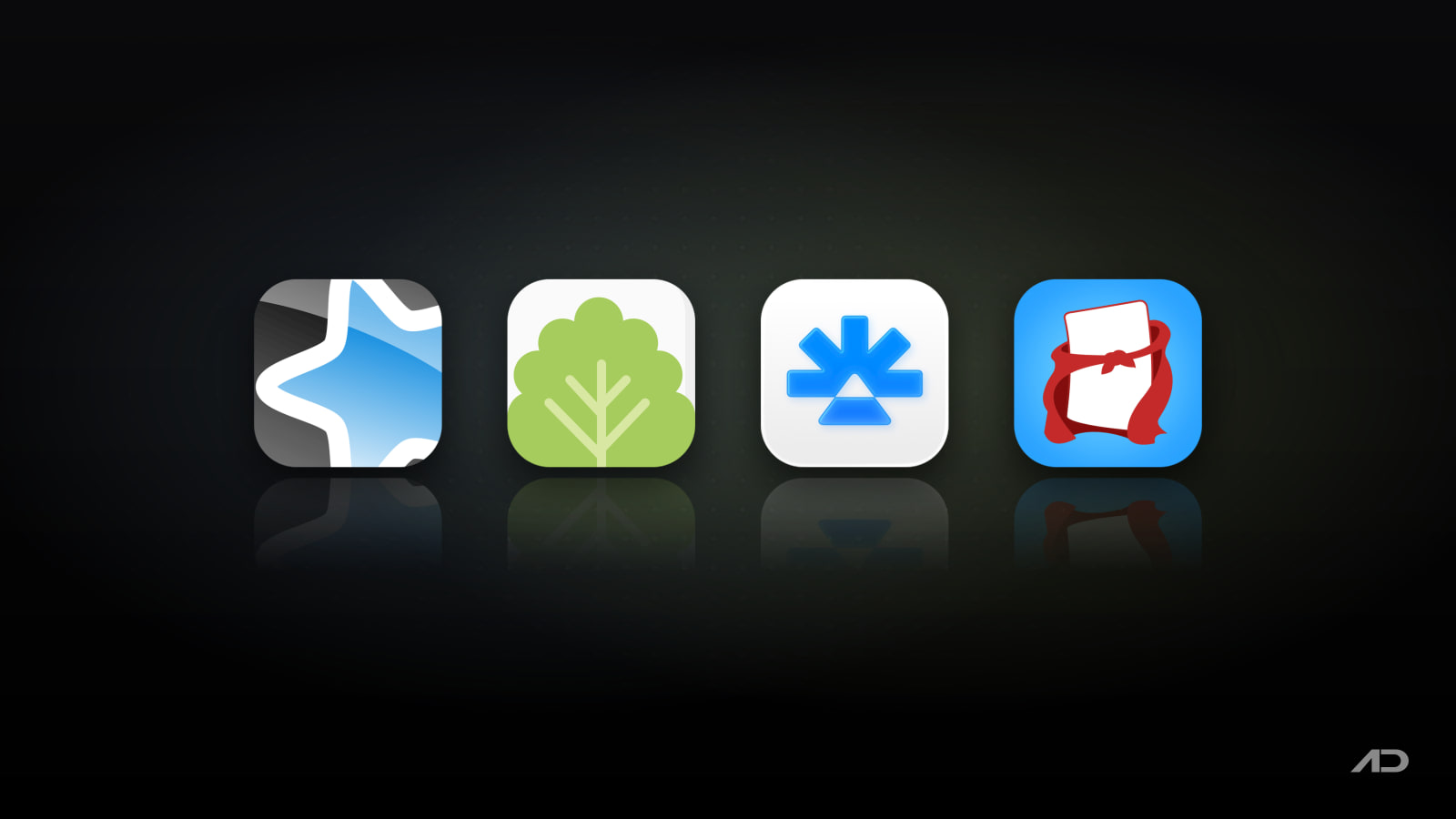
Spaced repetition is one of the few study techniques that reliably works: review a fact just before you'd forget it, and each review pushes the next one further out. The hard part isn't the method, it's picking an app you'll actually open every day. On the Mac, four apps cover almost every kind of learner: Anki, the free and famously powerful standard; Mochi, a cleaner Markdown-based take; RemNote, which mixes notes, PDFs and flashcards; and Flashcard Hero, a simple native Mac app you buy once.
This post compares them on what matters day to day: how cards get made, how reviews are scheduled, syncing with your phone, and the real cost.
Quick Verdict
- Anki is the best flashcard app for most serious learners. The Mac app and AnkiWeb sync are free, it uses the modern FSRS scheduler, handles decks of 100,000+ cards, and has thousands of shared decks and add-ons. The trade-off is a dated, fiddly interface and a $24.99 iPhone app.
- Mochi is the best choice if Anki's interface puts you off. Cards are written in Markdown, it works offline with no account, and it has strong language-learning tools. Syncing needs Pro at $5 a month billed yearly.
- RemNote is the best pick for students who take notes and want flashcards to grow out of them. You write notes, mark lines as cards, annotate PDFs, and schedule reviews toward an exam date. The free plan syncs on unlimited devices; Pro starts at $8 a month billed yearly.
- Flashcard Hero is the easiest option for school-style studying with no subscription: $14.99 once on the Mac App Store, three study modes, multiple choice tests, and iCloud Drive sync with its iPhone app.
Feature Comparison
| Feature | Anki | Mochi | RemNote | Flashcard Hero |
|---|---|---|---|---|
| Mac price | Free (open source) | Free; Pro $5/month billed yearly | Free; Pro $8/month billed yearly, Pro with AI $18/month | $14.99 one-time (free Lite version) |
| iPhone app | AnkiMobile, $24.99 | Free (Pro for sync) | Free | $4.99 |
| Sync | Free with AnkiWeb | Pro only | Free, unlimited devices | iCloud Drive |
| Scheduling | FSRS or the classic SM-2 style scheduler, highly tunable | Spaced repetition with adjustable settings | FSRS or SM-2, exam scheduler (Pro) | Leitner-style spaced repetition |
| Card creation | Note types and templates, cloze, image occlusion | Markdown cards and templates, linked notes | Cards made inside notes, image occlusion, PDF highlights | Simple front and back cards with images and lists |
| AI features | Only through add-ons | Card generation and rewriting (small free allowance) | AI cards, quizzes and summaries (Pro with AI) | No |
| Language tools | Audio, add-ons | Dictionary, translation, text to speech, image search | Basic | Text to speech in 30+ languages, typing mode |
| Imports Anki decks | It is Anki | Yes (.apkg) | Yes, with review history | No |
| Shared decks | Huge public library | Published decks (Pro) | Community and shared decks | Shared deck site |
| Platforms | Mac, Windows, Linux, iOS, Android, web | Mac, Windows, Linux, iOS, Android, web | Mac, Windows, Linux, iOS, Android, web | Mac, iPhone (separate Windows and Android apps) |
Anki
Anki is the app most people mean when they say "spaced repetition", and for good reason. The desktop app is free and open source, the current release (26.09.4) runs natively on Apple silicon and Intel Macs with macOS 13 or later, and the free AnkiWeb service syncs your collection between your Mac, phone and a browser.
Its strength is control. Note types and card templates let one note produce several cards (word to meaning, meaning to word, audio to word), cloze deletions turn a sentence into fill-in-the-blank cards, and image occlusion is built in for diagrams and anatomy. The FSRS scheduler, now part of Anki's deck options, predicts when you're likely to forget each card and usually means fewer reviews for the same retention than the older algorithm. Add-ons extend almost everything, and the shared-deck library covers medical school, languages, law and more, so you often don't have to make cards from scratch.
On the iPhone, the official AnkiMobile app costs $24.99 once, and that purchase funds Anki's development. AnkiDroid on Android is free.
The catch: Anki looks and feels like a power tool. Formatting cards, setting up note types and tuning deck options take time, and many beginners give up before the habit forms. If you want something that's pleasant on day one, Mochi or Flashcard Hero is easier.
Mochi
Mochi keeps the spaced-repetition core and drops most of Anki's friction. You write cards and notes in Markdown, so headings, lists, code blocks and links work the way they do in a notes app, and templates help when you're making many cards with the same layout. Notes can link to each other both ways, which suits learners who want their cards to sit next to the material they came from. The October 2026 release (26.10.1) added making cards from selected text.
Mochi is local first: it works offline, needs no sign-up, and the free plan has unlimited cards and decks. It's particularly good for languages, with a built-in dictionary, translation, text to speech and image search for vocabulary cards. The free plan includes small monthly allowances for these and for AI card generation; Pro raises them a lot (for example, 1,000 dictionary lookups instead of 20). If you're coming from Anki, Mochi imports .apkg decks, though its docs note imported cards may not look exactly the same.
Mochi runs on Mac, Windows, Linux, iPhone, Android and the web. Pro costs $5 a month billed yearly (monthly billing costs a little more) and is what you need for syncing between devices, publishing decks, dynamic fields, the HTTP API and the bigger AI and language limits. Mochi is built by a small independent developer, and Pro is how it's funded.
The catch: the free plan doesn't sync, so if you want to review on your phone and add cards on your Mac, budget for Pro. Mochi also has far fewer ready-made decks than Anki.
RemNote
RemNote is a notes app first and a flashcard app second, and that's its appeal. You take lecture or reading notes as outlines, then turn any line into a card with a quick shortcut, so making cards happens while you study instead of in a separate session. Notes, cards, references and tags all live in one knowledge base, and the flashcard queue is built from it.
For students, the extras are what set it apart. RemNote can annotate PDFs and turn highlights into cards, supports image occlusion, and on Pro adds an exam scheduler that plans reviews around a test date. It offers both FSRS and SM-2 scheduling, and its Anki importer brings in templates, cloze cards, tags and review history, so FSRS can schedule imported cards right away. The Pro with AI plan generates flashcards, quizzes and summaries from your PDFs and notes and adds a lecture recorder.
The free plan includes unlimited notes, flashcards and synced devices, with limits on Pro features (3 annotated PDFs, 5 image occlusion cards, 1 handwritten document). Pro is $8 a month billed yearly ($96), and Pro with AI is $18 a month billed yearly ($216). RemNote has native apps for Mac (Apple silicon and Intel), Windows, Linux, iPhone and Android.
The catch: if you just want to memorize a vocabulary list or someone else's deck, RemNote's outliner is more structure than you need, and the best study features sit behind a subscription.
Flashcard Hero
Flashcard Hero is the most Mac-like app of the four and the simplest to learn. It's a native app from independent developer Rico Gundermann, updated in July 2026, that you buy once for $14.99 on the Mac App Store, with a free Lite version to try first.
Cards are front and back, and you can drag images straight onto them from Finder or a website, break answers into lists, and group cards by textbook chapter. You study in three modes: with the answer covered, by typing it letter by letter, or as auto-generated multiple choice tests. It can read cards aloud in more than 30 languages, tracks progress per card, and uses Leitner-style spaced repetition to focus on the cards you keep missing. Decks live in iCloud Drive, so the iPhone app ($4.99) picks them up without an account.
The catch: there's no Anki import, no cloze or image occlusion, and no Android or web version for studying away from Apple devices. It's built for students learning a class's worth of material, not for a 20,000-card medical deck.
Which Flashcard App Should You Choose?
Choose Anki if you're studying something large and long term (medicine, law, a language over years), want the best shared decks, or want full control over scheduling at no cost on the Mac.
Choose Mochi if you like Anki's approach but not its interface, write in Markdown already, or are learning a language and want dictionary, translation and text to speech built in.
Choose RemNote if your cards come from lectures, readings or PDFs and you'd rather make them while taking notes, especially with an exam date to plan for.
Choose Flashcard Hero if you want a simple Mac and iPhone app with no account or subscription, for school subjects, quizzes and vocabulary lists.
Whichever you pick, the habit matters more than the app: a short daily review beats a long weekly one. If you also record lessons or explain cards to students, our guide to recording language lessons on Mac covers the screen-and-camera side.
Final Verdict
Anki is still the best flashcard app for most Mac users who are serious about remembering things: it's free on the Mac, syncs for free, schedules reviews with FSRS, and has an unmatched library of decks and add-ons. Mochi is the friendlier alternative for people who bounced off Anki, with Markdown cards and excellent language tools, as long as you're happy to pay for sync. RemNote wins for students who want notes, PDFs and flashcards in one place. Flashcard Hero is the straightforward one-time purchase for simpler studying on a Mac and iPhone.
Catch these apps on sale: many paid Mac apps, including study apps, run discounts at least once a year, most often around Black Friday and back-to-school season. Subscribe to the Apps.Deals newsletter to hear when the deals arrive.
Features and US prices are current as of November 2026 and may vary by region.
FaceScreen: Show your face and name on screen.
A stylish floating camera for video calls, live streams, and screen recordings. Available for Mac, iPhone, and iPad.