Best Music Player Apps for Mac: Swinsian, VOX and More
Streaming covers most listening, but plenty of people still own their music: ripped CDs, Bandcamp downloads, hi-res albums bought as FLAC, live recordings and old MP3 collections. On a Mac, that library usually ends up in the built-in Music app, and the friction starts there: Music won't import FLAC, it wants to manage your files its own way, and it gets slow with a very large collection.
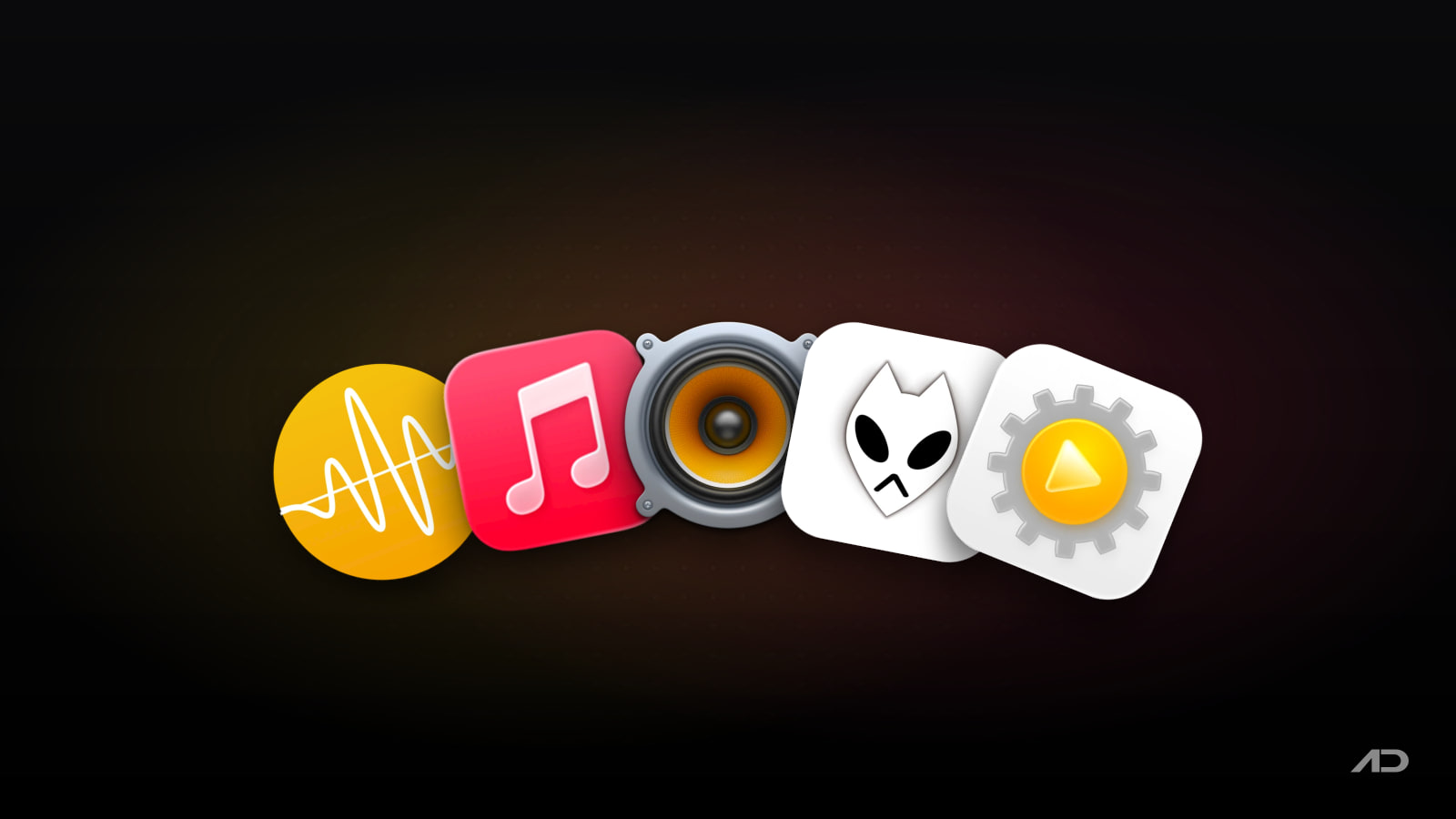
This guide compares five music players worth installing on a Mac in 2026 for playing your own files: Apple's built-in Music app, Swinsian, VOX, foobar2000 for Mac and the open-source Cog. If you're choosing a streaming service instead, see Spotify vs Apple Music, TIDAL and YouTube Music.
Quick Verdict
Choose Apple Music if your library is MP3, AAC or Apple Lossless, you sync to an iPhone, or you also subscribe to Apple Music. It's already on your Mac.
Choose Swinsian if you have a large library, care about tags and want an iTunes-style app that plays FLAC and almost everything else. It's a one-time $34.95.
Choose VOX if you want a simple, good-looking player for hi-res files, and you'd pay a subscription for cloud storage of your library across Mac and iPhone.
Choose foobar2000 if you want a free, lightweight player that handles almost any format and is maintained on every platform.
Choose Cog if you want a free, open-source player with the widest format support here, deep audio tools and frequent updates.
Feature Comparison
| Price | FLAC | Library style | Tag editing | Standout features | Requires | |
|---|---|---|---|---|---|---|
| Apple Music | Free, built in | No (convert to ALAC) | Managed library | Basic | iPhone sync, iCloud Music Library, Apple Music streaming | Included with macOS |
| Swinsian | $34.95 one-time, free trial | Yes | Library with folder watching | Advanced, with regex find and replace | Duplicate finder, smart playlists, Music library import | Direct download |
| VOX | Free; Premium $4.99/month or $49.99/year | Yes | Library and playlists | Not a focus | Cloud library, hi-res and DSD, Sonos, radio | macOS 10.15+ |
| foobar2000 | Free | Yes | Playlists and library | Yes | Add-on components, runs on every platform | macOS 11+ |
| Cog | Free, open source | Yes | Playlists and file browser | Yes | Huge format list, lyrics, spatial audio, visualizations | macOS 12+ |
All five play gapless, and all except Apple Music play FLAC, Ogg Vorbis and other formats Apple doesn't support natively. None of them replaces a streaming service; they are for the music you already have as files.
Apple Music: The Built-In Choice
The Music app on every Mac is still the default for a reason. Drag in a folder of MP3, AAC, WAV, AIFF or Apple Lossless files and it builds a library with artwork, ratings, play counts and smart playlists. It syncs that library to an iPhone or iPad through Finder, and with an Apple Music subscription or iTunes Match your own files show up on all your devices.
The limits are format and control:
- No FLAC import. You'll need to convert FLAC to Apple Lossless (ALAC) first, which doubles the work for anyone who buys hi-res downloads.
- A managed library. Music works best when it owns the files. People who organize music in their own folder structure, or keep it on a NAS, often fight it.
- Basic tag editing and no duplicate finder worth the name.
Choose Apple Music if your files are already in Apple-friendly formats and syncing to an iPhone matters more than anything else.
Swinsian: The Best Library Manager
Swinsian is the closest thing to "iTunes, but for people with big, messy libraries". Swinsian 3, released in August 2025, added native Apple Silicon support, and it's designed to stay responsive with very large collections.
What you get:
- Wide format support: FLAC, MP3, AAC, ALAC, Ogg Vorbis, Opus, WMA, WAV, AIFF, APE, DSF, Musepack and more, plus CUE files.
- Folder watching, so new files dropped into your music folder appear automatically, and a one-click import of your Apple Music library.
- Serious tag editing: edit many tracks at once, with regex find and replace.
- A duplicate finder with flexible matching rules, plus smart playlists and library stats.
- Playback extras: a 10 or 31 band equalizer, ReplayGain, automatic sample-rate switching, AirPlay, Last.fm scrobbling, a mini window and a desktop artwork widget.
Swinsian costs $34.95 as a one-time license, with a free trial. Swinsian 2 owners get 40% off the upgrade from inside the app. It has no iPhone app, so it's a Mac-only library; pair it with a sync method of your own if you also listen on a phone.
Choose Swinsian if you want the most capable library manager for a big collection and prefer to pay once.
VOX: Hi-Res Playback With a Cloud Option
VOX from Coppertino is a clean, compact player built around sound quality. The free app on the Mac App Store plays FLAC, APE, WAV, DSD and other lossless formats, opens M3U, PLS, XSPF and CUE playlists, reads your old iTunes library, plays files on network drives, and fetches missing artwork.
VOX Premium ($4.99 a month or $49.99 a year on the US App Store) adds:
- VOX Music Cloud, which stores your library online and streams or caches it on Mac and iPhone.
- Audio extras such as hog mode, improved multi-output support and BS2B crossfeed for headphones.
- 30,000+ radio stations and Sonos playback.
VOX also plays SoundCloud and YouTube links, which is handy but not why most people pick it. The catch is the subscription: the features that make VOX different over the free players are in Premium.
Choose VOX if you want a polished hi-res player and like the idea of your own files streaming to your iPhone without managing sync.
foobar2000: The Free, Lightweight Classic
foobar2000 has been the go-to free player on Windows for two decades, and its Mac version is a real, native release rather than an afterthought. Version 2.26.3 shipped on November 18, 2026 for every platform, and it runs on macOS 11 or later on Intel and Apple Silicon.
It plays almost every audio format, handles playlists and a media library, edits tags, supports ReplayGain, and can be extended with macOS-compatible add-on components. There's also foobar2000 for iPhone, iPad, Android and now Apple TV, built from the same code.
The interface on Mac is plainer and less customizable than the famous Windows layouts, and it doesn't try to be a full library manager like Swinsian. For a free player that opens anything and stays out of the way, that's a fair trade.
Choose foobar2000 if you want a free, light player you can also use on Windows or your phone.
Cog: The Open-Source Powerhouse
Cog is a free, open-source player that has grown well beyond its simple roots. The current maintainer releases updates often (the latest Mac build at the time of writing was published on November 28, 2026), and it's also on the Mac App Store and, recently, iPhone and iPad.
Its feature list is long:
- The widest format support in this guide: everything from FLAC, Opus and ALAC to DSD, Monkey's Audio, WavPack, tracker music, MIDI with SoundFonts and retro game music formats.
- Synced lyrics from file tags, a
.lrcfile or LRCLIB. - Audio tools: ReplayGain, a graphic equalizer, headphone crossfeed, exclusive mode, speed and pitch control, and spatial audio with head tracking on AirPods.
- Visualizations including a spectrum, VU meter, waveform seek bar and projectM.
- A tag editor, a file browser, a mini player, global hotkeys and AppleScript.
Cog scrobbles to ListenBrainz but currently not to Last.fm. It's playlist-first rather than library-first, so it suits people who browse folders more than people who want an iTunes-style album grid.
Choose Cog if you want the most capable free player and enjoy tweaking how your music sounds.
Which Music Player Should You Use?
Choose Apple Music if your files are MP3, AAC or ALAC and you sync to an iPhone.
Choose Swinsian if you have a large library, play FLAC and want strong tagging and duplicate tools for a one-time price.
Choose VOX if you want hi-res playback and are happy to subscribe for a cloud library across Mac and iPhone.
Choose foobar2000 if you want a free, light player that also runs on Windows, Android and iPhone.
Choose Cog if you want a free, open-source player with every format and audio tool you could ask for.
Left out: Doppler ($30 one-time) is a lovely player, but its Mac app hasn't been updated since July 2024, so it isn't recommended for now. For video files, see Plex vs Infuse, VLC and IINA.
Final Verdict
For most people with their own music collection, Swinsian is the best music player for Mac: it plays everything Apple Music won't, manages a big library without slowing down, and costs a one-time $34.95. If you'd rather not pay, Cog is the most capable free option and foobar2000 is the lightest. VOX is the pick if you want your files in the cloud and on your iPhone, and Apple Music remains the simplest choice when your files are already in Apple's formats.
Catch these apps on sale: many paid Mac apps, including music apps, run discounts at least once a year, most often around Black Friday. Subscribe to the Apps.Deals newsletter to hear when the deals arrive.
Features and prices are current as of November 2026. Prices vary by region.
SimpleFill: Type less and fill forms in one click.
A text expander for your browser with rich snippets, smart fields, AI actions, and one-click form fill. Works in Chrome, Firefox, Edge, and Safari.