

System design interviews are controlled chaos. You are thinking on your feet, translating a fuzzy problem statement into a coherent architecture, and narrating your reasoning in real time. The quicker you can get your ideas on the screen, the more time you have to iterate and answer follow-up questions. That is exactly why Presentify has become my secret weapon.
Presentify is a lightweight Mac menu bar app that lets you annotate anything on your display—desktop, browser, slide deck, whiteboard—without ever breaking eye contact with your interviewer. Rectangles, arrows, callout text, freehand ink, countdown timers: they are all just a keyboard shortcut away. The result is a live system diagram that evolves alongside the conversation.
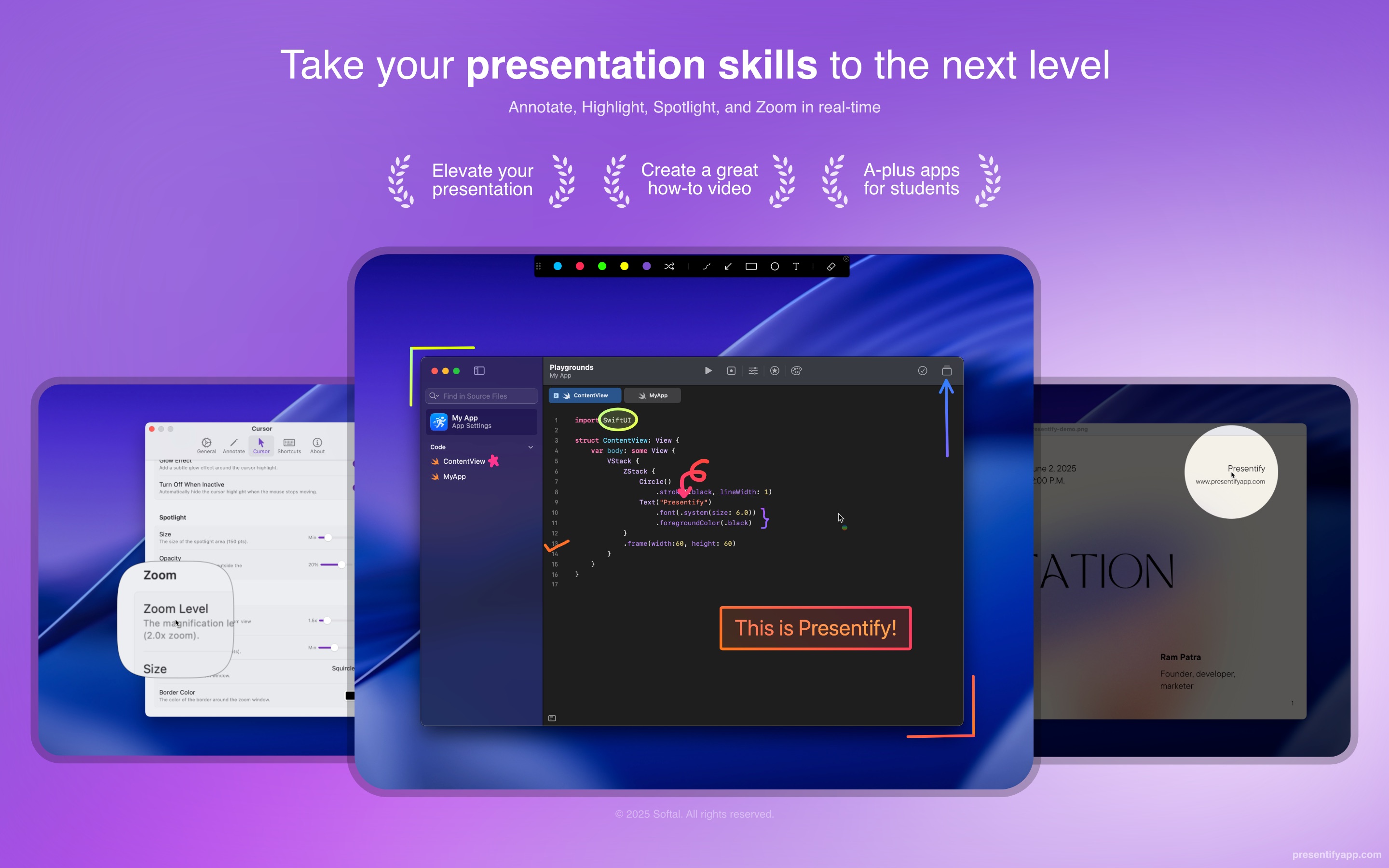
Why Presentify Wins for System Design Interviews
- Instant whiteboard anywhere: Launch Presentify with a hotkey and you can start sketching boxes for services, databases, or queues directly on top of the interview prompt or coding pad.
- Crisp rectangles and arrows: Hold
Shiftto lock in straight lines, draw clean rectangles to outline microservices, and add arrows to show data flow without fiddling with clunky UI panels. - Typography that pops: Overlay labels for API gateways, caches, shards, or rate limiters in seconds. Presentify supports hover-to-edit text so you can rename components mid-discussion without wiping the canvas.
- Layers you can hide or keep: Toggle annotations on and off if the interviewer wants to explore a different branch, preserving previous versions without redrawing them from scratch.
- No lag, no crash anxiety: Because it is a native Swift app, Presentify keeps CPU usage low so your screen share stays smooth even if you are on a resource-limited laptop.
How I Use Presentify During a Live Interview
- Prep a template: Before the call, I drop a simple architecture scaffold—client tier, services tier, data tier—using semi-transparent rectangles. This gives me a skeleton I can extend on demand.
- Narrate while drawing: As I describe the request flow, I trace arrows in real-time and type the component names ("Authentication Service", "Kafka Topic", "Redis Cache"). The visual feedback reassures the interviewer that I can communicate under pressure.
- Branch on alternatives: When asked about scaling read traffic, I duplicate a section of the drawing, add a load balancer rectangle, and annotate the change with a different color pen. Presentify lets me switch colors with a quick shortcut so the contrast is obvious.
- Call out trade-offs: Need to highlight a bottleneck? I drop a translucent red box over the problematic component and type a quick note like "Single AZ" or "Potential hotspot". It keeps the discussion anchored to the diagram.
Pro Tips to Get Even More Leverage
- Configure a Stream Deck profile for Presentify so rectangle, arrow, and text modes are always a single tap away.
- Pair Presentify with macOS' built-in Focus mode to silence notifications while the annotation layer is active.
- Save your favorite color palette (I use blue for core components, orange for async processing, green for optimizations) to maintain visual consistency across interviews.
- Use the timer overlay to keep an eye on the remaining interview time without glancing at your phone or menu bar clock.
Ready to Streamline Your System Design Story?
The hardest part of system design interviews is keeping the interviewer aligned with your mental model. Presentify bridges that gap by turning your screen into a living diagram that you can refine on the fly. Once you experience how fast it is to sketch architecture with rectangles, arrows, and inline text, you will wonder how you ever whiteboarded without it.
- Website: https://presentifyapp.com/
- Mac App Store: https://apps.apple.com/us/app/presentify-screen-annotations/id1507246666

FaceScreen: Show your face and name on screen.
A stylish floating camera for video calls, live streams, and screen recordings. Available for Mac, iPhone, and iPad.