
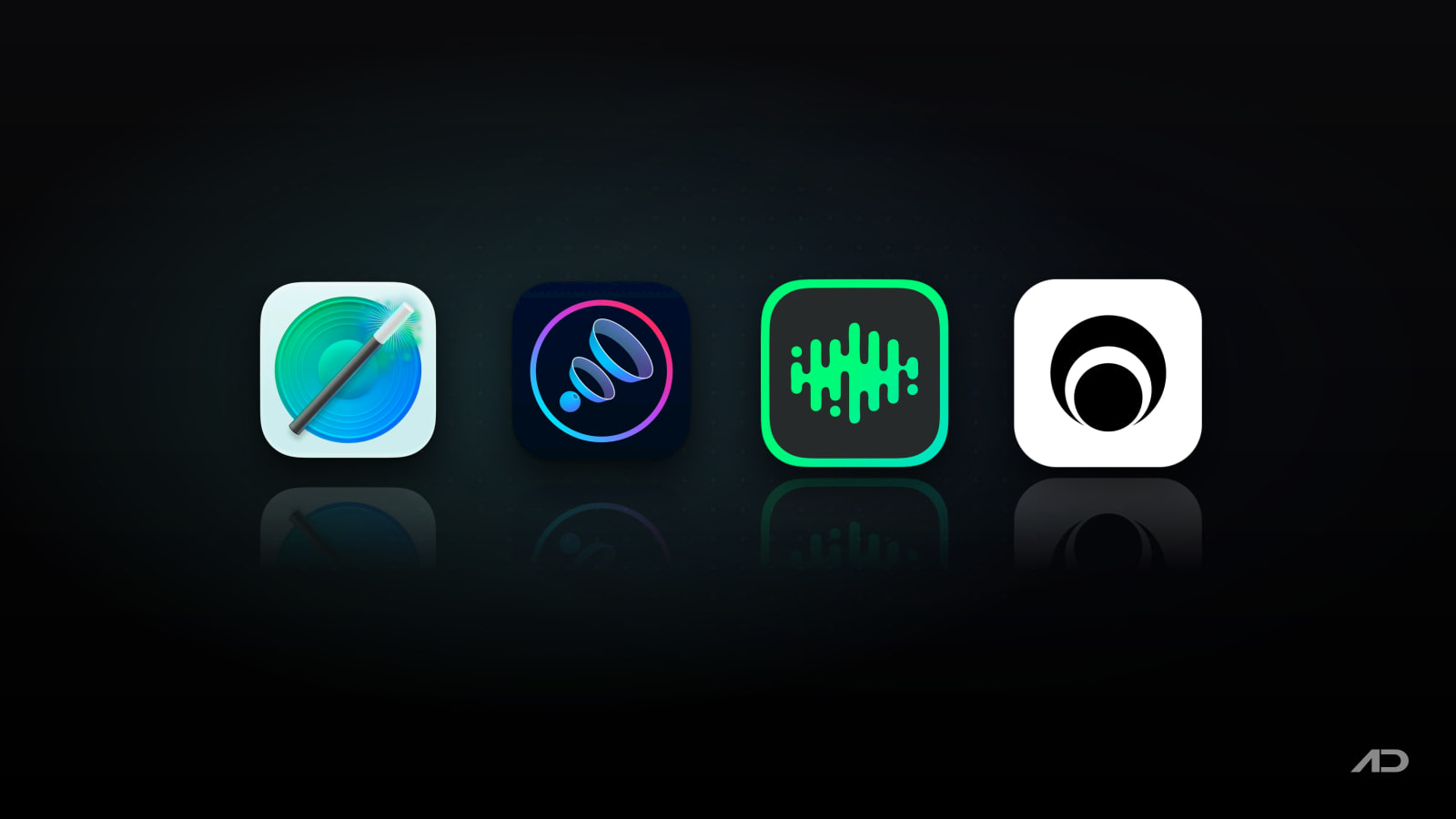
SoundSource vs Boom 3D, eqMac, and Background Music for Mac
SoundSource is one of the best-known Mac audio utilities because it fixes several things macOS still does not handle well: per-app volume, per-app output routing, menu bar access to audio devices, system-wide effects, keyboard volume control for awkward outputs, and Audio Unit support.
But SoundSource is not the only sensible choice. Boom 3D is more focused on louder, richer, preset-driven listening with 3D surround effects and app volume control. eqMac offers a generous free equalizer with paid Pro features for app mixing, spatial audio, and advanced processing. Background Music is the free open-source option for basic per-app volume, auto-pausing music, and system-audio recording.
This comparison looks at per-app volume, audio routing, EQ and effects, output-device control, setup friction, pricing, and which Mac users should choose each app.
Quick Verdict
Choose SoundSource if you want the most complete Mac audio-control utility here. It is the best fit for people who need per-app volume, per-app output routing, system and app effects, Audio Unit support, AirPlay output, device groups, Shortcuts support, and a polished commercial app from a long-running Mac audio developer.
Choose Boom 3D if your main goal is making Mac speakers or headphones sound bigger, louder, and more cinematic. It is strongest for 3D surround, volume boost, genre presets, headphone tuning, a built-in player, and users who may already get it through Setapp.
Choose eqMac if you want a free EQ first and can upgrade only if you need Pro features. It is a good middle ground for users who want equalizers, volume and balance control, headphone presets, and optional paid app mixing without buying SoundSource upfront.
Choose Background Music if you want the simplest free open-source answer for per-app volume, auto-pausing music, and recording system audio. It is useful, but it is also explicitly alpha software and less polished than the paid apps.
Feature Comparison
| Feature | SoundSource | Boom 3D | eqMac | Background Music |
|---|---|---|---|---|
| Best for | Full Mac audio control, routing, per-app effects, and device management | Louder, richer consumer listening with 3D surround and presets | Free EQ with optional Pro app mixer and advanced processing | Free basic per-app volume, auto-pause, and system audio recording |
| Per-app volume | Yes, including mute and individual app volume levels | Yes, app-by-app volume control | Pro feature through App Mixer | Yes, with sliders for running apps |
| Per-app output routing | Yes, send individual apps to different outputs | Not the main focus | Not positioned as its core strength | No full SoundSource-style routing |
| EQ and effects | Built-in 10-band EQ, Magic Boost, Volume Overdrive, Headphone EQ, and Audio Unit support | 3D Surround, volume booster, genre presets, equalizer, headphone EQ, and spatial features | Basic, advanced, and expert equalizers; Pro adds spatial audio and Audio Unit hosting | No full EQ suite |
| Device control | Menu bar control for output, input, sound effects, balance, sample rate, AirPlay, and device groups | Focused on playback enhancement rather than broad device management | Volume and balance for HDMI, DisplayPort, USB, Bluetooth, AirPlay 1, aggregate, and multi-output devices | Sets its virtual device as output while running |
| Automation | Shortcuts support and menu bar controls | Mobile remote and preset-driven controls | Super Presets, planned API, and paid remote-control features listed on the roadmap | Minimal automation; launch at startup is manual |
| System audio recording | Not the main use case; Rogue Amoeba's Audio Hijack is built for recording | Not the main use case | Recording is listed as in development | Yes, via the Background Music input device and QuickTime or similar apps |
| macOS support snapshot | SoundSource 6.0.6 lists macOS 15 to 26 | Official page lists macOS 11 or later for Boom 3D Desktop | macOS 10.13 or later, Intel and Apple silicon | macOS 10.13 or later |
| Price snapshot | Free trial; SoundSource license key $49 USD, SoundSource 6 upgrade $25 USD | 30-day trial; direct price shown regionally during this check; also on Setapp from $8.99/month | Basic free; Pro from $3/month or $30/year; Pro lifetime $40 | Free open-source project |
SoundSource
SoundSource is the most complete app in this comparison if you want macOS audio control rather than just better-sounding music. Its core strength is control by app: you can adjust the volume of one app, mute another, route music to speakers, keep calls on headphones, and apply audio effects only where they make sense.
That matters because macOS still treats audio as mostly system-wide. If Slack is too loud, Spotify is too quiet, a browser tab should go to AirPlay, and an HDMI monitor ignores the Mac keyboard volume keys, SoundSource is the app here most likely to make the setup feel intentional.
Its feature set goes beyond volume. The current SoundSource page highlights fast menu bar access to output, input, and sound effects devices; per-app output redirection; built-in effects; advanced Audio Unit support; AirPlay streaming; output device groups; balance and sample-rate controls; Super Volume Keys for displays and devices that do not normally respond to Mac volume keys; Magic Boost; Headphone EQ; and Shortcuts support.
The tradeoff is price and scope. SoundSource is not the cheapest way to get an equalizer, and it is not trying to be a playful one-click sound enhancer. If you mainly want bass boost and surround effects, Boom 3D is easier to understand. If you mainly want a free EQ, start with eqMac. If you only need per-app volume and system recording, Background Music may be enough.
SoundSource currently offers a free trial, with limitations in trial mode. Rogue Amoeba's purchase page listed a SoundSource license key at $49 USD, a SoundSource 6 upgrade at $25 USD, and local taxes may apply. The product page listed SoundSource 6.0.6, released April 16, 2026, for macOS 15 to 26.
Choose SoundSource when you want one polished Mac audio control center and are willing to pay for depth.
Boom 3D
Boom 3D is aimed at a different problem: making Mac audio sound bigger, louder, and more tuned. It is less of an audio-routing utility and more of a listening enhancer for people who use MacBook speakers, desktop speakers, headphones, or media apps and want quick sound improvements.
The official Boom 3D page highlights richer bass, louder volume, immersive 3D surround sound, personalized EQ presets, a volume booster, a 30-day free trial, headphone EQ support, spatial surround, and a built-in audio player. Setapp's Boom 3D page also lists app-specific volume control, custom presets, 3D surround, audio boost, a mobile remote, and support for Mac and iOS versions through the Setapp catalog.
That makes Boom 3D the easiest recommendation for casual listening. If your Mac sounds thin, quiet, or flat, Boom 3D can be more immediately satisfying than SoundSource because the app is built around enhancement. The genre presets and surround effect are also friendlier for users who do not want to build effect chains or think about per-app routing.
The tradeoff is that Boom 3D is not as broad as SoundSource for audio-device management. If your real need is sending apps to different output devices, applying different Audio Units to different apps, grouping outputs, or controlling sample rate and system sound devices from one menu bar panel, SoundSource is the more serious tool.
Boom 3D's official page listed macOS 11 or later, a 30-day free trial, and a direct purchase page with regional pricing during this check. The same app is also available on Setapp, whose Boom 3D page listed Setapp membership from $8.99 per month and Boom 3D version 2.3.0.
Choose Boom 3D when sound enhancement matters more than deep routing and you want a consumer-friendly audio booster.
eqMac
eqMac is the best starting point if you want a real equalizer without paying immediately. Its free tier includes a basic bass, mids, and treble equalizer; a 10-band advanced equalizer; headphone presets; customizable UI; volume and balance controls; and broad audio-device support across built-in, Bluetooth, AirPlay 1, USB, HDMI, DisplayPort, Thunderbolt, aggregate, and multi-output devices.
The Pro tier is where eqMac becomes more competitive with paid audio utilities. The current feature list marks the Expert Equalizer, App Mixer, Spatial Audio, separate left/right EQ, Audio Unit hosting, and some advanced or planned features as Pro. The pricing page listed Pro Subscription starting at $3 per month or $30 per year, plus a Pro Lifetime License at $40.
eqMac's advantage is its pricing ladder. You can install it for free, improve your Mac's EQ, try headphone presets, and decide later whether app mixing or Pro effects are worth paying for. That makes it less risky than buying SoundSource if you are still figuring out whether you need a serious audio utility at all.
The tradeoff is polish and routing depth. eqMac is strong when the problem is equalization and broad system audio processing. SoundSource is stronger when the problem is managing different apps, devices, outputs, effects, and menu bar controls in one mature commercial workflow. Boom 3D is more approachable if you want quick listening enhancement rather than a configurable equalizer.
Choose eqMac when EQ is the main thing and you want a free-to-start app with a reasonable paid upgrade path.
Background Music
Background Music is the free open-source utility in this comparison. Its README describes three practical features: automatically pausing and unpausing music when other audio starts or stops, per-application volume control, and recording system audio.
That is a useful combination. If you are on a call and want music to pause automatically, if one app is much louder than another, or if you want to record system audio through QuickTime by selecting Background Music as the input device, the app can solve problems that macOS does not solve cleanly by itself.
The pricing is easy: Background Music is free. It also requires macOS 10.13 or later, and the project documents Homebrew installation plus a downloadable package. For users who are comfortable with GitHub projects, it is a reasonable first experiment before buying a commercial utility.
The caution is equally important: the project says Background Music is still in alpha. Its README also documents practical limitations and troubleshooting notes, including clipping risk when boosting application volume above 50%, stereo-only output support, and cases where specific apps may need extra handling.
That does not make Background Music a bad app. It just means it belongs in a different category from SoundSource, Boom 3D, and eqMac Pro. It is best for technically comfortable users who want a free utility and can accept rougher edges.
Choose Background Music if your needs are basic, your budget is zero, and you are comfortable with open-source alpha software.
Which Mac Audio Utility Should You Use?
Use SoundSource if your problem is control. It is the strongest app here for per-app volume, per-app output routing, system and app effects, AirPlay, device groups, input and output management, Shortcuts, and menu bar access.
Use Boom 3D if your problem is sound quality or loudness. It is best for listeners who want a quick volume boost, 3D surround, EQ presets, headphone tuning, and a more exciting sound without configuring a full audio-control workflow.
Use eqMac if your problem is equalization. Start free, then consider Pro if you need app mixing, spatial audio, Audio Unit hosting, or the Expert Equalizer.
Use Background Music if your problem is simple per-app volume, auto-pausing music, or system-audio recording and you would rather use a free open-source project than a paid utility.
These apps can also coexist in different roles. A casual listener may use Boom 3D on a personal Mac, a developer or podcaster may use SoundSource for routing and device control, and a budget-conscious user may start with eqMac or Background Music before deciding whether paid audio software is necessary.
Final Verdict
SoundSource is the best overall Mac audio-control app in this group. It is the strongest choice when you need per-app volume, routing, output control, effects, Audio Units, and device management in one polished utility.
Boom 3D is the best listening enhancer. It is not as deep as SoundSource for routing, but it is easier to recommend for users who want louder, richer, more cinematic sound from Mac speakers or headphones.
eqMac is the best free-to-start equalizer. It gives most users enough EQ control to test the category, then adds paid Pro features for people who need app mixing and more advanced processing.
Background Music is the best free open-source starting point. It is not as polished, and its alpha status matters, but it remains useful for basic per-app volume and recording system audio.
My practical recommendation: choose SoundSource if audio control affects your daily work, choose Boom 3D if you mainly want better playback, start with eqMac if EQ is the goal, and try Background Music if you want a free utility and can tolerate rougher edges.
Note: Features and prices are current as of July 2026. Audio-driver behavior, macOS compatibility, Setapp availability, trial limits, taxes, regional pricing, license terms, and Pro feature lists can change. Verify current details on each developer's official product, pricing, Setapp, or repository page before installing or buying an audio utility.
Affiliate disclosure: This post contains an affiliate link for Setapp as a Boom 3D distribution option. Apps.Deals may earn a commission if you subscribe through it, at no additional cost to you.

Presentify: Draw, highlight, and zoom on your Mac screen.
Annotate your screen, highlight your cursor, spotlight key areas, and zoom in during presentations, demos, tutorials, and screen shares.