Soulver Alternatives for Mac: Numi, PCalc, Calca, and Apple Calculator Compared
Soulver is one of the most loved calculator apps for Mac because it does not feel like a normal calculator. You type a rough note, budget, quote, unit conversion, date calculation, or back-of-the-envelope model, and Soulver keeps the answers next to your text.
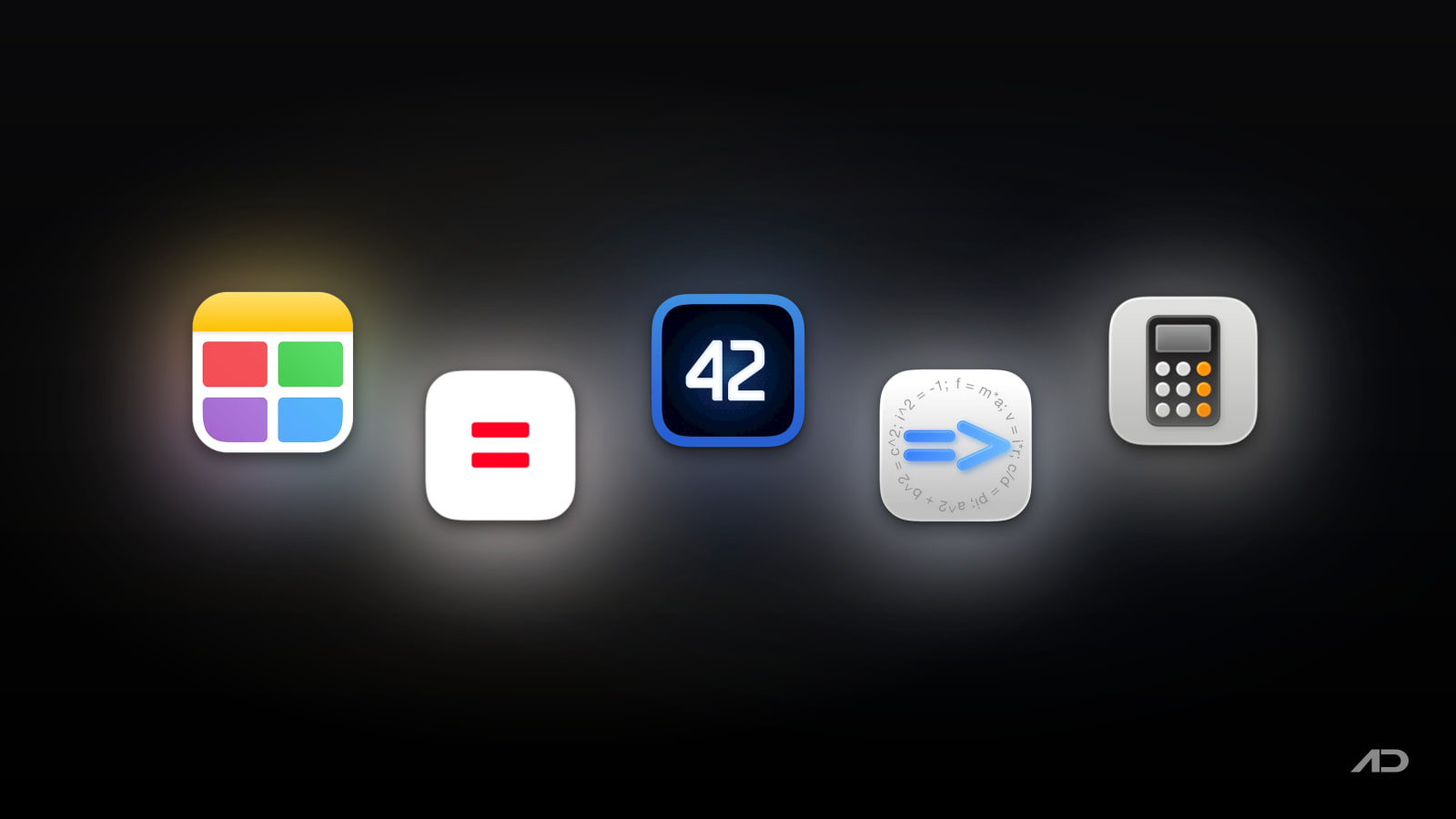
That format is useful, but it is not the only way to calculate on a Mac. Numi is lighter and faster for natural-language scratchpad math. PCalc is the stronger choice if you want a traditional scientific calculator with RPN, programmer modes, conversions, and deep customization. Calca goes further into symbolic math, variables, functions, matrices, and Markdown explanations. Apple's built-in Calculator and Math Notes are now good enough for many simple calculations, conversions, and note-based expressions.
This guide compares Soulver alternatives for Mac across natural-language math, notes, variables, conversions, scientific features, programmer tools, automation, platform fit, privacy posture, and current pricing.
Quick Verdict
Choose Soulver if you want the best polished notepad calculator for business, planning, quotes, travel math, budgets, live currencies, units, dates, time zones, variables, subtotals, and reusable sheets.
Choose Numi if you want a lightweight natural-language calculator that lives closer to a scratchpad, menu bar utility, CLI, or Alfred workflow than a full note-taking environment.
Choose PCalc if you want the strongest traditional calculator. It is best for scientific work, RPN, programmer modes, paper tape, constants, conversions, custom layouts, and Apple platform depth.
Choose Calca if you want a text editor that can solve and explain math. It is stronger for symbolic equations, functions, matrices, Markdown files, and on-device technical notes.
Use Apple Calculator and Math Notes if you want the free built-in option for basic, scientific, programmer, conversion, RPN, and simple note-based calculations without installing anything.
Feature Comparison
| Feature | Soulver | Numi | PCalc | Calca | Apple Calculator / Math Notes |
|---|---|---|---|---|---|
| Best for | Polished notepad calculations with business-friendly notes and live data | Fast natural-language scratchpad math, conversions, and quick estimates | Traditional scientific, engineering, RPN, and programmer calculator workflows | Symbolic math, equations, variables, matrices, and Markdown explanations | Built-in everyday calculator, conversions, programmer mode, RPN, and simple Math Notes |
| Core interface | Notepad with an answer column, sheets, folders, styling, references, and subtotals | Text scratchpad with live results, saved notes, menu bar/Dock use, CLI, and Alfred support | Button-based calculator with paper tape, layouts, themes, stack, constants, and conversions | Markdown-style text editor that evaluates expressions as you type | Calculator app modes plus expressions and variables inside Notes |
| Natural-language math | Excellent, with words, numbers, labels, dates, currencies, units, variables, and tags | Very good for plain-language arithmetic, unit conversion, currencies, dates, percentages, and CSS units | Limited compared with text-first tools; stronger as a conventional calculator | More formal than Soulver or Numi, but good for readable mathematical notes | Useful for typed formulas and simple expressions, but less flexible than dedicated notepad calculators |
| Scientific and technical depth | Hundreds of functions and units, plus optional Wolfram | Alpha and stock data through data services | Functions, constants, binary/octal/hex numbers, units, currencies, dates, time zones, and plugins | Strongest traditional depth: scientific mode, RPN, programmer bases, constants, functions, conversions, custom buttons | Strongest symbolic depth: equations, functions, units, derivatives, matrices, logic, binary math, and plain-text storage |
| Variables and reusable work | Multi-word variables, line references, global variables, subtotals, tags, sheets, iCloud sync, and export | Variables, previous results, sum/average tokens, notes, iCloud sync with paid activation, and extensions | User functions, constants, conversions, paper tape, layouts, undo/redo, and cross-device Handoff | Variables, functions, inversions, recursive functions, matrices, examples, and shareable Markdown-like documents | Variables in Math Notes, but not a full project notebook |
| Automation and integrations | Shortcuts action, URL schemes, CLI, Spotlight, Terminal, export, and SoulverCore for developers | CLI, Alfred workflow, Homebrew CLI install, JavaScript extensions, import/export, and plain-text .numi files | AppleScript, Shortcuts, Handoff, custom layouts, synced constants/functions/conversions | Plain-text files, iCloud documents, examples, and on-device calculation | Shortcuts and normal Apple ecosystem behavior through Calculator and Notes |
| Offline and privacy posture | On-device natural-language calculation engine; live data features need network access | Core calculations are local; currency rates and time-aware data need network access | Local calculator; App Store purchase and optional iCloud/Handoff behavior depend on Apple services | App Store listing says calculations are on-device and no network is needed | Built into macOS; current currency conversion rates require internet |
| Current pricing snapshot | Direct Mac license currently $59 one-time with a 60-day trial; also available through Setapp, currently from $14.99/month with a 7-day trial | Free download; paid activation unlocks unlimited notes and iCloud sync; also available through Setapp, currently from $14.99/month with a 7-day trial | Mac App Store price is currently $9.99 in the US | Mac App Store price is currently $9.99 in the US | Included with macOS |
Soulver
Soulver is the most refined app in this category if your calculations are mixed with human context. It is not just "2 + 2" in a prettier window. It is better for working out a monthly budget, client quote, travel plan, expense split, loan estimate, time-zone question, date schedule, unit conversion, or quick scenario where the words matter as much as the final number.
The current Soulver 4 site describes a natural-language notepad calculator with an answer column, line references, subtotals, multi-word variables, global variables, live currencies, weather, stocks, Wolfram|Alpha access through optional data services, tag summing, styled sheets, iCloud sync, export, Shortcuts, URL schemes, and a command-line interface. That gives it a much richer workspace than a simple floating calculator.
Soulver is especially good for business and planning work. You can write "contractor = $85/hr", calculate project phases under it, convert the result to another currency, reference previous lines, add subtotals, and keep the whole sheet readable for later. A spreadsheet can do this too, but Soulver is faster when the model is short, conversational, and still being worked out.
The tradeoff is cost and scope. Soulver is more expensive than PCalc or Calca, and it is not the best choice if you mainly need a button-based scientific calculator, RPN stack, programmable constants, or symbolic equation solver. It also now requires modern macOS versions for the current release, so older Macs need extra checking.
Soulver currently lists a $59 one-time Mac purchase with a 60-day free trial. It is also available through Setapp, where current membership pricing starts at $14.99/month with a 7-day trial.
Choose Soulver if you want the best polished notepad calculator for real-world planning, budgets, conversions, dates, variables, and reusable sheets.
Numi
Numi is the most direct Soulver alternative if you like natural-language math but want something lighter. Its official site describes a calculator for Mac, Windows, Linux, and CLI, and its documentation covers unit conversion, time zones, word operators, binary/octal/hex numbers, currencies, percentages, variables, constants, functions, CSS units, previous results, sum/average tokens, import/export, Alfred integration, and JavaScript extensions.
The appeal is speed. Numi feels closer to a smart scratchpad than a full notebook. You can type "$20 in euro - 5% discount", "today + 2 weeks", "12 pt in px", "line 1 + line 2", or a quick timezone question and get live results without building a sheet structure first. It also fits launcher-heavy workflows because the CLI and Alfred integration make calculations available outside the main app.
Numi is also practical if you already use Setapp. The official Numi buy page says paid activation unlocks unlimited notes and iCloud sync, and it lists Setapp availability. Setapp's current Numi page lists version 3.34, macOS 10.13 or later, and features such as word-and-number calculations, currency, length and time-zone conversions, percentage operations, saved calculations, Alfred integration, and CSS units.
The tradeoff is polish and depth. Soulver feels more complete as a long-term calculation notebook, especially for sheets, styling, references, subtotals, export, and the broader app ecosystem around Soulver 4. PCalc is stronger for conventional calculator use, and Calca is stronger when the math becomes symbolic.
Choose Numi if you want quick natural-language math, conversions, and scratchpad calculations with CLI or Alfred access.
PCalc
PCalc is not trying to be Soulver. That is exactly why it belongs in the comparison. If your mental model is still "calculator first", PCalc is the strongest Mac option here.
The current PCalc 4 page describes a fully featured scientific calculator for macOS with hexadecimal, octal, and binary calculations, optional RPN mode, parentheses, programmable functions, extensive unit conversions, a menu bar widget, switchable layouts, a full button-layout editor, themes, editable conversions/functions/constants, a simulated paper tape, smart search, AppleScript and Shortcuts support, multiple undo and redo, Handoff, and support for Apple silicon and Intel Macs.
That makes PCalc ideal for engineers, programmers, students, scientists, accountants, and anyone who wants a reliable calculator they can configure precisely. It is also better than notepad calculators when you want tactile calculator behavior, RPN, bitwise operators, a tape, or a custom keypad layout.
The tradeoff is that PCalc is not a thinking document. You can keep a tape, but you are not writing a readable estimate, plan, or project note in the same way you would in Soulver, Numi, or Calca. If your problem is "work this out while explaining it", PCalc is less natural. If your problem is "give me a serious calculator", it is excellent.
PCalc for Mac currently costs $9.99 in the US Mac App Store and requires macOS 11 or later for PCalc 4.
Choose PCalc if you want the best traditional Mac calculator, especially for scientific, engineering, RPN, programmer, and conversion-heavy work.
Calca
Calca is the alternative for people who want calculations to live in a text editor, but who lean more technical than Soulver's everyday language. Its official site calls it "the text editor that loves math" and says it gives answers as you type with no network required.
Calca can declare variables, define functions, invert functions, solve equations, work with matrices, handle units, logic, binary and hexadecimal values, trigonometry, complex numbers, derivatives, and Markdown-style explanatory text. The current Mac App Store listing also describes Calca as an advanced symbolic calculator, with variables, functions, unit and currency conversions, matrices, sums, products, maps, reductions, derivatives, logic operations, binary math, and on-device calculations stored as plain text.
That makes Calca useful for technical notes, engineering examples, student work, mortgage models, physics calculations, symbolic manipulation, or any situation where you want the explanation and math to travel together as text. It is closer to a computational notebook than a normal calculator.
The tradeoff is age and mainstream polish. Calca is powerful, but it does not feel as modern or commercially active as Soulver, and it is less approachable than Numi for quick everyday estimates. If you only need a calculator, PCalc is more direct. If you want a friendly planner, Soulver is easier to recommend.
Calca currently costs $9.99 in the US Mac App Store and requires macOS 12.0 or later.
Choose Calca if your calculations are symbolic, technical, educational, or easier to understand when written as explanatory text.
Apple Calculator And Math Notes
Apple's built-in Calculator has become a more credible baseline than it used to be. Current macOS Calculator includes basic, scientific, programmer, conversion, RPN, and Math Notes modes. Apple's current Calculator guide says Convert mode can handle length, weight, currencies, and more, while Math Notes opens Notes so you can evaluate expressions and assign variables.
That is enough for many users. If you need a quick percentage, a currency conversion, a programmer calculation, a scientific function, or a simple expression inside a note, you may not need to buy anything. Spotlight and Notes can also evaluate common conversions and formulas.
The limitation is workflow depth. Apple Calculator is not a serious notepad calculator in the Soulver sense. Math Notes is useful, but it is not designed around Soulver-style answer columns, line references, tag totals, business-friendly sheets, export, a dedicated calculation syntax, CLI tools, or custom calculation extensions.
Use Apple Calculator and Math Notes if your needs are simple, occasional, or already covered by macOS.
Which Soulver Alternative Should You Use?
Use Numi if you want the closest lightweight alternative to Soulver. It is especially good for menu bar math, quick natural-language conversions, saved scratchpad notes, Alfred workflows, CLI use, and Setapp users who want a smaller tool.
Use PCalc if you want a real calculator rather than a notepad. It is the strongest choice for RPN, scientific functions, programmer bases, conversions, constants, paper tape, and custom layouts.
Use Calca if your calculations need symbolic math or explanatory text. It is better for technical notes, equations, functions, matrices, and Markdown-style calculation documents.
Use Apple Calculator and Math Notes if built-in is good enough. It now covers far more than simple arithmetic, and it is the best zero-cost starting point.
Stick with Soulver if you want the best overall notepad calculator experience on Mac, especially for readable business math, planning, dates, currencies, units, sheets, references, subtotals, and polished Apple-platform integration.
Final Verdict
Soulver is still the best polished notepad calculator for Mac. It is the app I would choose for estimates, budgets, travel planning, quote math, everyday business calculations, and any problem where the written context should stay with the numbers.
Numi is the best lightweight Soulver alternative. It keeps the natural-language approach but feels faster and smaller, especially if you like CLI, Alfred, menu bar, or Setapp workflows.
PCalc is the best traditional calculator. It is not trying to replace Soulver's notebook interface, but it is the better calculator for scientific, RPN, programmer, conversion, and button-driven work.
Calca is the best symbolic text-calculator alternative. It is the right choice when formulas, equations, matrices, Markdown explanations, and on-device technical notes matter more than interface polish.
Apple Calculator and Math Notes are the best free baseline. Try them first if your calculations are occasional, simple, or already fit inside Calculator, Spotlight, or Notes.
My practical recommendation: choose Soulver if you want the most refined notepad calculator, try Numi if you want a lighter natural-language scratchpad, buy PCalc if you want the strongest traditional calculator, use Calca for symbolic text math, and start with Apple Calculator if built-in is enough.
Note: Features and prices are current as of August 2026. App Store pricing, Setapp availability, macOS requirements, data-service subscriptions, currency-rate behavior, iCloud sync, automation support, and supported calculation syntax can change. Verify current details on each developer's official product, pricing, documentation, support, or Mac App Store page before purchasing.
Affiliate disclosure: This post contains affiliate links for Setapp as an optional access route for Soulver and Numi. Apps.Deals may earn a commission if you subscribe through them, at no additional cost to you.

Presentify: Draw, highlight, and zoom on your Mac screen.
Annotate your screen, highlight your cursor, spotlight key areas, and zoom in during presentations, demos, tutorials, and screen shares.