
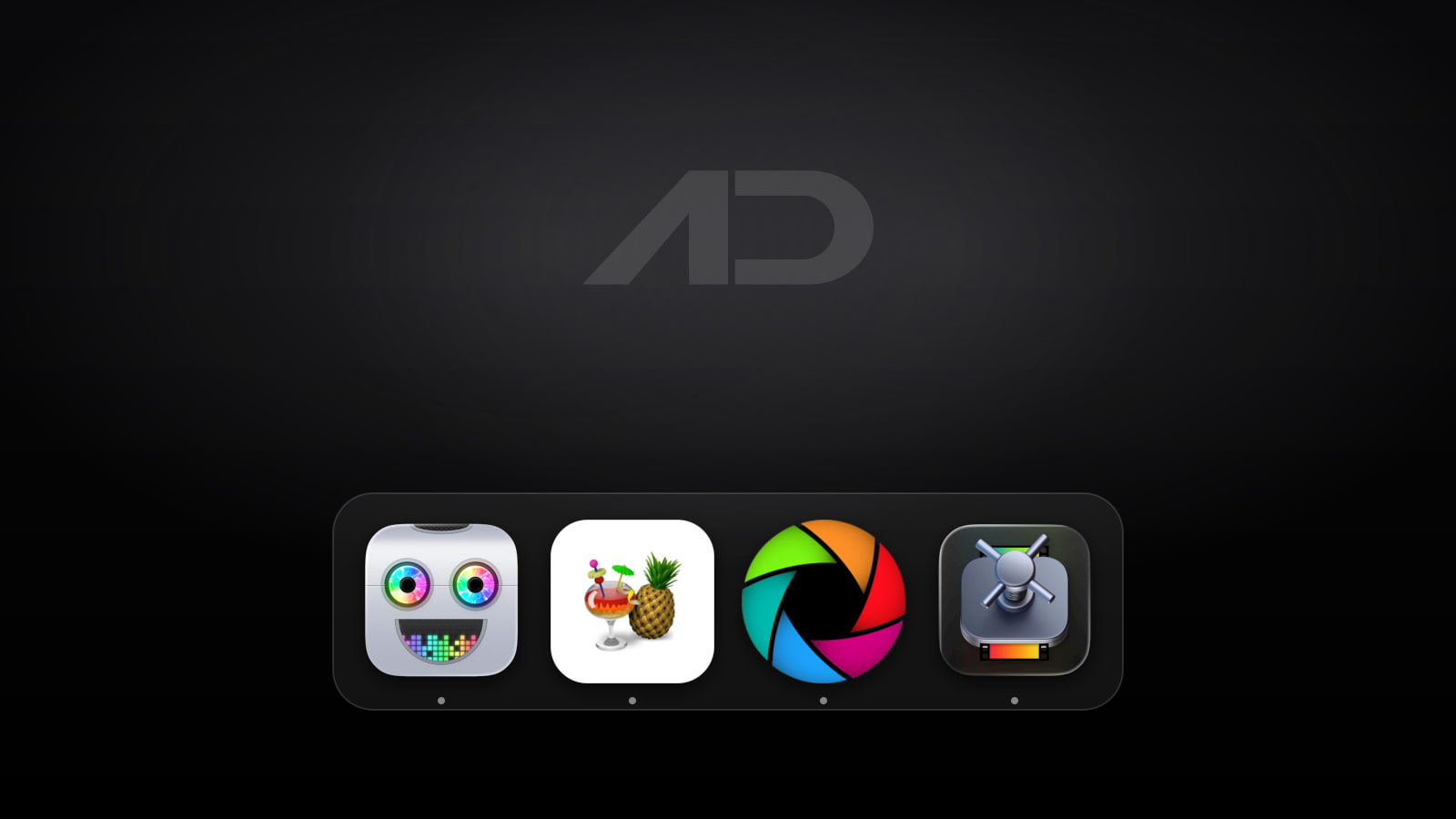
Permute Alternatives for Mac: HandBrake, Shutter Encoder, Compressor, and FFmpeg Compared
Permute is one of the best-known Mac media converters because it makes messy conversion work feel approachable. Drop in a video, audio file, image, PDF, or text file, pick a preset, and export without building a command by hand. Permute 4 also adds deeper tools for trimming, cropping, resizing, subtitles, audio tracks, metadata, OCR, ProRes, HLS manifests, and raw FFmpeg commands.
But Permute is not the only good media converter for Mac. HandBrake remains the best free open-source choice for video transcoding. Shutter Encoder is the power-user free option for editors who want FFmpeg depth, broadcast codecs, analysis tools, subtitles, queues, and cut-without-re-encoding workflows. Compressor is the Apple-first choice for Final Cut Pro and Motion users who need batch encoding, droplets, watch folders, iTunes Store packages, HDR, captions, and spatial video workflows. FFmpeg is the command-line foundation for people who want maximum control, automation, and scripting.
This guide compares Permute alternatives for Mac across ease of use, format support, batch work, editing tools, creator workflows, automation, platform support, and current pricing.
Quick Verdict
Choose Permute if you want the easiest polished Mac app for converting video, audio, images, PDFs, and more without learning encoding terminology.
Choose HandBrake if you mainly need free video conversion to modern formats and can live with a more technical interface.
Choose Shutter Encoder if you want a free editor-oriented conversion toolbox with broad codec support, subtitle tools, analysis features, queues, and FFmpeg power behind a GUI.
Choose Compressor if you work in Final Cut Pro or Motion and need Apple-native delivery, batch presets, droplets, watch folders, HDR, captions, spatial video, or iTunes Store packaging.
Choose FFmpeg if you want the most flexible conversion engine and are comfortable with Terminal commands, scripts, shell aliases, and repeatable automation.
Feature Comparison
| Feature | Permute | HandBrake | Shutter Encoder | Compressor | FFmpeg |
|---|---|---|---|---|---|
| Best for | Friendly Mac media conversion across video, audio, images, PDFs, and text | Free video transcoding to common modern codecs | Editor and post-production conversion with deep codec, subtitle, queue, and analysis tools | Final Cut Pro and Motion delivery workflows | Scriptable audio/video conversion, recording, streaming, and automation |
| Ease of use | Best simple drag-and-drop Mac interface here | Moderate; presets help, but settings can feel technical | Moderate to advanced; powerful but denser than Permute | Moderate if you already use Apple's pro video apps | Lowest for beginners; strongest for command-line users |
| Format scope | Video, audio, images, PDFs, text, and 100+ supported formats | Video-focused, from nearly any format to modern codecs | Video, audio, images, subtitles, broadcast formats, analysis, downloads, and more | Pro video delivery formats, image sequences, captions, HDR, spatial video, and Apple delivery workflows | Extremely broad through CLI tools, codecs, muxers, demuxers, and filters |
| Editing and prep | Trim, crop, resize, rotate, flip, subtitles, audio tracks, metadata, speed, volume, file-size target, combine, split, and extract | Cropping, scaling, filters, subtitles, chapters, audio tracks, and quality controls | Trimming, cut without re-encoding, subtitles, LUTs, color conversion, crop, watermarks, timecode, renaming, FTP, and analysis | Batch settings, droplets, watch folders, captions, HDR, image sequences, spatial video, and package validation | Anything you can express in a command, filter graph, or script |
| Batch and automation | Queue, custom groups, drop zones, presets, and automation features | Queue and CLI available | Render queue, saved presets, file naming, FTP upload, and reports | Batch processes, droplets, watch folders, and distributed encoding | Excellent through shell scripts, cron, Makefiles, Shortcuts, and app integrations |
| Mac fit | Native macOS app; Permute 4 requires macOS 26 and Apple Silicon, with Permute 3 still offered for macOS 11-15 and Intel Macs | Cross-platform app for Mac, Windows, and Linux | Cross-platform downloads, including Apple silicon and Intel Mac builds | Mac-only App Store app from Apple | Cross-platform command-line project |
| Current starting price | Direct permanent license is $14.99 before tax; Mac App Store is $14.99; Setapp access starts at $14.99/month; Permute 3 is also $14.99 for older Macs | Free and open source | Free with optional donations | $49.99 on the US Mac App Store | Free and open source |
Permute
Permute is the converter to keep if you want conversion work to feel like a normal Mac task instead of a codec-management project. The current Permute 4 page describes it as a media converter for video, audio, images, PDFs, and text, with more than 100 supported formats and a native drag-and-drop interface.
That breadth matters. Permute is not just "turn MOV into MP4." It can convert video, audio, and images; trim, crop, resize, rotate, and flip files; add subtitles; swap audio tracks; adjust speed and volume; target an output file size; stitch files together; split by time or EDL/CUE; extract tracks without re-encoding; export PDF pages as images; create iPhone ringtones; perform OCR image-to-text; and expose raw FFmpeg commands through an Advanced Custom preset.
The biggest reason to pay for Permute is comfort. HandBrake is excellent for video, Shutter Encoder is powerful, and FFmpeg is the deepest tool here, but Permute is the app I would hand to someone who just wants a clean Mac interface and reliable presets. It is also helpful when the work mixes media types instead of staying inside video only.
The tradeoff is compatibility and depth. Permute 4 currently requires macOS 26 or later and Apple Silicon. Charlie Monroe still sells Permute 3 for macOS 11-15 and Intel Macs, with a free upgrade to Permute 4 when you move to a supported system. For professional encoding control, Shutter Encoder, Compressor, or FFmpeg may expose more of the technical machinery.
Permute's current direct permanent license is $14.99 before VAT or sales tax, and the Mac App Store listing is also $14.99. The direct version includes all features, while the App Store version has some sandbox-related limitations. Permute is also available through Setapp, which currently starts at $14.99/month before tax and can make sense if you already use several Setapp apps.
Choose Permute if you want the simplest paid Mac app for everyday media conversion.
HandBrake
HandBrake is the obvious free Permute alternative when your main job is video transcoding. The official site describes it as an open-source tool for converting video from nearly any format to modern, widely supported codecs, with Mac, Windows, and Linux support.
HandBrake is strongest when you want to convert a video for sharing, archiving, streaming compatibility, smaller file size, or device playback. Presets keep normal tasks manageable, and advanced controls let you tune quality, dimensions, filters, subtitles, audio tracks, chapters, containers, and codecs more precisely than a casual converter would.
The benefit is trust and value. HandBrake has been around for years, is free, is open source, and does not push you toward a subscription. If you mainly need MP4, M4V, MKV, H.264, H.265, AV1, subtitles, chapters, queue-based encoding, or a repeatable video workflow, it is hard to beat.
The limitation is scope and friendliness. HandBrake is video-focused, not a general media converter for images, PDFs, and text. Its interface is less Mac-polished than Permute, and some settings assume you know enough about encoding to avoid accidental quality or compatibility mistakes.
HandBrake is currently free and open source.
Choose HandBrake if you want a capable free video transcoder and do not need Permute's broader media-type coverage.
Shutter Encoder
Shutter Encoder is the strongest free alternative for editors and post-production users. It is designed by video editors, uses FFmpeg for encoding, and exposes a wide set of functions that go well beyond a basic converter.
The current Shutter Encoder page lists trimming, cut without re-encoding, image adjustment, LUTs, color-space conversion, cropping, timecode burn-in, subtitle embedding and burn-in, a built-in subtitle editor, automatic cut detection, web video download, render queue, saved presets, FTP upload, file information, file renaming, hardware support, and a large function list covering audio conversion, editing codecs, output codecs, broadcast codecs, old codecs, archive codecs, images, DVD/Blu-ray tasks, loudness analysis, VMAF, black detection, and more.
That makes Shutter Encoder a better fit than Permute for users who know what they are delivering. Editors working with ProRes, DNxHD, DNxHR, XDCAM, AVC-Intra, XAVC, HAP, FFV1, subtitles, timecode, analysis, and workflow handoff will find more knobs here than in a simple consumer converter.
The tradeoff is density. Shutter Encoder is approachable for what it does, but it is still a technical app. If your normal task is "make this file smaller" or "convert this audio file to MP3," Permute is calmer. If your normal task involves specs from an editor, broadcaster, archive, or production workflow, Shutter Encoder is more useful.
Shutter Encoder is currently free software without limitations or advertising, funded by optional donations.
Choose Shutter Encoder if you want a serious free GUI for FFmpeg-powered conversion and post-production prep.
Compressor
Compressor is the Permute alternative for people already living in Apple's pro video apps. The Mac App Store page says it integrates tightly with Final Cut Pro and Motion, supports customized encoding settings, batch processes, self-contained droplets, watch-folder encoding, distributed encoding, iTunes Store package creation, HDR delivery, captions, Apple silicon optimizations, and spatial video workflows for Apple Vision Pro.
That focus makes Compressor less general than Permute but stronger in the right Apple workflow. If you export from Final Cut Pro, need reusable delivery presets, build packages for Apple distribution, handle captions, create droplets for teammates, or want a Mac-only pro video companion from Apple, Compressor is the more natural choice.
It is not the app I would recommend for casual conversion. It costs more, lives in the App Store, and is aimed at delivery workflows rather than quick mixed-media conversion. HandBrake is better for free video transcodes, Shutter Encoder is broader for editor utilities, and Permute is easier for ordinary Mac users.
Compressor currently costs $49.99 on the US Mac App Store.
Choose Compressor if Final Cut Pro, Motion, Apple delivery presets, HDR, captions, or spatial video are central to your workflow.
FFmpeg
FFmpeg is not a polished Mac app in the Permute sense, but it belongs in this comparison because it is the engine many conversion workflows eventually touch. The project describes itself as a complete cross-platform solution to record, convert, and stream audio and video.
FFmpeg is best when repeatability matters. A single command can convert a file, extract audio, resize video, change containers, burn subtitles, normalize audio, build a preview clip, process a folder, or fit into a larger script. If you maintain a podcast workflow, developer toolchain, publishing pipeline, archival process, or CI job, a command is often better than a GUI.
The tradeoff is usability. FFmpeg is powerful because it is explicit, but that also means you need to learn options, filters, codecs, containers, bitrate choices, quoting rules, and file paths. Many Mac users should start with Permute, HandBrake, Shutter Encoder, or Compressor before dropping to Terminal.
FFmpeg is currently free and open source.
Choose FFmpeg if you want maximum control, scripting, and automation, and you are comfortable working from the command line.
Which Permute Alternative Should You Use?
Use HandBrake if you want the best free video-only alternative. It is ideal for common transcodes, modern codecs, queues, subtitles, and everyday file-size or compatibility work.
Use Shutter Encoder if you want a free but much more technical editor toolbox. It is the strongest alternative for ProRes, DNx, broadcast formats, subtitles, analysis, timecode, lossless cuts, and FFmpeg-powered GUI workflows.
Use Compressor if you already use Final Cut Pro or Motion and need Apple-native delivery, watch folders, droplets, HDR, captions, spatial video, or iTunes Store package workflows.
Use FFmpeg if you want the most flexible tool and are willing to trade interface comfort for scripts, repeatability, and automation.
Stick with Permute if you value speed, simplicity, Mac polish, broad media-type coverage, and a low one-time price more than advanced encoding control.
Final Verdict
Permute is the best friendly paid converter for Mac users. It handles a wide range of media tasks without asking you to become an encoding specialist.
HandBrake is the best free video transcoder. It is mature, open source, and practical when your work is mostly video conversion.
Shutter Encoder is the best free power-user alternative. It is the right pick for editors who need deeper format, subtitle, analysis, queue, and post-production tools.
Compressor is the best Final Cut Pro companion. It makes the most sense when your delivery workflow is already tied to Apple's pro video ecosystem.
FFmpeg is the best automation tool. It is not friendly, but it is unmatched when conversion needs to be scripted, repeated, or embedded into a larger workflow.
My practical recommendation: choose Permute for easy everyday conversions, HandBrake for free video transcodes, Shutter Encoder for editor-level control, Compressor for Final Cut Pro delivery, and FFmpeg when you need a command-line workflow you can trust repeatedly.
Note: Features and prices are current as of July 2026. App Store pricing, Setapp plans, taxes, macOS requirements, Apple Silicon requirements, codec support, donation models, and delivery features can change. Verify current details on each developer's official product, pricing, download, or App Store page before choosing a converter.
Affiliate disclosure: This post contains an affiliate link for Setapp as a Permute distribution option. Apps.Deals may earn a commission if you subscribe through it, at no additional cost to you.

KeyScreen: Show your keystrokes on screen.
Display key presses with custom themes, layouts, multi-display support, and global shortcuts. Made for tutorials, streams, and live demos.