
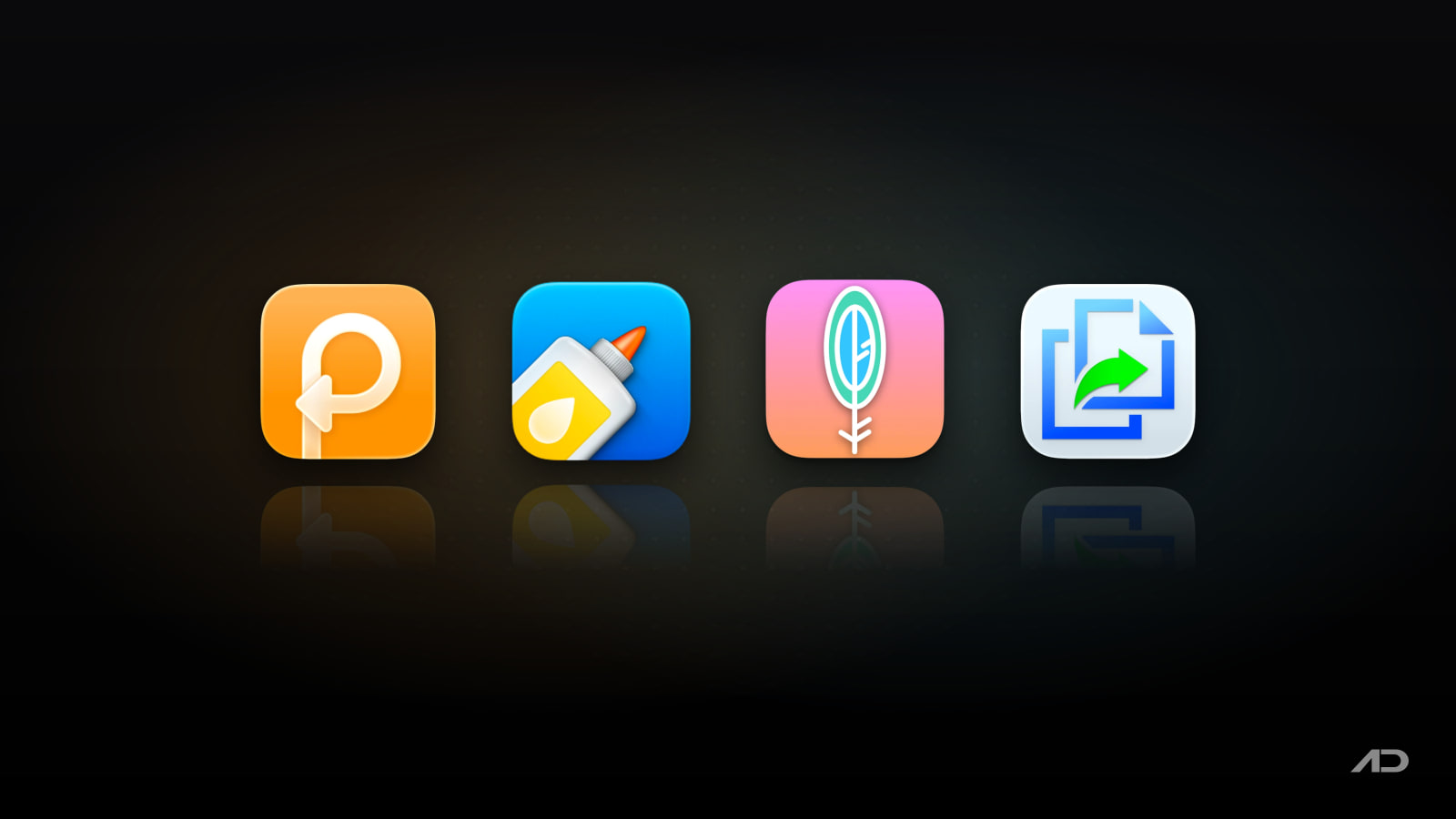
Paste Alternatives for Mac: PastePal, Maccy, and Copy 'Em Compared
Paste is one of the best-known clipboard managers for Mac because it turns copy and paste into a searchable history across Mac, iPhone, and iPad. It saves text, links, images, files, colors, and reusable snippets so the thing you copied an hour ago or last month is not gone forever.
But Paste is not the only strong Mac clipboard manager. PastePal is the obvious one-time paid alternative for people who want a native Apple-platform app without another subscription. Maccy is the lightweight open-source pick if you want fast keyboard-first history and local storage. Copy 'Em is the power-user option for batch pasting, lists, screenshots, transformations, and large clipboard archives.
This guide compares Paste alternatives for Mac across clipboard history, search, pinning, device sync, privacy, batch workflows, pricing, and daily fit.
Quick Verdict
Choose Paste if you want the most polished cross-device clipboard system, especially if visual history, pinboards, shared pinboards, iCloud sync, and AI-tool integration matter.
Choose PastePal if you want a native Mac, iPhone, and iPad clipboard manager with iCloud sync and a one-time purchase instead of a subscription.
Choose Maccy if you want a free, open-source, fast, keyboard-first clipboard manager that stays local and avoids extra workflow layers.
Choose Copy 'Em if you want deep clipboard organization, large histories, batch pasting, screenshots, transformations, export/import, and many keyboard shortcuts.
Feature Comparison
| Feature | Paste | PastePal | Maccy | Copy 'Em |
|---|---|---|---|---|
| Best for | Polished cross-device clipboard history with pinboards and sharing | One-time paid Apple-platform clipboard management | Minimal, fast, free clipboard history | Power users who organize and batch paste lots of clips |
| Main workflow | Open visual history, search, pin, stack, paste, or share pinboards | Side window, popup mode, hot edge, quick mode, queue, collections | Trigger history, type to search, press Enter to paste | Menu bar or shortcut access with lists, search, transformations, and batch paste |
| Clipboard history | Unlimited history listed by Paste | Unlimited history in Pro/purchased version | Local copy history, focused on one job | Unlimited clipboard history across many data types |
| Search and filters | Search whole history; filter by app, date, device, or content type | Search, pagination, source/content grouping, collections | Fast keyboard-first search | Search by text, app, content type, list scope, or item names |
| Pins, snippets, or collections | Pinboards for snippets, templates, colors, assets, and shared boards | Collections, named clips, locked clips, and custom organization | Favorites/pinned-style simple history controls depend on current settings | Favorites, lists, names, sorting, and topic-based collection workflows |
| Multi-item paste | Paste Stack queues items and pastes them in order | Queue Mode and Paste Stack-style workflows | Not the main focus | Strong batch paste for text and images, including multiple form fields |
| Cross-device sync | iCloud sync across Mac, iPhone, and iPad; Setapp route available | Universal App Store purchase with iCloud sync across Mac, iPhone, and iPad | Mac-focused; local-first | Optional iCloud sync with Copy 'Em on iPhone and iPad |
| Privacy posture | Device and private iCloud storage; Paste says clipboard data does not touch its servers | Local device storage, no tracking claim, iCloud sync optional | Local storage; open-source MIT project | Local by default; optional private iCloud sync; developer says clipboard contents are not sent to its servers |
| Mac requirements | Current App Store listing requires macOS 14 or later | Official site lists macOS 12 or later for current pricing tiers | macOS Sonoma 14 or later | Mac App Store app, with recent public listing data showing macOS 11.5+ |
| Current pricing snapshot | 7-day trial; App Store lists $3.99/month, $29.99/year, $59.99 Family, and $89.99 Lifetime; direct site shows annual from $2.49/month billed annually; also available through Setapp | Free to try; $14.99 one-time App Store universal purchase or $14.99 standalone Mac license | Free and open source | Public App Store/product listings currently show a one-time Mac App Store purchase around $14.99, with regional sales possible |
Paste
Paste is still the app to beat if you want clipboard history to feel like a designed product rather than a small utility window. It gives copied items visual previews, remembers text, links, images, files, and colors, and lets you search old clips instead of rebuilding something you already copied.
The big advantage is structure. Paste's Pinboards are useful for reusable snippets, support replies, legal boilerplate, code fragments, colors, links, and template text. Paste Stack is also handy when you need to copy several items first and paste them in order later, which is useful for forms, research notes, CMS updates, invoices, and repetitive admin work.
Paste is strongest if you work across Apple devices. The current product and help pages describe Mac, iPhone, and iPad support, iCloud sync, shared Pinboards, private iCloud storage, screen-sharing safety, and integration with AI tools such as Claude, Cursor, Codex, and other assistants through Paste's MCP features.
The tradeoff is pricing. Paste is no longer just a cheap Mac utility. Its current App Store listing shows subscriptions, a Family plan, and a Lifetime plan; the official help page also says Paste can be bought from the website, App Store, or through Setapp. If you dislike subscriptions, PastePal or Maccy will be easier to accept.
The Apps.Deals Paste link gives readers a 5% discount. Paste is also available through Setapp, which can be better value if you already use several Setapp apps.
Choose Paste if clipboard history is part of your everyday work and you want the most polished cross-device experience.
PastePal
PastePal is the most direct Paste alternative for people who like the idea of a visual Apple-platform clipboard manager but do not want a recurring subscription. Its official page lists a one-time $14.99 App Store version covering iPhone, iPad, and Mac, plus a $14.99 standalone Mac-only license for users or businesses buying outside the App Store.
PastePal's feature set is broad. It has a main window, side window, popup mode, hot edge trigger, Quick Mode, Queue Mode, collections, search, pagination, source app detection, content-type recognition, preview, drag and drop, allow/ignore lists, sensitive-content controls, and optional iCloud sync.
That makes PastePal attractive for users who want more interface flexibility than Maccy and more purchase-model simplicity than Paste. The side-window and hot-edge model is especially useful if you prefer having clipboard history appear near the edge of the screen instead of opening a centered panel every time.
The tradeoff is polish and trust in sync. Paste has a longer mainstream reputation and clearer team/shared-board story. PastePal is highly capable, but user reviews and App Store notes show it is a fast-moving indie app, so sync reliability, UI changes, and macOS-version behavior are worth testing during the free trial.
Choose PastePal if you want a serious clipboard manager with iCloud sync and a one-time purchase.
Maccy
Maccy is the best Paste alternative if your answer to "What should a clipboard manager do?" is simply "remember what I copied and let me search it fast." The official site calls it a lightweight, open-source macOS clipboard manager that does one job: keep copy history at hand.
That focus is the appeal. Maccy opens quickly, is keyboard-first, stores everything locally, and does not try to become a snippet database, team-sharing tool, AI context layer, or project organizer. It is a good fit for developers, writers, support teams, researchers, and anyone who wants a clipboard safety net without another product system.
Maccy is also the easiest recommendation for privacy-minded and budget-conscious users. Its official site says it is open source under the MIT license, free, and local. If your password manager removes a copied password from the clipboard, Maccy says it follows that behavior rather than keeping the secret forever.
The tradeoff is scope. Maccy is not trying to match Paste's Pinboards, PastePal's side-window flexibility, or Copy 'Em's advanced lists and batch tools. If you want iPhone and iPad sync, visual collections, rich previews, team sharing, or multi-item paste queues, pick something else.
Choose Maccy if you want the cleanest free clipboard history utility for Mac.
Copy 'Em
Copy 'Em is the old-school power-user choice in this group. Its official Mac page emphasizes unlimited clipboard history, menu bar and keyboard access, screenshots, one-click or keystroke paste, plain-text and transformed paste, batch paste, favorites, lists, search, sorting, editing, labels, export/import, and optional iCloud sync.
The app makes most sense when your clipboard becomes a working dataset. A researcher can collect quotes and links into lists. A support operator can batch paste repeated responses. A QA tester can paste multiple form values. A designer can keep images, color codes, PDFs, and files organized. A developer can keep code snippets and shell commands searchable without turning the clipboard manager into a full notes app.
Copy 'Em also has a privacy-conscious model. Its current privacy policy says Copy 'Em stores data locally by default, uses private iCloud storage only when sync is enabled, and does not transmit clipboard contents, screenshots, or keyboard input to the developer's servers.
The tradeoff is modern feel. Copy 'Em is powerful, but it is not as visually polished as Paste, not as purchase-simple and Apple-native-feeling as PastePal, and not as minimal as Maccy. It is the one to evaluate when features matter more than elegance.
Choose Copy 'Em if you need serious organization, transformations, and batch paste workflows.
Which Paste Alternative Should You Use?
Use PastePal if your biggest objection to Paste is the subscription. It gives you a native Apple-platform clipboard manager, iCloud sync, queue workflows, and a one-time purchase.
Use Maccy if you only need fast clipboard history. It is free, open source, local, and easier to recommend to people who hate bloated utilities.
Use Copy 'Em if you want clipboard history to behave more like a power-user workbench, with lists, transformations, batch paste, screenshots, export/import, and heavy organization.
Stick with Paste if you care about the complete Apple-device experience, visual previews, Pinboards, shared boards, Paste Stack, AI-tool context, and a polished product surface.
These apps can also coexist with specialized workflows. A developer might use Maccy on a work Mac for simplicity, Paste on personal devices for iCloud sync, and Copy 'Em when a research or QA workflow needs batch paste and organized lists.
Final Verdict
Paste is still the strongest all-around clipboard manager for Mac users who want polish and cross-device continuity. The Pinboards, visual history, iCloud sync, shared boards, Paste Stack, and AI integrations justify the cost if you use clipboard history all day.
PastePal is the best one-time paid Paste alternative. It is the most natural option if you want a similar Apple-platform direction but prefer a $14.99 purchase to an ongoing subscription.
Maccy is the best free Paste alternative. It is fast, local, open source, and focused on the core problem without turning clipboard history into a full productivity suite.
Copy 'Em is the best Paste alternative for power users. It has the deepest organization, batch, transformation, screenshot, and export/import workflows in this comparison.
My practical recommendation: start with Maccy if your needs are simple, choose PastePal if you want a pay-once Apple-device clipboard manager, buy Paste if cross-device polish and Pinboards matter, and use Copy 'Em if your clipboard history is part of serious production work.
Note: Features and prices are current as of August 2026. App Store regional pricing, Setapp availability, subscription terms, one-time purchase availability, macOS requirements, sync behavior, and update policies can change. Verify current details on each developer's official product, pricing, help, privacy, or App Store page before purchasing.
Affiliate disclosure: This post contains affiliate links for Paste and Setapp. The Paste link also gives readers a 5% discount. Apps.Deals may earn a commission if you purchase or subscribe through these links, at no additional cost to you.

KeyScreen: Show your keystrokes on screen.
Display key presses with custom themes, layouts, multi-display support, and global shortcuts. Made for tutorials, streams, and live demos.