
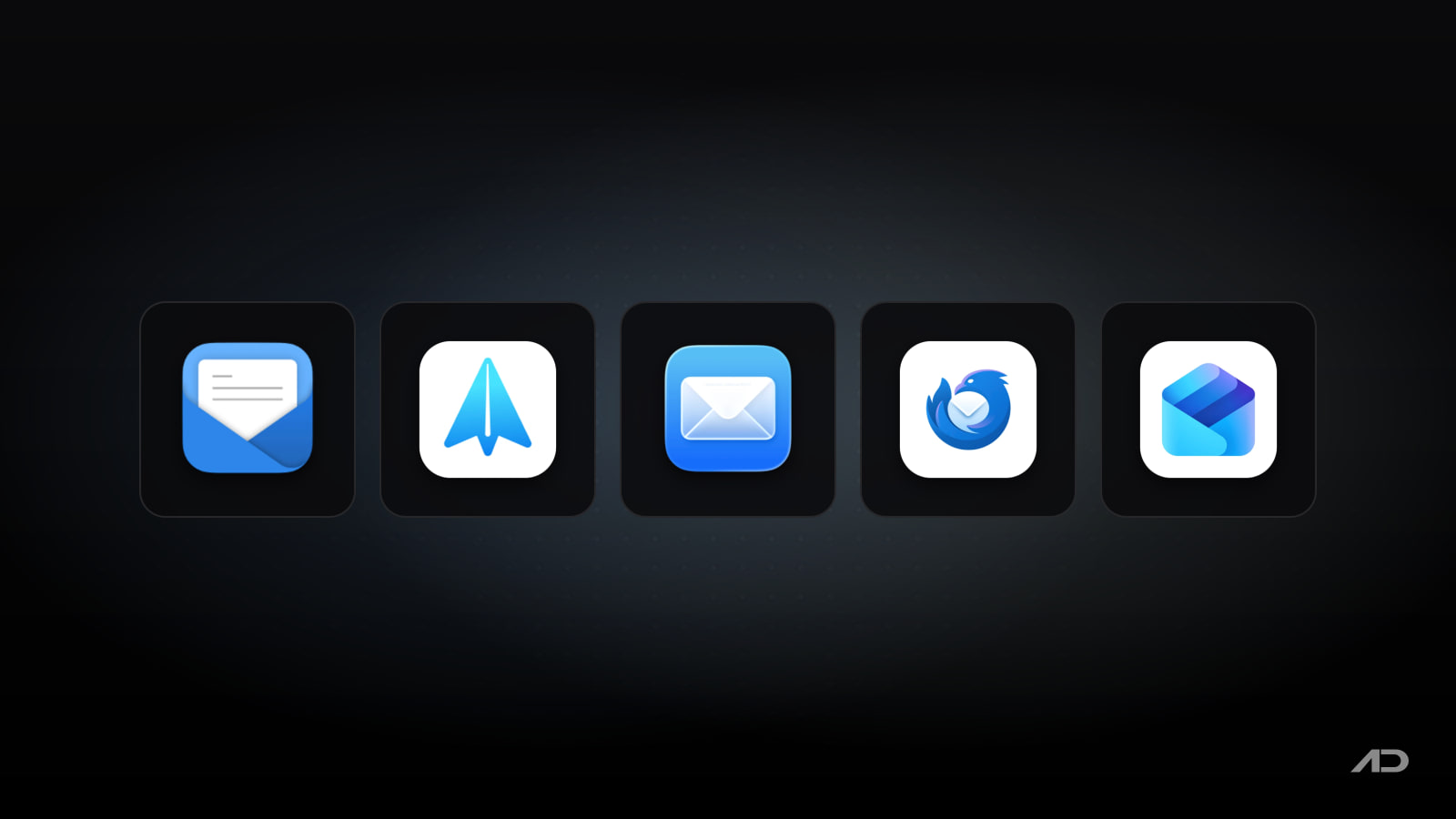
Mimestream Alternatives for Mac: Spark, Apple Mail, Thunderbird, and Outlook Compared
Mimestream is one of the most interesting Mac email apps because it does not treat Gmail as a generic IMAP account. It uses the Gmail API directly, supports Gmail labels, categories, filters, aliases, search, multiple Google accounts, profiles, tracking prevention, templates, Undo Send, and a native Mac interface that feels much closer to Apple Mail than to a browser tab.
But Mimestream is not the right email client for every Mac user. Spark is broader if you want a modern multi-account inbox with AI, collaboration, scheduling, reminders, and cross-device support. Apple Mail is the best free default for people who want local macOS integration and no extra subscription. Thunderbird is the strongest free open-source choice for users who want control, add-ons, and cross-platform email. Outlook makes the most sense when your email life is already tied to Microsoft 365, Exchange, OneDrive, Teams, and Office apps.
This guide compares Mimestream alternatives for Mac across Gmail support, multi-account handling, triage, writing tools, privacy, collaboration, platform support, and current pricing.
Quick Verdict
Choose Mimestream if you live in Gmail and want the best native Mac Gmail client, especially if labels, Gmail search, categories, filters, aliases, and a fast Mac interface matter more than supporting every email provider.
Choose Spark if you want a polished all-purpose email app for multiple accounts, smart sorting, AI writing and summaries, reminders, scheduling, team features, and Mac, Windows, iPhone, iPad, and Android support.
Choose Apple Mail if you want a capable free app that is already on your Mac, works with iCloud, Gmail, Exchange, school, work, and other accounts, and integrates cleanly with macOS privacy, notifications, search, and Apple Intelligence features where available.
Choose Thunderbird if you want a free, open-source, cross-platform email client with calendars, contacts, tasks, add-ons, local control, and no advertising-driven business model.
Choose Outlook if your inbox is part of a Microsoft workflow, or if you want one app for email, calendar, contacts, Microsoft 365 files, focused inbox, spam protection, and Office integration.
Feature Comparison
| Feature | Mimestream | Spark | Apple Mail | Thunderbird | Outlook |
|---|---|---|---|---|---|
| Best for | Native Mac Gmail power users | Modern multi-account productivity and team email | Free built-in Mac email | Free open-source email with add-ons and local control | Microsoft 365, Outlook.com, Exchange, calendar, and Office workflows |
| Account support | Google accounts only | Multiple email accounts and calendars | iCloud, Gmail, Exchange, school, work, and other accounts | Multiple providers, with separate or unified inboxes | Outlook.com, Gmail, Yahoo, iCloud, work, school, and other mail services |
| Gmail depth | Excellent: Gmail API, labels, categories, filters, aliases, and search | Good general Gmail support, but not as Gmail-native as Mimestream | Good enough for many users, but less Gmail-specific | Good through standard email protocols, but less Gmail-native | Good, with stronger Microsoft account and Exchange fit |
| Triage tools | Categories, labels, profiles, list filtering, Snooze Labs, tracking prevention, and Gmail search | Smart Inbox, notifications, snooze, scheduled send, reminders, set aside, quick replies, and command center | Smart Mailboxes, categories, rules, search, reminders, junk filtering, and blocking | Filters, tags, unified inbox, search, add-ons, calendar, contacts, and tasks | Focused Inbox, sweep, snooze, flags, calendar, contacts, and security features |
| Writing workflow | Templates with variables, aliases, Send and Archive, Undo Send, markdown, code, and mentions | AI writing, summaries, translations, quick replies, templates, and team drafts on paid plans | Native compose, signatures, attachments, markup, Writing Tools where available | Traditional composer, templates through add-ons, signatures, and local customization | Writing suggestions, spelling and grammar checks, Copilot features on eligible plans |
| Collaboration | Mostly solo and small-group licensing | Shared threads, comments, shared drafts, assignments, shared inboxes, and team controls on paid plans | Minimal collaboration beyond normal email | Minimal built-in team collaboration, extensible through add-ons | Strongest in Microsoft 365 organizations |
| Privacy posture | Stores data and tokens on device; connects directly to Gmail API without an intermediary sync service | Cloud account, sync, AI, and collaboration features require more service dependency | First-party Apple privacy features such as Mail Privacy Protection, Hide My Email, and aliases | Open source, ad-free, donation-funded, and privacy-focused | Microsoft account and Microsoft 365 service model |
| Platform support | Mac; requires macOS 12 Monterey or newer | Mac, Windows, iOS, iPadOS, and Android | Mac, with Apple ecosystem continuity | Mac, Windows, Linux, and Android mobile app | Mac, Windows, web, iOS, and Android |
| Current starting price | 14-day free trial, then $49.99/year or $4.99/month | Free plan; Plus starts at $10/month or $8.25/month billed yearly; Pro starts at $20/month or $16.58/month billed yearly | Included with macOS | Free forever, with optional donations | Free Outlook tier; Microsoft 365 Basic starts at $1.99/month for ad-free Outlook, and Microsoft 365 Personal is $9.99/month or $99.99/year |
Mimestream
Mimestream is the app to keep if your email system is Gmail and you want it to feel like a real Mac app. The core distinction is technical but important: Mimestream uses the Gmail API instead of treating Gmail as a plain IMAP mailbox. That gives it better access to Gmail-specific behavior such as labels, categories, server-side filters, aliases, and Gmail-backed search.
The result is a focused app rather than a universal one. Mimestream handles multiple Google accounts, unified inboxes, separate profiles, account colors, working hours, Focus filters, Google Calendar invitation context, tracking prevention, vacation responses, templates with variables, Send and Archive, Undo Send, markdown formatting, code blocks, profile photos, swipe gestures, system notifications, sharing, image markup, and a menu bar extra.
That makes Mimestream especially good for founders, developers, consultants, students, writers, and teams whose real work happens in Gmail or Google Workspace. If your browser has become a permanent Gmail tab, Mimestream gives you a calmer and more Mac-like way to process the same account.
The limitation is equally clear. Mimestream is not the app for iCloud Mail, Outlook.com, Yahoo, Fastmail, Proton Mail, IMAP-first setups, or mixed-provider users who want one client for everything. It is also subscription-only, and the pricing page says there is no one-time purchase option.
Mimestream currently offers a 14-day free trial with no credit card required. After that, the Individual plan costs $49.99 per year or $4.99 per month, includes all Google accounts, use on up to five devices, and immediate family sharing. It requires macOS 12 Monterey or newer.
Choose Mimestream if Gmail is the center of your email life and you want the most Gmail-native Mac client in this comparison.
Spark
Spark is the Mimestream alternative for people who want a modern productivity inbox rather than a Gmail-specialized Mac app. It supports multiple accounts, cross-device sync, smart inbox views, unified inboxes, smart search, smart notifications, scheduled sends, snooze, reminders, set aside, swipe actions, templates, integrations, calendar connections, and AI features.
Spark is broader than Mimestream in two ways. First, it works across Mac, Windows, iPhone, iPad, and Android, which matters if your email workflow moves between devices. Second, its paid plans lean into modern work features: AI writing, summaries, translations, meeting notes, shared drafts, private comments, assignments, shared inboxes, link sharing, HubSpot integration, and more advanced team collaboration.
That makes Spark a better fit for freelancers, small teams, support teams, agencies, sales teams, and users who want one polished email app across several providers. It is also a good option if you like the idea of email triage but do not want to commit to a Gmail-only tool.
The tradeoff is service dependency. Spark's best features depend on its account, sync, AI, collaboration, and subscription layers. If you want a simpler app that connects directly to Gmail without an intermediate service, Mimestream is the cleaner fit. If you want open-source local control, Thunderbird is stronger.
Spark currently has a Free plan with Smart Inbox, unlimited email accounts, smart notifications, essential productivity, and calendar. Plus costs $10 per user per month, or $8.25 per user per month billed yearly. Pro costs $20 per user per month, or $16.58 per user per month billed yearly. Spark says subscriptions unlock paid features across devices.
Choose Spark if you want a full modern email productivity system, not just a better Gmail window on Mac.
Apple Mail
Apple Mail is the Mimestream alternative most people should try before paying for anything. It is already installed, works with macOS, and supports iCloud, Gmail, Exchange, school, work, and other email accounts from one app.
The current macOS Tahoe Mail guide highlights several features that make Apple Mail more competitive than it used to be. Mail can sort messages into categories such as Primary, Transactions, Updates, and Promotions where available. It supports Smart Mailboxes, rules, search, junk filtering, sender blocking, reminders to revisit messages, attachments, markup, keyboard shortcuts, privacy controls, and Apple Intelligence Writing Tools in supported languages and regions.
Apple Mail is especially good for users who do not want email to become another paid product. If you use a few personal or work accounts, rely on iCloud, care about system integration, and prefer first-party privacy features such as Mail Privacy Protection, Hide My Email, and aliases, Apple Mail is practical and hard to beat on price.
The tradeoff is specialization. Apple Mail does not match Mimestream's Gmail API depth, Spark's team collaboration, Thunderbird's add-on culture, or Outlook's Microsoft 365 integration. Gmail users can use Apple Mail, but labels, categories, and search behavior do not feel as native as Mimestream.
Apple Mail is currently included with macOS.
Choose Apple Mail if you want a free, stable, Mac-first email client and your needs are mostly personal or straightforward professional email.
Thunderbird
Thunderbird is the best Mimestream alternative for people who care about openness, customization, and long-term control. The official Thunderbird Desktop page describes it as a powerful email, calendar, and contacts app for Windows, Linux, and macOS, and it remains free and open source.
Thunderbird's strengths are practical. It supports multiple accounts, separate or unified inboxes, search, organization, calendars, contacts, tasks, privacy-focused defaults, and a third-party add-on ecosystem. It is also cross-platform, so users who move between macOS, Windows, and Linux can keep a familiar desktop email app rather than relearning the basics on each system.
The privacy and business model are part of the appeal. Thunderbird says it is donation-funded, open source, ad-free, and not built around reading your email, selling ads in your inbox, or secretly training AI on private conversations. That is a very different proposition from cloud-heavy email productivity tools.
The tradeoff is polish. Thunderbird is powerful, but it is not as Mac-native or visually refined as Mimestream, Apple Mail, or Spark. Gmail users also lose the tight Gmail API behavior that makes Mimestream special. If your inbox system depends on Gmail categories, labels, and server-side filter management, Thunderbird will feel more general.
Thunderbird is currently free forever, with optional donations.
Choose Thunderbird if you want a no-cost, open-source, cross-platform email client with local control and extensibility.
Outlook
Outlook is the Mimestream alternative for users whose email is part of a Microsoft 365 workflow. Microsoft positions Outlook around email, calendars, and contacts in one place across desktop, mobile, and web, with support for personal, work, and school email including Outlook.com, Gmail, Yahoo, iCloud, and other mail services.
The strength is ecosystem fit. Outlook works well when your day already involves Exchange, Microsoft 365, Word, Excel, PowerPoint, OneDrive files, Microsoft Teams, shared calendars, and organization-managed security. Features such as Focused Inbox, sweep, snooze, flags, calendar planning, spam filtering, security scanning, and Microsoft account storage make more sense when they are part of that larger bundle.
For many Mac users, Outlook is less about replacing Mimestream and more about fitting into a workplace. If your company expects Outlook, Exchange, Teams meetings, shared calendars, Microsoft 365 files, or Microsoft admin controls, using Outlook may save more friction than choosing a boutique Mac email app.
The tradeoff is focus and feel. Outlook is broader and heavier than Mimestream. It is not a Gmail-first Mac client, and users who want a light native Gmail experience will usually prefer Mimestream. Users who want open-source control should choose Thunderbird, and users who want the simplest free Mac option should start with Apple Mail.
Outlook has a free tier for Outlook email and calendar across web, desktop, and mobile apps. Microsoft currently lists Microsoft 365 Basic at $1.99/month for ad-free Outlook email and calendar across web, mobile, and desktop apps, while Microsoft 365 Personal costs $9.99/month or $99.99/year and includes desktop apps such as Word, Excel, PowerPoint, Outlook, and OneNote plus 1 TB of cloud storage.
Choose Outlook if your inbox is connected to Microsoft 365, Exchange, Office files, shared calendars, or workplace IT requirements.
Which Mimestream Alternative Should You Use?
Use Spark if you want a more universal modern email app. It is the strongest Mimestream alternative for multi-account users who want smart inbox features, AI help, team collaboration, scheduling, reminders, and cross-device support.
Use Apple Mail if you want the easiest free answer. It is good enough for many Mac users, especially when the goal is to manage iCloud, Gmail, Exchange, or work accounts without adding another subscription.
Use Thunderbird if ownership and extensibility matter most. It is the best free open-source choice for people who want cross-platform email, add-ons, local control, and a business model that is not based on ads or inbox data.
Use Outlook if your email life already belongs to Microsoft. It is the sensible option for Exchange, Microsoft 365, Teams, OneDrive, Office apps, shared calendars, and workplace-managed accounts.
Stick with Mimestream if Gmail is the point. None of the alternatives here matches its combination of Gmail API support, labels, categories, filters, aliases, search, templates, profiles, tracking prevention, and native Mac feel.
Final Verdict
Mimestream is the best Mac Gmail client in this group. It wins when Gmail-specific behavior matters and you want a fast native app instead of another browser tab.
Spark is the best modern multi-account alternative. It is broader than Mimestream and stronger for AI, scheduling, team collaboration, and cross-device email productivity.
Apple Mail is the best free default. It is already on the Mac, supports common account types, and has improved enough that many users do not need a paid replacement.
Thunderbird is the best open-source alternative. It is free, cross-platform, extensible, and built around user control rather than a paid productivity cloud.
Outlook is the best Microsoft 365 choice. It belongs in workflows where email, calendar, Office files, Teams, Exchange, and workplace administration are connected.
My practical recommendation: choose Mimestream for Gmail-first Mac email, Spark for a polished multi-account productivity inbox, Apple Mail for a free Mac-native baseline, Thunderbird for open-source control, and Outlook for Microsoft-centered work.
Note: Features and prices are current as of July 2026. Email clients change quickly, especially AI features, subscription tiers, platform support, privacy policies, account-provider behavior, Gmail API behavior, Microsoft 365 bundles, and regional pricing. Verify current details on each developer's official product or pricing page before switching email apps.

FaceScreen: Show your face and name on screen.
A stylish floating camera for video calls, live streams, and screen recordings. Available for Mac, iPhone, and iPad.