
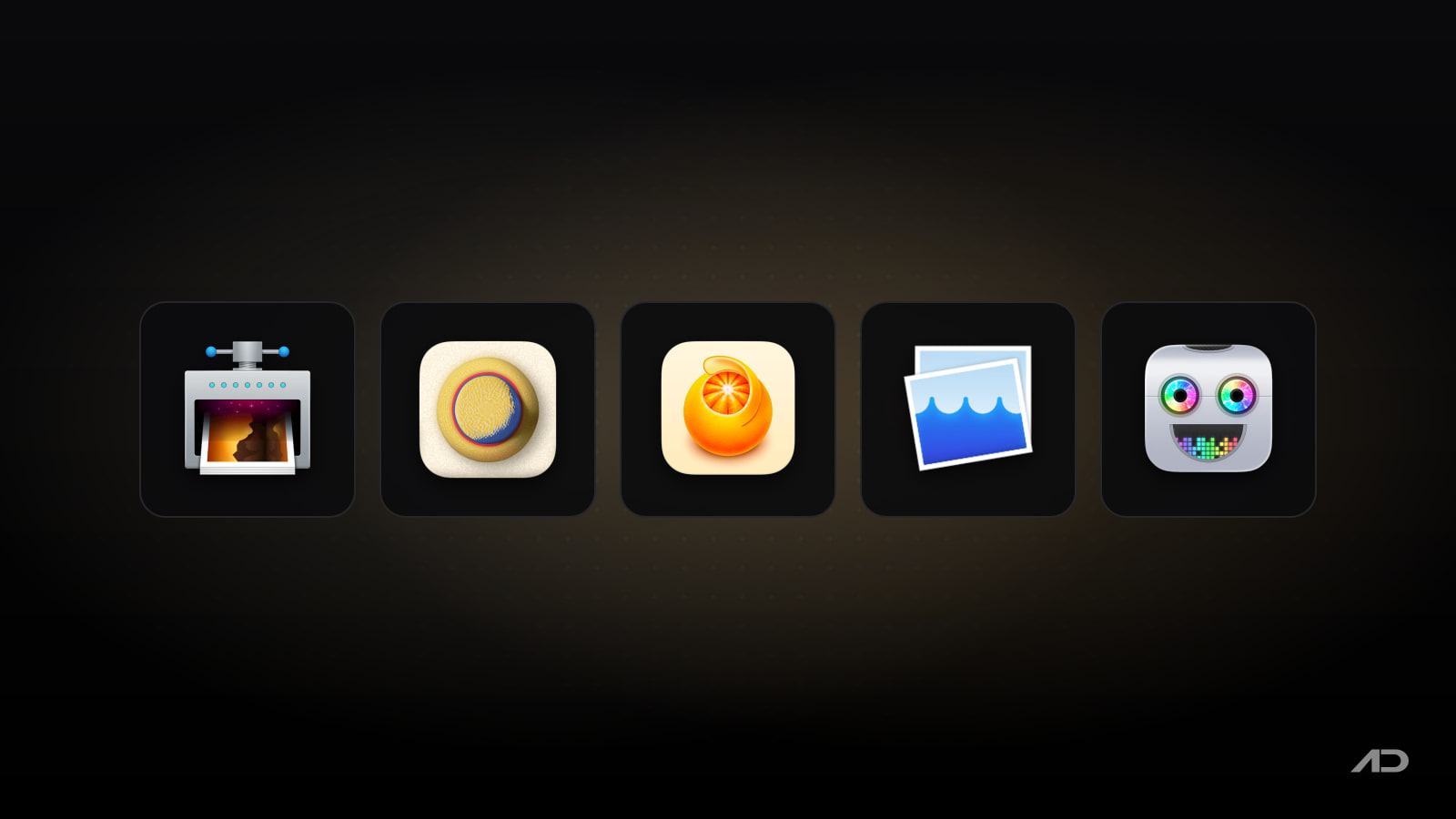
ImageOptim Alternatives for Mac: Clop, Squash, Optimage, and Permute Compared
ImageOptim is one of the classic Mac apps for making images smaller before they go into a website, app bundle, email, CMS, support doc, or product listing. It is free, open source, drag-and-drop simple, and still useful because it removes metadata and runs proven image optimization tools without making you upload private files to a web compressor.
But ImageOptim is not the only good Mac image optimizer. Clop is better when you want clipboard, screenshot, video, and PDF compression to happen automatically. Squash is friendlier for batch resizing, converting, watermarking, filters, renaming, and photo-prep presets. Optimage is the advanced pick for users who want high-compression image workflows, perceptual quality controls, batch output folders, and a command-line tool. Permute is not a pure image optimizer, but it is useful when format conversion, resizing, media conversion, PDFs, OCR, and video tools belong in one Mac app.
This guide compares ImageOptim alternatives for Mac across image compression, metadata removal, batch workflows, conversion, video and PDF support, privacy, automation, pricing, and daily fit.
Quick Verdict
Choose ImageOptim if you want the simplest free Mac image optimizer for JPEG, PNG, GIF, SVG, WebP, and app or web assets.
Choose Clop if you want compression to follow your clipboard and screenshots automatically, especially for images, screen recordings, PDFs, downscaling, drag-and-drop sharing, and on-device workflows.
Choose Squash if you want a more visual batch image editor for resize, convert, compress, rename, watermark, metadata, filters, presets, and Shortcuts automation.
Choose Optimage if you want the most technical image-compression app in this group, with strong batch controls, file-format coverage, perceptual optimization, PDF support, and a CLI.
Choose Permute if image optimization is only one part of a broader media-conversion workflow across video, audio, images, PDFs, text, OCR, drop zones, and automation.
Feature Comparison
| Feature | ImageOptim | Clop | Squash | Optimage | Permute |
|---|---|---|---|---|---|
| Best for | Free drag-and-drop image optimization | Automatic clipboard, screenshot, video, and PDF compression | Batch photo preparation with visual controls | Advanced compression and batch image workflows | Broad media conversion where images are one input type |
| Main workflow | Drop files into the app, Dock icon, Finder service, Mail markup, command line, or Sketch integration | Copy or drop images, screen recordings, PDFs, or URLs and let Clop optimize or downscale them | Drop image batches, choose actions, preview, save presets, export | Drop, batch, resize, convert, rename, optimize, and export with detailed controls | Add media to a queue, pick a preset or action, convert, resize, crop, trim, or export |
| Image compression | Lossless by default, with optional lossy minification | Automatic image compression with minimal to zero quality loss, plus downscaling and conversion | Compresses and resizes image batches | Lossy, lossless, and visually lossless optimization with perceptual metrics | Can resize and convert images, with compression tied to conversion presets |
| Metadata handling | Removes EXIF, GPS, thumbnails, comments, and unnecessary profiles unless configured otherwise | Focuses more on optimization than metadata editing | Can remove or edit private metadata and GPS data | Removes personal and hidden metadata while preserving useful technical metadata where needed | Metadata editing is part of the broader media feature set |
| Batch workflow | Good for simple file batches, but intentionally minimal | Good for clipboard batches, drop zone, folders, Shortcuts, and automation-style actions | Strong visual batch resize, convert, compress, rename, watermark, and preset workflows | Strongest batch controls, destination folders, renaming, timestamps, and CLI use | Strong queue-based media batches across images, video, audio, PDF, and text |
| Video and GIF support | Optimizes animated GIF; not a video compressor | Strong: screen recordings, video compression, GIF conversion, crop, speed, mute, compatible MP4 encoding | Image-focused, not the best choice for video | Can optimize common video and animation formats | Strong: video, audio, image, PDF, text, GIF, subtitles, trimming, splitting, and advanced presets |
| PDF support | Can optimize PDF and SVG-style assets, but image optimization is the core identity | Compresses PDFs and can extract PDF pages as optimized images | Image-focused | Compresses scanned PDFs and SVG/PDF images | Handles PDFs and can export PDF pages as images |
| Automation | Command line, macOS services, Mail, and Sketch integration | Shortcuts, automation pipelines, preset zones, SDK, and on-device processing | macOS Shortcuts support and saved presets | Command-line tool plus batch export controls | Drop zones, automation support, and advanced custom FFmpeg presets |
| Privacy posture | Local Mac app, open source, and good for stripping metadata before publishing | On-device processing, no cloud services, and current privacy page says no personal or behavioral data collection | Native Mac app; metadata removal helps before sharing photos | Local desktop workflow with privacy-oriented metadata removal | Local Mac converter; direct and App Store versions differ because of Apple sandboxing |
| Current pricing snapshot | Free and open source; donations accepted | 14-day trial; Clop Pro is EUR15 one-time for up to 5 Macs; free mode keeps clipboard optimization and downscaling with limits on other features | Direct checkout price was not reliably visible in the crawl; Squash is available through Setapp, currently from $14.99/month for membership access | Free for 24 images per day; full version is $15; current site lists macOS 10.13+ | Direct and Mac App Store license are $14.99; also available through Setapp, currently from $14.99/month for membership access |
ImageOptim
ImageOptim remains the cleanest recommendation when the job is simply "make these images smaller before publishing." It combines well-known optimization tools such as MozJPEG, pngquant, Pngcrush, SVGO, Zopfli, and others behind a small Mac interface. You drag files in, wait for the pass to finish, and get smaller images without a browser upload.
The default behavior is conservative. ImageOptim focuses on lossless optimization first, which is useful for screenshots, website assets, app graphics, icons, and exported design files where you do not want visible quality loss. If you need smaller files, you can enable lossy minification in preferences and let it be more aggressive across JPEG, SVG, animated GIF, and PNG workflows.
The other reason ImageOptim still matters is metadata. It can remove GPS coordinates, camera serial numbers, EXIF data, comments, thumbnails, and unnecessary color profiles before you publish an image. That makes it a practical privacy tool as much as a performance tool.
The tradeoff is that ImageOptim is intentionally narrow. It is not a polished batch photo editor, video compressor, PDF workflow app, watermarking tool, or media converter. It can handle multiple files, but it does not give you Squash-style presets, Clop-style automatic clipboard behavior, Optimage-style batch output controls, or Permute-style conversion workflows.
Choose ImageOptim if you want a free, trustworthy, open-source image optimizer that does one job well.
Clop
Clop is the ImageOptim alternative for people who do not want to think about optimization as a separate step. Its pitch is simple: copy large, paste small. When the app is running, copied images can be optimized automatically, so a large screenshot can become a smaller file before you paste it into Slack, Mail, Notion, a ticket, or a CMS.
Clop goes well beyond static images. The current product and press-kit pages describe image, video, PDF, and clipboard optimization; screen recordings that shrink after recording; image and video downscaling; drag-and-drop optimization; URL downloading; crop and convert actions; GIF and MP4 output; PDF compression; Shortcuts support; automation pipelines; preset zones; a Clop SDK; and Apple Silicon Media Engine support for efficient video encoding.
That makes Clop useful for modern Mac sharing workflows. If you constantly send screenshots, short screen recordings, PDFs, HEIC files, or oversized images to coworkers, clients, support teams, or web tools, Clop removes friction at the point where files are copied or dropped.
The tradeoff is control. ImageOptim is easier to understand if you want a quiet batch window and a predictable "optimize these files" action. Squash is stronger for visual batch editing and watermarking. Optimage is more technical. Permute is broader for media conversion. Clop shines when automation and convenience matter more than inspecting every setting first.
Clop currently lists macOS 13.0 or later, a 14-day free trial, and Clop Pro for EUR15 one-time for up to 5 Macs. Its press kit also notes a free mode where clipboard optimization and downscaling stay available, while other features are limited per session.
Choose Clop if images, PDFs, and screen recordings are too large too often, and you want compression to happen close to the clipboard.
Squash
Squash is less of a pure optimizer and more of a batch photo preparation app. The current official page describes a native Swift and SwiftUI Mac app for batch converting, resizing, compressing, watermarking, filtering, renaming, metadata work, custom presets, and Shortcuts automation.
That is the difference from ImageOptim. If the task is "strip metadata and reduce file size," ImageOptim is simpler. If the task is "resize these 80 product photos, convert them to WebP, rename them for a gallery, add a watermark, and keep the settings for next time," Squash is more natural.
Squash is especially useful for photographers, bloggers, store owners, marketers, and website builders who need repeatable image-prep output. Its preset model matters because image work often repeats: blog thumbnails, product shots, marketplace photos, support screenshots, press images, and social variants tend to use the same dimensions and naming rules every week.
The tradeoff is that Squash is image-focused. It does not replace Clop for clipboard and screen-recording compression, Optimage for deep compression controls, or Permute for broad media conversion. Public Setapp reviews also show the normal reality of a long-running utility: many users like it, while some report PNG or export frustrations, so test it with your actual files before relying on it for production batches.
Squash is currently available through Setapp. The Setapp listing currently shows Squash 3.3.0, macOS 11.0 or later, and membership access from $14.99/month. The direct official checkout was not reliably visible during this crawl, so verify the live purchase page before buying directly.
Choose Squash if image compression is part of a visual batch-editing and export workflow.
Optimage
Optimage is the most compression-focused paid alternative in this group. It is built around advanced image optimization for web, app, storage, and sharing workflows, with a strong emphasis on visually lossless results and consistent output quality.
The current Optimage page lists JPEG, PNG, APNG, GIF, SVG, WebP, HEIC, PDF, ICO, ICNS, and common animation or video formats. It can resize, convert, rename, export to a chosen folder, preserve folder structure, preserve timestamps, remove sensitive metadata, rotate photos based on EXIF orientation, convert to sRGB, run batches, pause processing, terminate automatically, and integrate through a simple command-line tool.
Optimage is the right app when you care more about compression quality and repeatable output than having a playful Mac UI. Web developers, app developers, agencies, documentation teams, and people maintaining large asset folders are better candidates than someone who only compresses a screenshot once a week.
The tradeoff is freshness and approachability. Optimage's current public site still lists version 3.5.1 and macOS 10.13+, which is great for older Macs, but the product surface feels more technical than Clop or Squash. ImageOptim is easier to recommend for free basics. Squash is friendlier for photo batches. Clop is better for clipboard convenience.
Optimage currently allows 24 free images per day and lists the full version at $15.
Choose Optimage if you want a serious compression tool with strong batch controls and a paid-but-simple license.
Permute
Permute belongs here only if your real problem is wider than image optimization. It is a media converter for Mac, not an ImageOptim clone. The current Permute 4 page covers video, audio, images, PDFs, text, OCR, trimming, cropping, resizing, rotating, flipping, subtitles, audio tracks, splitting, extraction, drop zones, automation, format presets, and advanced FFmpeg workflows.
That makes it useful when file size and format are tangled together. A PNG screenshot might need to become a JPEG or WebP. A HEIC image might need to become something a CMS accepts. A video might need to become a smaller MP4. A PDF might need pages exported as images. In those situations, a pure image optimizer may not be enough.
Permute is also a good companion to the other apps in this comparison. ImageOptim or Optimage can be the final optimizer for image assets. Clop can handle quick sharing. Squash can prepare photo batches. Permute can handle the moments where the issue is format, codec, dimensions, audio, subtitles, or container compatibility.
The tradeoff is that Permute is broader than necessary for simple image compression. It also has a current platform split: Permute 4 requires macOS 26 and Apple Silicon, while Permute 3 remains available for macOS 11 through 15 and Intel-based Macs. Check the version requirements carefully before buying.
Permute currently lists a $14.99 direct permanent license, $14.99 Mac App Store pricing, and availability through Setapp, currently from $14.99/month for membership access.
Choose Permute if you need a media converter first and an image optimizer second.
Which ImageOptim Alternative Should You Use?
Use Clop if your pain is everyday sharing. It is the best fit for screenshots, screen recordings, PDFs, copied images, quick downscaling, and files that need to become smaller before you paste or send them.
Use Squash if your work is image-batch preparation. It is the best fit for resizing, converting, watermarking, renaming, metadata cleanup, photo filters, presets, and repeatable export workflows.
Use Optimage if compression quality and batch control matter most. It is the best fit for developers, web teams, app assets, SVG/PDF/image workflows, metadata removal, output folders, and CLI-friendly optimization.
Use Permute if format conversion keeps getting mixed into the job. It is the best fit when images sit alongside videos, audio, PDFs, text, OCR, subtitles, trimming, and broader media processing.
Stick with ImageOptim if your needs are straightforward. It is free, open source, local, trusted, and still one of the easiest ways to reduce image weight before publishing.
These apps can also work together. A web publisher might use Squash for product-photo presets, ImageOptim for final static assets, Clop for chat screenshots, and Permute when a file arrives in the wrong format.
Final Verdict
ImageOptim is still the best free image optimizer for Mac users who want a simple local tool. It is especially good for lossless compression, metadata stripping, drag-and-drop web assets, and app graphics.
Clop is the best modern ImageOptim alternative for everyday sharing. It handles the places where today's files usually get too large: clipboard images, screenshots, screen recordings, PDFs, and quick downscaling.
Squash is the best alternative for visual batch image preparation. It is the most natural choice when resizing, converting, watermarking, renaming, presets, and metadata work matter as much as compression.
Optimage is the best advanced compression alternative. It is less casual, but stronger for users who want detailed optimization, batch export, broad image-format handling, and command-line support.
Permute is the best alternative when compression is part of media conversion. It is not the purest image optimizer, but it earns a place when the work crosses images, video, audio, PDF, and text.
My practical recommendation: start with ImageOptim if you want free basics, choose Clop if screenshots and screen recordings are the daily pain, use Squash for repeatable photo batches, buy Optimage for compression-heavy asset workflows, and use Permute when conversion is the real job.
Note: Features and prices are current as of August 2026. App versions, macOS requirements, Setapp availability, direct checkout pricing, regional taxes, free-mode limits, file-format support, and compression behavior can change. Verify current details on each developer's official product, pricing, documentation, Setapp, or App Store page before purchasing.
Affiliate disclosure: This post contains affiliate links for Setapp as an access route for Squash and Permute. Apps.Deals may earn a commission if you subscribe through them, at no additional cost to you.

Presentify: Draw, highlight, and zoom on your Mac screen.
Annotate your screen, highlight your cursor, spotlight key areas, and zoom in during presentations, demos, tutorials, and screen shares.