Best Webcam Mirror Apps for Mac: FaceScreen vs Hand Mirror vs Mirror Magnet
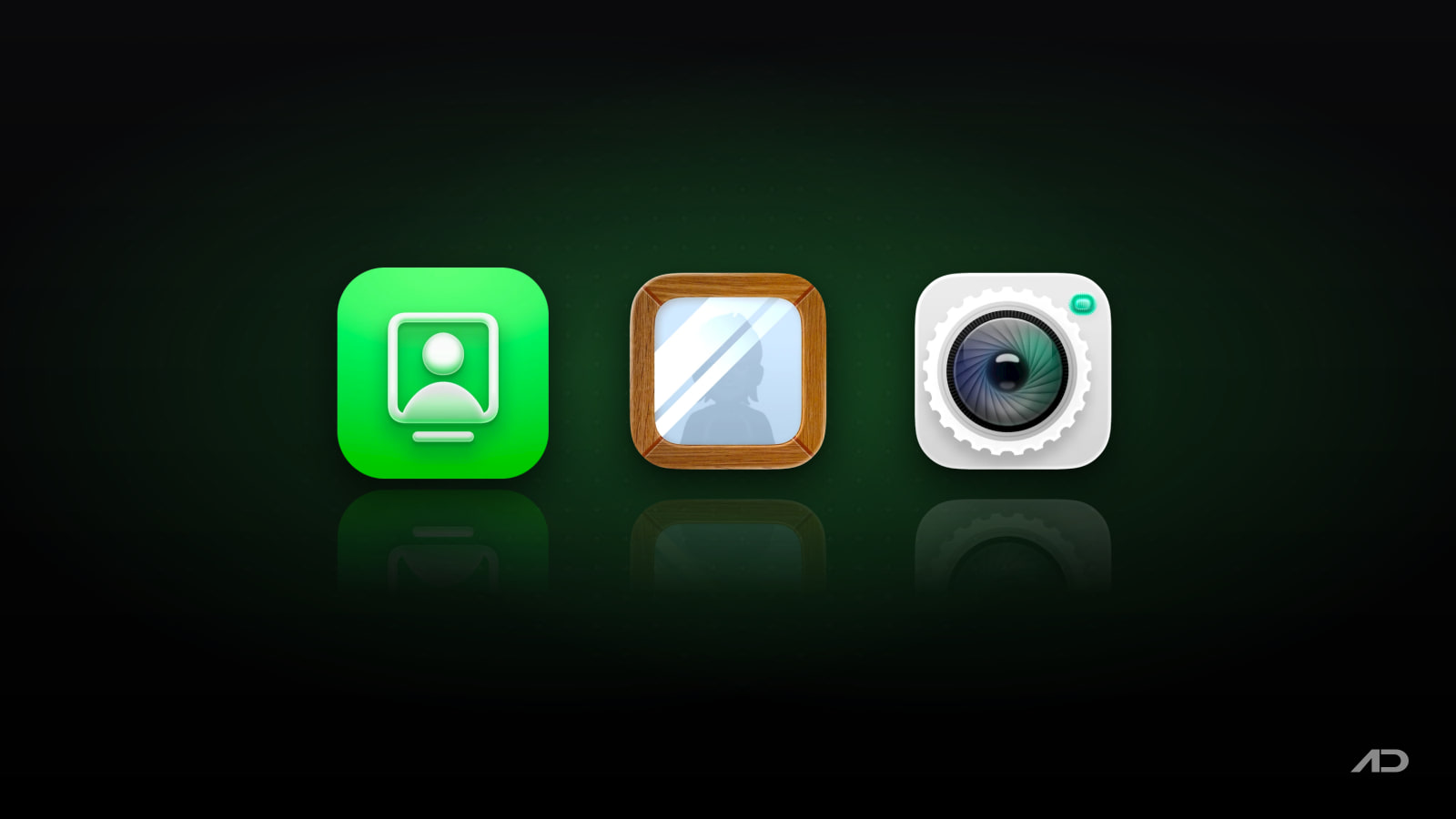
A webcam mirror app shows your Mac's camera in a click, so you can check how you look before a call or keep your face on screen while you record. FaceScreen, Hand Mirror and Mirror Magnet all live in the menu bar, but each one leans a different way: FaceScreen toward recording and presenting, Hand Mirror toward quick pre-call checks, and Mirror Magnet toward a floating camera that stays out of your way.
Quick Verdict
- Hand Mirror is the best free pick for a quick camera check, and its Plus upgrade adds a mic check.
- FaceScreen is the most complete overlay for recordings and presentations, with text, several cameras, a screen ring light, and iPhone and iPad versions.
- Mirror Magnet is a polished floating camera with smart positions and hover effects that fade the video when your pointer goes near it, and it supports older macOS versions.
Feature Comparison
| Feature | FaceScreen | Hand Mirror | Mirror Magnet |
|---|---|---|---|
| Platforms | Mac, iPhone, iPad | Mac | Mac |
| Price (US App Store) | $5.99 one-time | Free; Plus $6.99 one-time | $8.99 one-time |
| Free version | ✗ | ✓ | ✗ |
| Menu bar app | ✓ | ✓ | ✓ |
| Floating camera window | ✓ | ✓ (detached popover; resizable Smart Window in Plus) | ✓ |
| Several camera views at once (Mac) | ✓ | ✗ | ✗ |
| Front and back cameras at once (iPhone, iPad) | ✓ | ✗ | ✗ |
| Works with iPhone/iPad Screen Recording | ✓ | ✗ | ✗ |
| Custom shapes and aspect ratios | ✓ | ✓ (Window Masks, Plus) | ✓ |
| Color and image adjustments | ✓ | ✗ | ✓ |
| Zoom | ✓ | ✓ (Plus) | ✓ |
| Text overlay (name, handle) | ✓ | ✗ | ✗ |
| Ring light using the screen | ✓ (Mac) | ✗ | ✗ |
| Hover effects (blur, fade) | ✗ | ✗ | ✓ |
| Preset screen positions | Default position | Custom position (Plus) | Smart positions |
| Microphone level check | ✗ | ✓ (Plus) | ✗ |
| Notch trigger | ✗ | ✓ (Plus) | ✗ |
| Keyboard shortcuts | ✓ | ✓ | ✓ |
| Apple Shortcuts app support | ✗ | ✗ | ✓ |
| Minimum macOS (App Store) | macOS 15 | macOS 14.4 | macOS 12.4 |
FaceScreen
FaceScreen shows a live camera view that floats on top of everything, plus an optional text label, so any screen recorder or screen share includes your face.
Strengths:
- Camera view with adjustable shape, size, aspect ratio, orientation and corner radius, and a default position you can drag anywhere.
- Brightness, contrast, saturation, hue and Color Multiply adjustments.
- Several cameras at once on Mac (for example a face camera and a desk camera), each in its own view.
- Text overlay for your name, role, website or social handle.
- Ring Light on Mac: your screen becomes a soft, adjustable light with brightness, warmth and glow controls.
- iPhone and iPad versions with a Picture in Picture camera that works with Apple's Screen Recording, including a dual camera mode that shows the front and back cameras together.
- Keyboard shortcuts for the main actions, which you can also trigger from a Stream Deck.
Weaknesses: no free version or trial (the site offers a full refund instead), no mic check, and the Mac app needs macOS 15 or later.
Pricing: $5.99 one-time on the US App Store, with lifetime updates. An App Store purchase covers the Mac, iPhone and iPad versions. Mac users can also buy it directly on the FaceScreen website. Businesses and schools get 50% off when they buy 20 or more copies through Apple Business Manager or Apple School Manager.
Best for: people who record tutorials, demos and courses, present over screen share, or want a ring light without buying one.
Hand Mirror
Hand Mirror is a simple menu bar camera check: click the icon and a popover shows your camera. Version 4 was redesigned for macOS Tahoe, and it's still updated (4.0.5 shipped in July 2026).
Strengths:
- Free core app that opens your camera in one click.
- Hand Mirror Plus adds Snaps (Polaroid-style photos you can draw on), Mic Check, Reactions triggers, a resizable Smart Window, Window Masks (zoom, crop, shape, border radius), a custom default position, custom icons, and Notch Trigger on Macs with a notch.
- Free users get five Snaps to try.
Weaknesses: Mac only, one camera at a time, no image adjustments or text overlay. The developer says the Plus price rises as major features are added.
Pricing: free on the Mac App Store (macOS 14.4 or later). Hand Mirror Plus costs $6.99 one-time, with an optional $12.99 "Generous" tier. The website offers an older version for earlier macOS releases, and Hand Mirror is also included in Setapp.
Best for: anyone who wants a fast look, and a mic check, before joining a call.
Mirror Magnet
Mirror Magnet by App ahead (solo developer Martin Lexow) shows any connected camera in a customizable window that stays on top. It was last updated in August 2026 (version 1.16).
Strengths:
- Works with built-in, external and virtual webcams, and with an iPhone or iPad connected by cable.
- Adjust saturation, brightness, contrast, hue, quality and zoom, and customize shape, aspect ratio, shadow and border.
- Hover effects blur or fade the video when your pointer is over it, so you can see what's behind.
- Smart positions place the camera at predefined spots on the screen; multi-monitor support.
- A customizable keyboard shortcut, Apple Shortcuts support, launch at login, and Option-click on the menu bar icon to toggle it.
- Runs on macOS 12.4 or later, the widest support of the three.
Weaknesses: no free version, no text overlay, no mic check, Mac only, and it's the most expensive of the three.
Pricing: $8.99 one-time on the Mac App Store.
Best for: people who keep a camera on screen during recordings or screen shares and want it to get out of the way when they reach for something behind it.
How to Choose
Choose FaceScreen if you:
- Record tutorials, demos or courses with your face on screen.
- Want your name or handle shown next to your camera.
- Use more than one camera, or record on iPhone and iPad too.
- Want a screen-based ring light.
Choose Hand Mirror if you:
- Mainly want a quick camera check before calls.
- Want a free app, or a mic check (Plus).
- Like the notch trigger, or already use Setapp.
Choose Mirror Magnet if you:
- Want a floating camera that fades or blurs when you hover over it.
- Like smart preset positions and Apple Shortcuts automation.
- Are on macOS 12 or 13, which the current versions of the other two don't support.
Getting Started
- Install the app from the App Store or the developer's website.
- Open it from Spotlight or your Applications folder. All three are menu bar apps, so look for the icon at the top of the screen rather than in the Dock.
- Allow camera access when macOS asks.
- Set your camera, position and keyboard shortcut.
Final Verdict
For a quick check before calls, Hand Mirror's free version is all most people need. If you record or present with your face on screen, FaceScreen gives you the most: text overlays, several cameras, a ring light, and the same tool on iPhone and iPad. Mirror Magnet sits in between as a well-made floating camera with clever hover effects, and it's the one to pick on an older Mac.
Catch these apps on sale: many paid Mac apps, including camera and video apps, run discounts at least once a year, most often around Black Friday. Subscribe to the Apps.Deals newsletter to hear when the deals arrive.
Note: First published in February 2025 and updated in October 2026. Features and prices are current as of October 2026 and can change; verify them on each official site before buying.
Disclosure: FaceScreen is made by Softal, the same company behind Apps.Deals. This post also contains affiliate links; if you buy through them, we may earn a commission at no extra cost to you.

KeyScreen: Show your keystrokes on screen.
Display key presses with custom themes, layouts, multi-display support, and global shortcuts. Made for tutorials, streams, and live demos.