Best Pomodoro Timer Apps for Mac: Session vs Flow vs Focus
The Pomodoro technique is simple: work for a set block (traditionally 25 minutes), take a short break, and repeat. You could do it with a kitchen timer, but a good Mac app adds what a kitchen timer can't: it lives in the menu bar, blocks distracting sites while the clock runs, logs what you worked on and syncs with your iPhone.
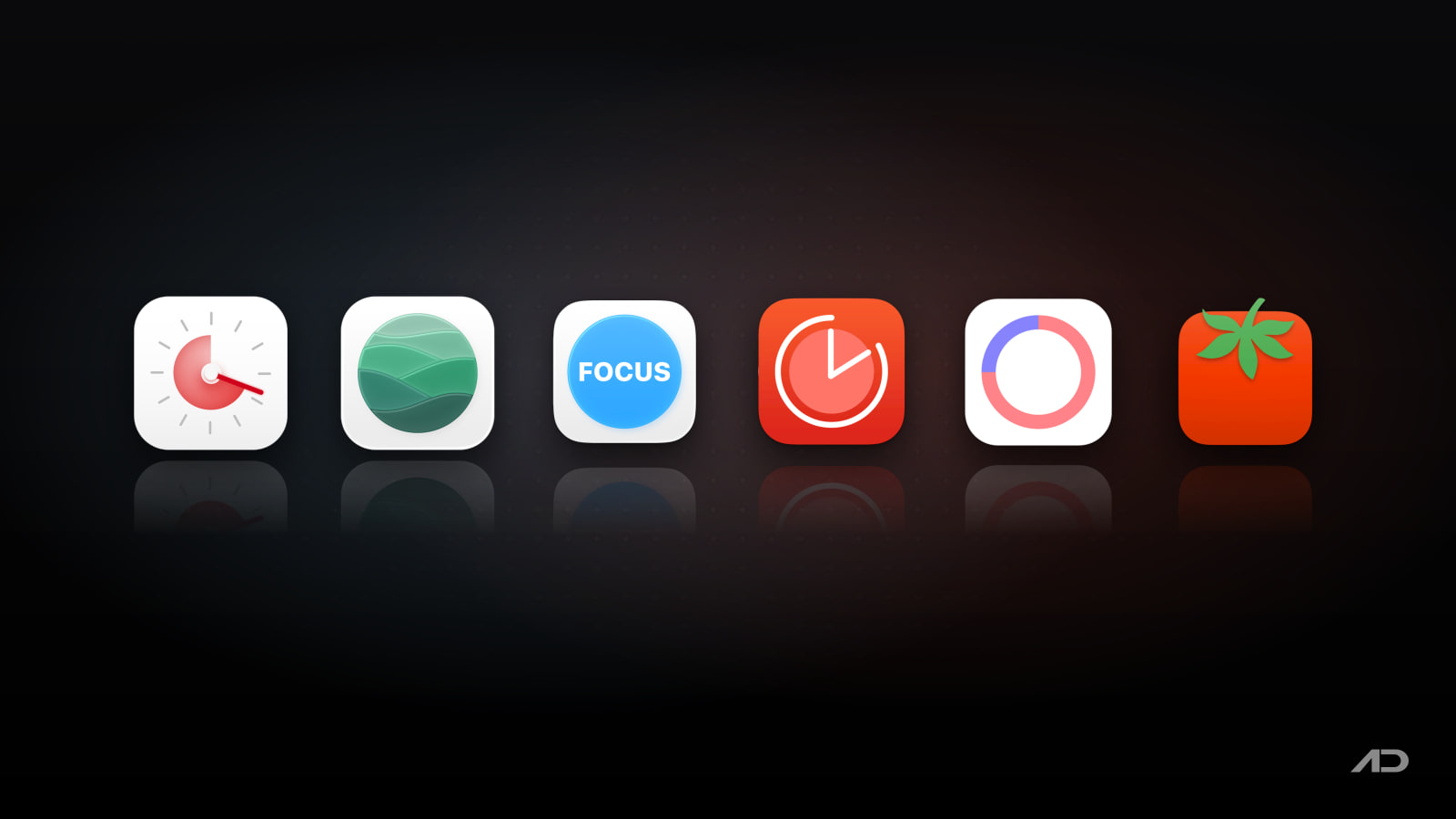
There are dozens of Pomodoro apps on the Mac App Store, and many are abandoned or thin. This guide compares six that are actively maintained in 2026: Session, Flow, Focus, Be Focused, Tomito and TomatoBar.
Quick Verdict
Choose Session if you want the most complete focus app on the Mac: a timer plus website and app blocking, a reflection step after each session, a full session log and Apple Calendar events. The free plan is usable, but the best parts need Pro.
Choose Flow if you want a polished timer with a generous free plan and the cheapest way into app and website blocking, including a lifetime option.
Choose Focus if you want a Pomodoro timer and a task, project and time tracker in one app, across every Apple device.
Choose Be Focused if you want a timer built around a task list, with a one-time purchase option, or if you already pay for Setapp.
Choose Tomito or TomatoBar if you just want a free, quiet timer in the menu bar and nothing else.
Feature Comparison
| App | Best for | Free plan | Blocking | Tasks | Stats | Devices | Price |
|---|---|---|---|---|---|---|---|
| Session | Deep work with blocking and reflection | Unlimited sessions, 2 days of analytics | Websites and apps (Pro, Mac) | Session intentions | Full log and analytics (Pro) | Mac, iPhone, iPad | Free; Pro $4.99/month or $39.99/year; in Setapp |
| Flow | Polished timer with a strong free plan | Timer, durations, stats, break reminders, iCloud stats sync | Apps and websites (Pro) | Custom session titles (Pro) | Yes | Mac, iPhone, iPad, Apple Watch | Free; Pro $2.99/month, $17.99/year or $39.99 lifetime |
| Focus | Timer plus tasks and time tracking | Free to start | Not listed | Tasks and projects | Daily and weekly activity and goals | Mac, iPhone, iPad, Apple Watch, Vision Pro | Free; Pro from $6.99/month or a yearly plan, 7-day trial |
| Be Focused | Task-first Pomodoro | Timer, tasks, reports, hotkeys (with ads) | Apps and websites (Pro) | Yes, with tags (Pro) | Reports, CSV export (Pro) | Mac, iPhone, iPad | Free; Pro $2.99/month, $19.99/year or $39.99 lifetime; in Setapp |
| Tomito | Simple menu bar timer | Everything | No | No | Daily and weekly | Mac | Free |
| TomatoBar | Minimal open-source timer | Everything | No | No | JSON event log | Mac | Free, open source |
Prices are US App Store or vendor prices and vary by region.
Session
Session is the most feature-rich focus app here, and it's built around the idea that a timer alone isn't enough. You start a session with an intention, the timer runs, and when it ends Session asks what you got done and how it went. Over time that builds a log you can review by day or week.
On the Mac, Pro adds the features that make Session stand out: a website blocker that works in Safari, Chrome, Brave and Microsoft Edge, app blocking, muting Slack during a session, global keyboard shortcuts, and creating an Apple Calendar event for each finished session, so your calendar shows where your focus time actually went. It syncs in real time, so you can start a session on your Mac and end it on your iPhone. The free plan includes unlimited sessions and breaks, your calendar events inside the app, and analytics for the last two days.
Watch out for: blocking, custom durations, sync and the full history all need Pro, so the free plan is more of a trial of the workflow. It's also a subscription with no lifetime option.
Price: free; Pro costs $4.99 a month or $39.99 a year, with a 7-day free trial and a 30% student discount. The Mac app is also included in Setapp.
Flow
Flow, from Yugen, a small studio in Frankfurt, is the best-looking simple timer here and has a free plan you can use for good: no ads, no account and no credit card. Free covers the interval timer, many duration options, statistics and graphs, break reminders and iCloud sync of your stats.
Pro adds app and website blocking, a commitment mode that makes it harder to quit a session early, fully custom durations and session cycles, custom session titles, timer sync across devices, Apple Calendar and Apple Health sync, and data export. Flow runs on the Mac, iPhone, iPad and Apple Watch, with widgets and Live Activities on iOS.
Watch out for: the current Mac version requires macOS 15 Sequoia or later. There's no task list beyond a session title, so it's a timer, not a planner.
Price: free; on the US App Store, Pro costs $2.99 a month, $17.99 a year or $39.99 for lifetime access. Flow's website lists a lower monthly price, so check both before you buy.
Focus
Focus (listed as "Focus – Deep Work Timer") is made by Meaningful Things, two independent developers in Germany, and it has been on the App Store for over a decade. Where most Pomodoro apps split the timer from your task list, Focus combines them: you pick a task, start a session, and the time is tracked against that task and its project.
Daily and weekly activity and goals show your progress, short in-app guides explain the technique, and Siri, Shortcuts and Spotlight support let you start sessions without opening the app. It runs on Mac, iPhone, iPad, Apple Watch and Apple Vision Pro, syncs through your own iCloud, and keeps your data on your devices. It's also updated often; the latest version shipped this week.
Watch out for: its App Store listing doesn't mention app or website blocking, so pair it with a blocker if you need one (see our comparison of Mac website blockers). It needs macOS 14 or later.
Price: free to start; Pro has a 7-day free trial, then $6.99 a month or a yearly plan ($29.99 to $39.99 on the US App Store, depending on the offer).
Be Focused
Be Focused by Denys Ievenko is a task-first Pomodoro app. You add tasks, estimate how many intervals each needs, and work through them, with reports showing what you finished. The free version is genuinely usable: task management, start, pause and skip, reports, global hotkeys, widgets, Shortcuts and a menu bar timer.
Pro removes ads and adds sync across devices, blocking distracting apps and websites, tags and filters, Shortcuts triggers, CSV export and an integration with Focus Matrix, the same developer's Eisenhower-matrix task manager.
Watch out for: the free version shows ads. The interface is more functional than pretty next to Flow or Session.
Price: free with in-app purchases: Pro costs $2.99 a month, $19.99 a year or $39.99 for lifetime access. There is also a separate Be Focused Pro listing on the Mac App Store for a one-time $19.99, and the Mac version is included in Setapp (the iOS app isn't).
Tomito
Tomito is a free Mac-only Pomodoro timer by Gilbert Guttmann that does the basics well. You set custom work sessions and breaks, see daily and weekly statistics, and keep the timer in the menu bar or as a small widget on your desktop so the remaining time is always visible. Global keyboard shortcuts and AppleScript support let you control it without clicking.
Watch out for: there's no blocking, no task list and no iPhone app, so it won't sync with your phone.
Price: free on the Mac App Store, with no in-app purchases listed.
TomatoBar
TomatoBar is the most minimal option: a tomato icon in the menu bar, configurable work and rest intervals, optional ticking and alarm sounds, actionable notifications and a global hotkey. It's open source (MIT), fully sandboxed, and still maintained, with version 3.6.1 released in February 2026. Power users can control it with tomatobar:// URLs and read a JSON log of its events.
Watch out for: there are no built-in stats screens, no tasks and no sync. It's not on the Mac App Store; install it from GitHub or with brew install --cask tomatobar.
Price: free and open source.
The Built-In macOS Option
macOS has no Pomodoro timer, but the Clock app (macOS Ventura and later) has timers, and you can set a 25-minute timer from Spotlight or by asking Siri. Pair it with a Focus mode in System Settings to silence notifications while you work. It's free and fine for occasional use, but you have to start every break by hand and there's no history, which is what most people want a Pomodoro app for.
Which One Should You Choose?
- Choose Session if distractions are your real problem and you want blocking, reflection and a detailed log in one app, and you're happy to pay a subscription.
- Choose Flow if you want the nicest simple timer, a free plan you won't outgrow quickly, or a lifetime purchase that includes blocking.
- Choose Focus if you want your timer, tasks and time tracking in the same place, on every Apple device you own.
- Choose Be Focused if you plan your day as a list of tasks and intervals, or you already have Setapp.
- Choose Tomito if you want a free timer with stats and an always-visible desktop widget.
- Choose TomatoBar if you want the smallest possible free, open-source menu bar timer.
If you pick a minimal timer like Tomito or TomatoBar and still want your task list in the menu bar, ToDoBar keeps to-dos with deadlines and reminders one click away.
Final Verdict
All six apps run a Pomodoro timer well, so the choice comes down to what you want around the timer. Session is our pick for most people who want to protect deep work, because its blocking, reflection and calendar logging go furthest. Flow is the best value, with the strongest free plan and a lifetime option. Focus is the best choice if you want tasks and time tracking built in, and Be Focused suits task-first planners and Setapp subscribers. If you just want a timer, Tomito and TomatoBar are free and do the job without asking for anything.
Catch these apps on sale: many paid Mac apps, including productivity and focus apps, run discounts at least once a year, most often around Black Friday. Subscribe to the Apps.Deals newsletter to hear when the deals arrive.
Features and prices are current as of October 2026 and may vary by region.
Disclosure: ToDoBar is made by Softal, the same company behind Apps.Deals. This post also contains affiliate links; if you buy through them, we may earn a commission at no extra cost to you.

FaceScreen: Show your face and name on screen.
A stylish floating camera for video calls, live streams, and screen recordings. Available for Mac, iPhone, and iPad.