Best Markdown Editors for Mac: Typora vs iA Writer vs Obsidian
Markdown is the closest thing writing has to a universal file format: plain text that opens anywhere, diffs cleanly in Git, and turns into HTML, PDF or Word with one command. That's why README files, documentation, blog posts, notes and even books are written in it. What changes from app to app is everything around the text: how the formatting looks while you type, how you organise files, and how you get them out again.
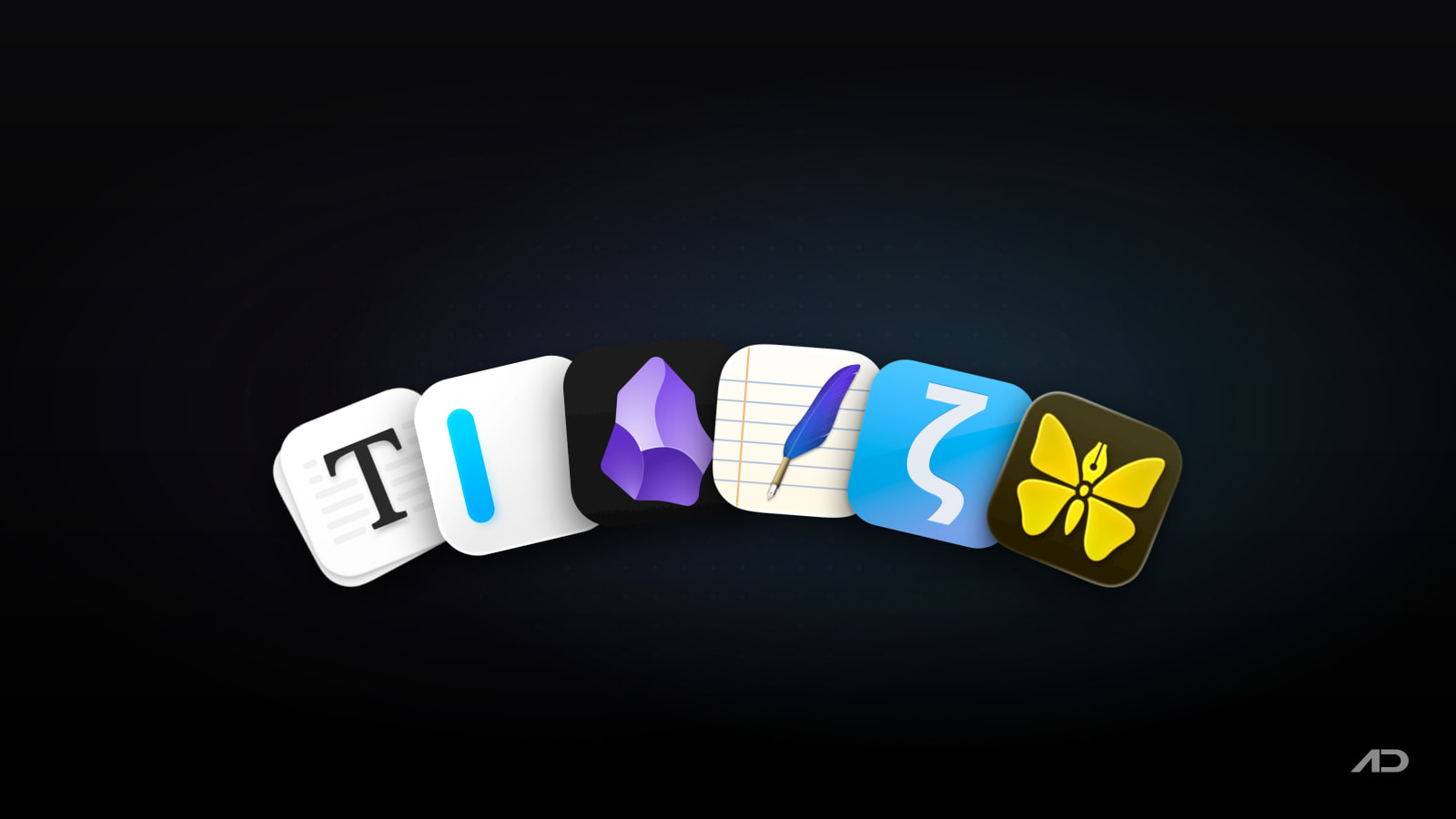
This guide compares six Markdown editors for Mac that are actively maintained in 2026: Typora, iA Writer, Obsidian, MarkEdit, Zettlr and Ulysses. If you're mostly choosing a notes app, our Obsidian vs Notion, Craft and Bear comparison is the better starting point; this one is about editing Markdown files.
Quick Verdict
Choose Typora if you want Markdown to look like a finished document while you type, with tables, math and diagrams, for a one-time $14.99.
Choose iA Writer if you write long prose and want the calmest, most focused editor, with a one-time price and apps on every platform.
Choose Obsidian if your Markdown files are notes that link to each other, and you want a free app with plugins for almost anything.
Choose MarkEdit if you want a free, fast, native editor that opens .md files the way TextEdit opens text files.
Choose Zettlr if you write academic papers and need citations from Zotero and export through Pandoc, for free.
Choose Ulysses if you want a writing library that keeps every project in one place and syncs across Apple devices, and you're fine with a subscription or already have Setapp.
Feature Comparison
| App | Best for | Editing style | Files | Export | Platforms | Price |
|---|---|---|---|---|---|---|
| Typora | Documents that look finished as you type | Live preview, no split pane | Any folder of .md files | PDF and HTML built in; Word and more via Pandoc | Mac, Windows, Linux | $14.99 one-time, 3 devices, 15-day trial |
| iA Writer | Focused long-form writing | Styled source with a separate preview | Any folder, including iCloud Drive | HTML, PDF, Word | Mac, Windows, iPhone, iPad | $49.99 one-time on the Mac App Store, 7-day trial |
| Obsidian | Linked notes and knowledge bases | Live preview or source mode | Local vault of .md files | PDF built in, more with plugins | Mac, Windows, Linux, iPhone, iPad, Android | Free; Sync from $4/month |
| MarkEdit | Quick, native editing of single files | Styled source (CodeMirror) | Any .md file | Via extensions | Mac | Free, open source |
| Zettlr | Academic writing with citations | Styled source with inline previews | Any folder of .md files | Pandoc profiles: PDF, Word, slides and more | Mac, Windows, Linux | Free, open source |
| Ulysses | Writing projects in one library | Markup-based, styled editor | Ulysses library or external folders | PDF, Word, ePub, HTML; publish to WordPress and Ghost | Mac, iPhone, iPad | $5.99/month or $39.99/year; in Setapp |
Prices are US prices and vary by region.
Typora
Typora pioneered the "seamless" Markdown editor: there is no preview pane, because the document is the preview. Type ## and the line becomes a heading; type a table and it turns into an editable grid. Click into formatted text and the Markdown syntax reappears just long enough to edit it. For people who know Markdown but don't want to stare at asterisks, it's the most pleasant way to write.
It's also strong on technical content. Code blocks get syntax highlighting for around 100 languages, math is rendered with MathJax, and diagrams written in Mermaid, flowchart.js or sequence syntax render inline. A file tree and an outline panel make it easy to work through a folder of documents, focus and typewriter modes keep you on the current paragraph, and themes are plain CSS, so you can make exports match your brand. PDF and HTML export are built in, and with Pandoc installed it also exports and imports Word and many other formats.
Watch out for: Typora is a document editor, not a notes system: there are no backlinks, tags or sync of its own (put your folder in iCloud Drive or Dropbox instead). The live preview can feel awkward if you prefer to see and edit raw Markdown, and it has no iPhone or iPad app.
Price: $14.99 one-time for up to three devices, with a 15-day free trial. It runs on Mac, Windows and Linux, and the current version is 1.14.10.
iA Writer
iA Writer has been the reference "distraction-free" writing app for 15 years, and its 2025 Apple Design Award finalist nod shows it still sets the bar for typography. You write in plain Markdown, but the source looks good: headings hang outside the text column, bold and italic render properly, and Focus Mode dims everything except the current sentence or paragraph. A separate preview shows the formatted result with templates you can customise.
Writers get tools most Markdown apps don't have. Style Check flags clichés, filler and redundant phrases on your device, and syntax highlighting can colour adjectives, nouns or verbs so you can spot weak writing. iA Writer also tracks authorship: text you paste or generate with AI is marked separately from what you typed, which helps if you want to keep your own voice. Version 8.1, released this week, rebuilt the Markdown engine as "iA Markdown", added spreadsheet-style table editing (add, move and align rows and columns with Tab and Return), Markdown alerts, multi-line math and automatic renumbering of ordered lists.
Watch out for: it's the most expensive app here up front, and it's deliberately minimal: no plugins, no diagrams, and the preview is separate from the editor rather than inline. Organisation is a file library, not linked notes.
Price: $49.99 one-time on the Mac App Store, with a 7-day free trial from iA's website. There are separate versions for Windows and for iPhone and iPad.
Obsidian
Obsidian is best known as a note-taking app, but underneath it's a Markdown editor for a folder of plain .md files on your Mac. That folder, called a vault, stays yours: you can open the same files in Typora or iA Writer, version them with Git, or back them up however you like.
What Obsidian adds is connection. Wiki-style links between notes, backlinks, tags, a graph view and the Canvas whiteboard turn a pile of files into a knowledge base. The editor offers live preview or plain source mode, and thousands of community plugins add everything from tables and diagrams to task management and publishing. It runs on every major desktop and mobile platform.
Watch out for: the plugin ecosystem is powerful but takes time to set up, and the interface is busier than a pure writing app. Sync between devices is free if you use iCloud Drive or another folder sync, but the official Obsidian Sync is a paid add-on.
Price: free, including for work use. Obsidian Sync costs $4 a month billed yearly ($5 monthly), Publish costs $8 a month billed yearly, and an optional commercial license is $50 per user per year.
MarkEdit
MarkEdit describes itself as TextEdit for Markdown, and that's the best way to think about it: a small (about 4 MB), fast, native Mac app for opening and editing .md files, with no library, no account and no data collection. It handles very large files, including million-line documents, without slowing down.
It's built on CodeMirror 6, so you get real editor features: multi-caret editing, code folding and strict GitHub Flavored Markdown. Because it's a native app, macOS features like Writing Tools, inline predictions, force-touch word lookup, Shortcuts and AppleScript work as you'd expect. A built-in extension manager and CSS or JavaScript customisation let you add features, such as a preview, if you need them.
Watch out for: MarkEdit shows styled source, not a rendered preview, so it suits people who are comfortable with Markdown syntax. The current version requires macOS 26 Tahoe; the project offers older builds for macOS 12 to 15. Download it from GitHub or with brew install --cask markedit: its old markedit.app domain now redirects to a different, unrelated editor.
Price: free and open source (MIT license). Version 1.37.0 shipped on October 18, 2026.
Zettlr
Zettlr is the Markdown editor for academic and research writing. Its standout feature is citations: connect Zotero, JabRef or Juris-M, insert references as you type, and pick from more than 9,000 citation styles for the bibliography. Export runs through Pandoc profiles, so one click turns a paper into a PDF or Word file using your template, or turns notes into Beamer, reveal.js or PowerPoint slides.
It also handles the note-taking side of research, with Zettelkasten-style links and IDs, tags and full-text search across a folder of Markdown files, and it works offline with no forced cloud sync or telemetry.
Watch out for: Zettlr is an Electron app, so it feels less native on the Mac than MarkEdit or iA Writer, and the many options take time to learn if you don't need citations. There is no mobile app.
Price: free and open source, supported by donations. Version 4.8.0 was released in September 2026.
Ulysses
Ulysses is a writing environment rather than a file editor. Its own Markdown-based markup, Markdown XL, powers a clean editor, and everything you write lives in one library organised into groups, with goals, keywords and notes attached to each sheet. The library syncs through iCloud between Mac, iPhone and iPad, which makes it a favourite for bloggers, novelists and anyone with many writing projects at once.
When you're done, Ulysses exports to PDF, Word, ePub and HTML with styles you can customise, and it can publish drafts directly to WordPress and Ghost. You can also add external folders, so it can edit plain Markdown files that live outside the library.
Watch out for: it's a subscription, and the library is the natural way to work, which makes Ulysses less suited to editing files in a project folder or a Git repository. It's Apple-only. For more on how it compares with long-form writing apps, see our Ulysses vs Scrivener, iA Writer and Bear comparison.
Price: $5.99 a month or $39.99 a year in the US, with reduced pricing for students. Ulysses is also included in Setapp, which is the cheaper route if you already use other Setapp apps.
Which Markdown Editor Should You Choose?
- Choose Typora if you write documentation, reports or technical notes and want WYSIWYG-style editing, tables, math and diagrams without a subscription.
- Choose iA Writer if you write articles, essays or books and care most about focus, typography and editing your own prose.
- Choose Obsidian if your Markdown files are a connected set of notes, or you want plugins and free apps on every device.
- Choose MarkEdit if you want a fast, free, native editor for README files, docs and quick edits, and you're happy seeing Markdown syntax.
- Choose Zettlr if you need citations, a bibliography and Pandoc export for papers, theses or lecture notes.
- Choose Ulysses if you manage many writing projects, publish to a blog, and want everything synced across Apple devices, especially if you already have Setapp.
Final Verdict
There's no single best Markdown editor, because the six apps solve different problems. Typora is our pick for most people who want Markdown to feel like a normal document editor, and its $14.99 one-time price is hard to beat. iA Writer is the best pure writing app, especially after the Markdown improvements in version 8.1, and Obsidian is the best free choice when your files are notes rather than documents. MarkEdit is the free editor to keep in the Dock for quick edits, Zettlr is the clear choice for academic work, and Ulysses suits writers who want a synced library over loose files. Because all of them except Ulysses work on plain .md files, you can also mix them: write in iA Writer, organise in Obsidian, and fix a README in MarkEdit.
Catch these apps on sale: many paid Mac apps, including writing apps, run discounts at least once a year, most often around Black Friday. Subscribe to the Apps.Deals newsletter to hear when the deals arrive.
Features and prices are current as of October 2026 and may vary by region.
Disclosure: This post contains affiliate links; if you buy through them, we may earn a commission at no extra cost to you.

KeyScreen: Show your keystrokes on screen.
Display key presses with custom themes, layouts, multi-display support, and global shortcuts. Made for tutorials, streams, and live demos.