Best Ebook Reader Apps for Mac: EPUB, PDF and Kindle
A Mac is a better reading device than it gets credit for. A big screen is great for textbooks, technical books and anything you want to highlight, and a laptop is often what you have with you when a long PDF or a novel turns up. The hard part is picking the app: every reader handles formats, sync and store purchases differently, and the wrong choice leaves half your library unopenable.
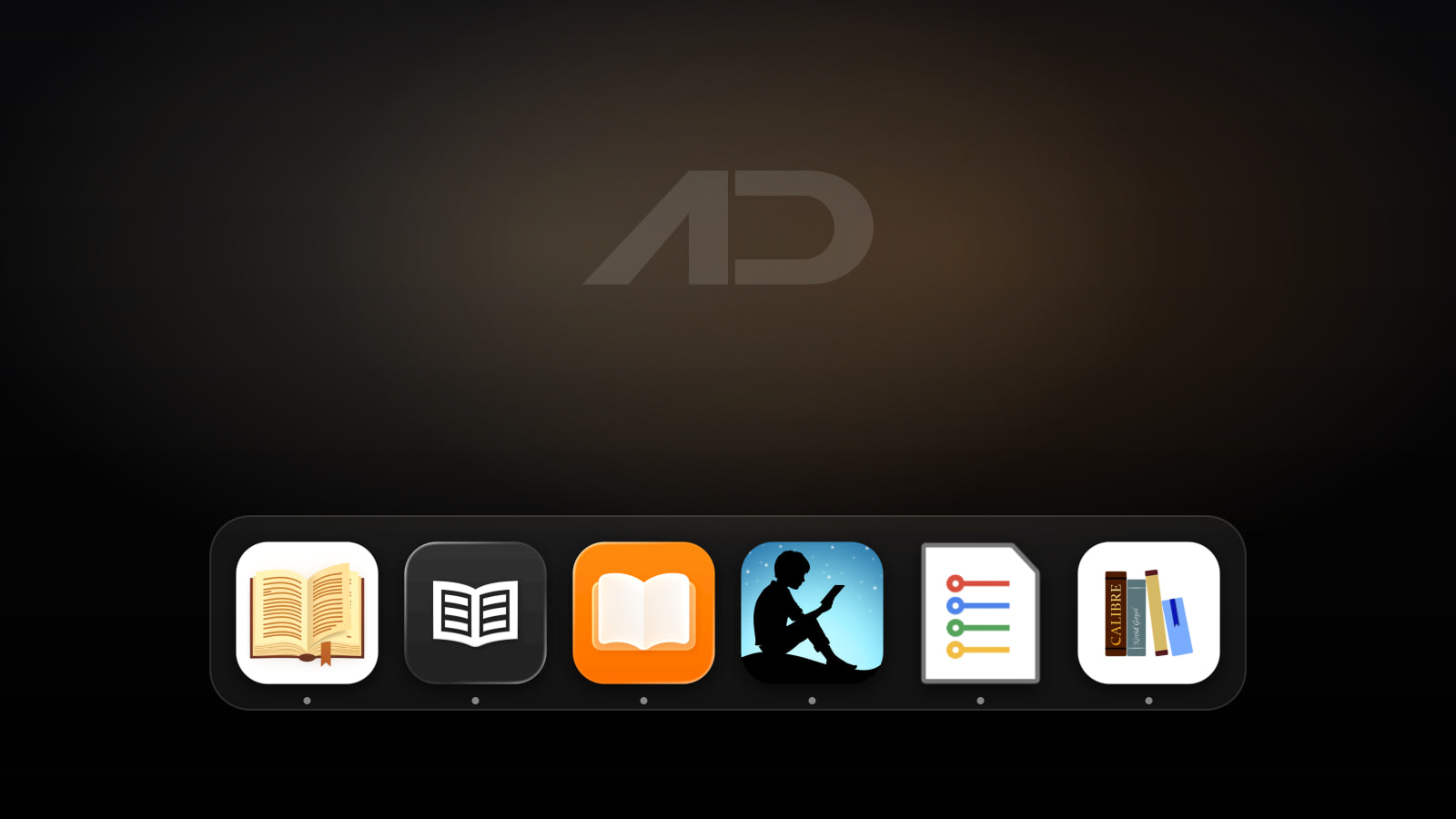
This guide compares six ebook readers that are worth installing on a Mac in 2026: the built-in Apple Books, Amazon's Kindle app, the open-source Readest, the indie Yomu, the free Thorium Reader and the library manager Calibre.
Quick Verdict
Choose Apple Books if you buy books from Apple or only read DRM-free EPUBs and PDFs on Apple devices. It's already on your Mac and syncs through iCloud.
Choose Kindle if your books come from Amazon. Nothing else opens Kindle Store purchases.
Choose Readest if you want one free, open-source reader for EPUB, PDF, MOBI and more, with sync across Mac, Windows, Linux, Android, iPhone and the web.
Choose Yomu if you read DRM-free books only on Apple devices and want a clean, focused reader with iCloud sync.
Choose Thorium Reader if you need strong accessibility, screen reader support or LCP-protected library loans.
Choose Calibre if you have a large collection to organize, convert or send to an e-reader. Pair it with one of the readers above for day-to-day reading.
Feature Comparison
| Main formats | Opens Kindle Store books | Sync | Read aloud | Price | Requires | |
|---|---|---|---|---|---|---|
| Apple Books | EPUB, PDF, audiobooks | No | iCloud | Via macOS Speak Selection | Free, built in | Included with macOS |
| Kindle | Kindle Store books; your own EPUB and PDF via Send to Kindle | Yes | Amazon account | Not listed | Free | macOS 14+ |
| Readest | EPUB, PDF, MOBI, AZW3, FB2, CBZ, TXT, Markdown | No | Readest Cloud, iCloud, Google Drive, OneDrive, WebDAV, KOReader | Yes, with AI voices | Free; Plus $4.99/month, optional one-time add-ons | macOS 13+ |
| Yomu | EPUB, MOBI, AZW, AZW3, PDF, CBZ, CBR | No (DRM-free only) | iCloud | No | Free; Yomu Pro in-app purchase | Mac App Store |
| Thorium Reader | EPUB, PDF, comics, audiobooks, LCP-protected books | No | None | Yes | Free, open source | macOS 12+ |
| Calibre | Reads and converts most ebook formats | No | Content server, device sync | Yes | Free, open source | macOS 14+ |
None of these apps removes DRM, and none should. Books bought in the Kindle Store open only in Kindle, and books bought in Apple Books open only in Apple Books. Everything else here is for DRM-free files: Project Gutenberg and Standard Ebooks titles, books from publishers that sell without DRM, and your own documents.
Apple Books: The Built-In Choice
Apple Books is already on every Mac. It's the store for Apple's books and audiobooks, and it's also a capable reader for your own DRM-free EPUB and PDF files: drag them into the app and they join your library.
What you get:
- Clean EPUB reading with themes, fonts, text size and a scrolling or paged view.
- Highlights, notes and bookmarks that stay with the book.
- iCloud sync of your library, reading position and annotations across Mac, iPhone and iPad when Books is turned on in iCloud settings.
- Collections for organizing books and PDFs.
The limits show up quickly with a bigger library. Books doesn't open MOBI, AZW3 or comic files, its customization is basic next to Readest or Yomu, and it does nothing outside Apple devices. If you read on an Android tablet or a Windows PC too, look elsewhere.
Choose Apple Books if your reading life is all Apple and you mostly read EPUBs and PDFs.
Kindle: For Books You Bought From Amazon
If you've bought Kindle books over the years, the Kindle app is the only way to read them on a Mac. Amazon replaced its old Kindle for Mac app in 2023, and the current one is on the Mac App Store as a free download (version 7.71 at the time of writing, macOS 14 or later).
Your purchases, Kindle Unlimited loans and Prime Reading books appear automatically. You get adjustable fonts, margins and colors, the dictionary, X-Ray, Wikipedia lookup, translation, highlights and notes, and your position syncs with your Kindle e-reader and phone.
Your own files work too, with a detour: Send to Kindle takes EPUB, PDF, DOCX and other files up to 200 MB and adds them to your Kindle library, where they show up in the Mac app and on your devices. That's handy if you already live in Kindle, but it's an upload to Amazon rather than opening a file on your Mac.
Choose Kindle if Amazon is where you buy books. Use one of the other apps for everything else.
Readest: The Best Free All-Rounder
Readest is a free, open-source reader (AGPL-3.0) for macOS, Windows, Linux, Android, iPhone, iPad and the web, and with more than 26,000 stars on GitHub it's one of the most popular open-source readers around. It's still officially a 0.x release (0.12.20 in November 2026), but it's updated often and already polished.
What stands out:
- The widest format support here among readers: EPUB, PDF, MOBI, AZW3, FB2, CBZ, TXT and Markdown in one library.
- Parallel Read, which puts two books or documents side by side, useful for translations, study and research.
- Read aloud with downloadable offline voices, plus translation of a sentence, page or whole book, and dictionary and Wikipedia lookup.
- Library sources: OPDS catalogs, public library catalogs, and your own Calibre or Calibre-Web server.
- Flexible sync: Readest Cloud, or your own iCloud, Google Drive, OneDrive, WebDAV or S3, plus KOReader sync so progress matches a KOReader e-reader. Highlights can also go to Readwise, Notion, Obsidian and Hardcover.
The free plan includes sync with 500 MB of cloud storage and 10,000 characters of AI translation a day. Plus ($4.99 a month) raises storage to 5 GB and translation to 100,000 characters a day with DeepL, lifts the cap on AI read-aloud hours and unlocks every customization option; Pro is $9.99 a month. If you only want the extras, one-time purchases are available too: Full Customization is $19.99, and extra cloud storage starts at $9.99 for 1 GB.
The trade-off is that Readest does a lot, so its settings take longer to learn than Yomu's or Apple Books'.
Choose Readest if you read on more than Apple devices, have files in many formats or want translation and read-aloud built in.
Yomu: A Focused Reader for Apple Devices
Yomu is an independent ebook reader for Mac, iPhone and iPad from indie developer Beat Raess, and it has been around for more than a decade. Its pitch is simple: open a book and read, with no unnecessary preferences. It has a 4.8 rating from more than 1,600 ratings on the US App Store, and the latest version, 3.21.1, shipped in November 2026.
What you get:
- DRM-free EPUB, MOBI, Kindle (AZW, AZW3, KF8), PDF and comic (CBZ, CBR) files, which covers more formats than Apple Books.
- Reading styles with fonts including Lexend and OpenDyslexic, day, sepia, grey, dusk, night and black modes, page or scroll layout, and a newer Classic design that keeps more of a book's original layout.
- Highlights, notes, bookmarks and search in EPUB, MOBI and Kindle books.
- Folders and tags for organizing the library.
- iCloud sync of books and annotations across your devices, with imports from iCloud Drive, Dropbox, Google Drive, OneDrive, OPDS and Calibre.
Yomu is free to download, with optional Yomu Pro in-app purchases listed at $7.99 and $12.99 on the US App Store. It has no read-aloud feature and no versions outside Apple's platforms.
Choose Yomu if you read DRM-free books only on Apple devices and want a calm, well-designed reader.
Thorium Reader: Accessibility and Library Loans
Thorium Reader comes from EDRLab, the nonprofit behind the Readium software that many reading apps are built on. It's free, open source, ad-free and funded by grants and donations, with versions for Mac (Apple Silicon and Intel), Windows and Linux. Version 3.5.1 shipped in September 2026, and it needs macOS Monterey or later.
Thorium's strengths are different from the others:
- Accessibility first: full screen reader support, keyboard navigation, synthetic voices for read aloud and adjustable display settings. Reviews on its site come from teachers and from readers who are blind or visually impaired.
- LCP-protected ebooks, the DRM some libraries and bookstores use, alongside DRM-free EPUB, PDF, comics and audiobooks.
- Library catalogs (OPDS) that you can browse and borrow from inside the app.
- Print-equivalent page numbers, useful when a class or a citation refers to the printed edition.
- Annotations with highlight styles, plus export and import.
Thorium has no sync, and its reading view is more functional than beautiful. It's a desktop reader, so pair it with something else if you also read on a phone.
Choose Thorium Reader if you rely on a screen reader, need LCP library loans or want a dependable free reader with no account.
Calibre: The Library Manager
Calibre, by Kovid Goyal, has been the standard ebook library manager for well over a decade and is still updated frequently (version 9.19 on November 21, 2026). It's free and open source, and the current version needs macOS 14 Sonoma or later; older builds remain available for older Macs.
Calibre is less a reading app than a toolkit:
- Library management with metadata, covers, series, tags and powerful search, even across thousands of books.
- Format conversion, for example EPUB to AZW3 for a Kindle e-reader, or MOBI to EPUB for Apple Books.
- Device sync with e-readers over USB, plus a content server that makes your library available to other apps; Readest and Yomu can both pull books from it.
- An editor for fixing EPUB files, which version 9.19 extended with grammar checking.
- A built-in viewer with highlights, bookmarks and read aloud.
The viewer works fine, but Calibre's interface is busy and its reading experience isn't as pleasant as a dedicated reader's. Most people use Calibre to manage and convert, and another app to read.
Choose Calibre if you have a large DRM-free collection, read on an e-reader or need to convert between formats.
Which Ebook Reader Should You Choose?
Choose Apple Books if you want zero setup and read only on Apple devices.
Choose Kindle if your library is in the Kindle Store or you use Kindle Unlimited.
Choose Readest if you want the most capable free reader, sync beyond Apple devices or built-in translation.
Choose Yomu if you want a beautiful, simple reader with iCloud sync for DRM-free books.
Choose Thorium Reader if accessibility or LCP-protected library books matter most.
Choose Calibre if you need to organize, convert or move books between devices.
Many readers end up with two: the store app their purchases are locked to (Kindle or Apple Books) plus Readest, Yomu or Thorium for everything else, with Calibre in the background if the collection grows.
Final Verdict
For most people, Readest is the best ebook reader for Mac: it's free, opens almost every DRM-free format, syncs across every platform and adds translation and read aloud without a subscription. If you prefer a quieter app and stay on Apple devices, Yomu is the nicer reading experience. Apple Books and Kindle remain essential for the books you bought in their stores, Thorium Reader is the pick for accessibility and library loans, and Calibre is the tool that keeps a large collection in order.
Features and prices are current as of November 2026. Prices vary by region.
KeyScreen: Show your keystrokes on screen.
Display key presses with custom themes, layouts, multi-display support, and global shortcuts. Made for tutorials, streams, and live demos.