
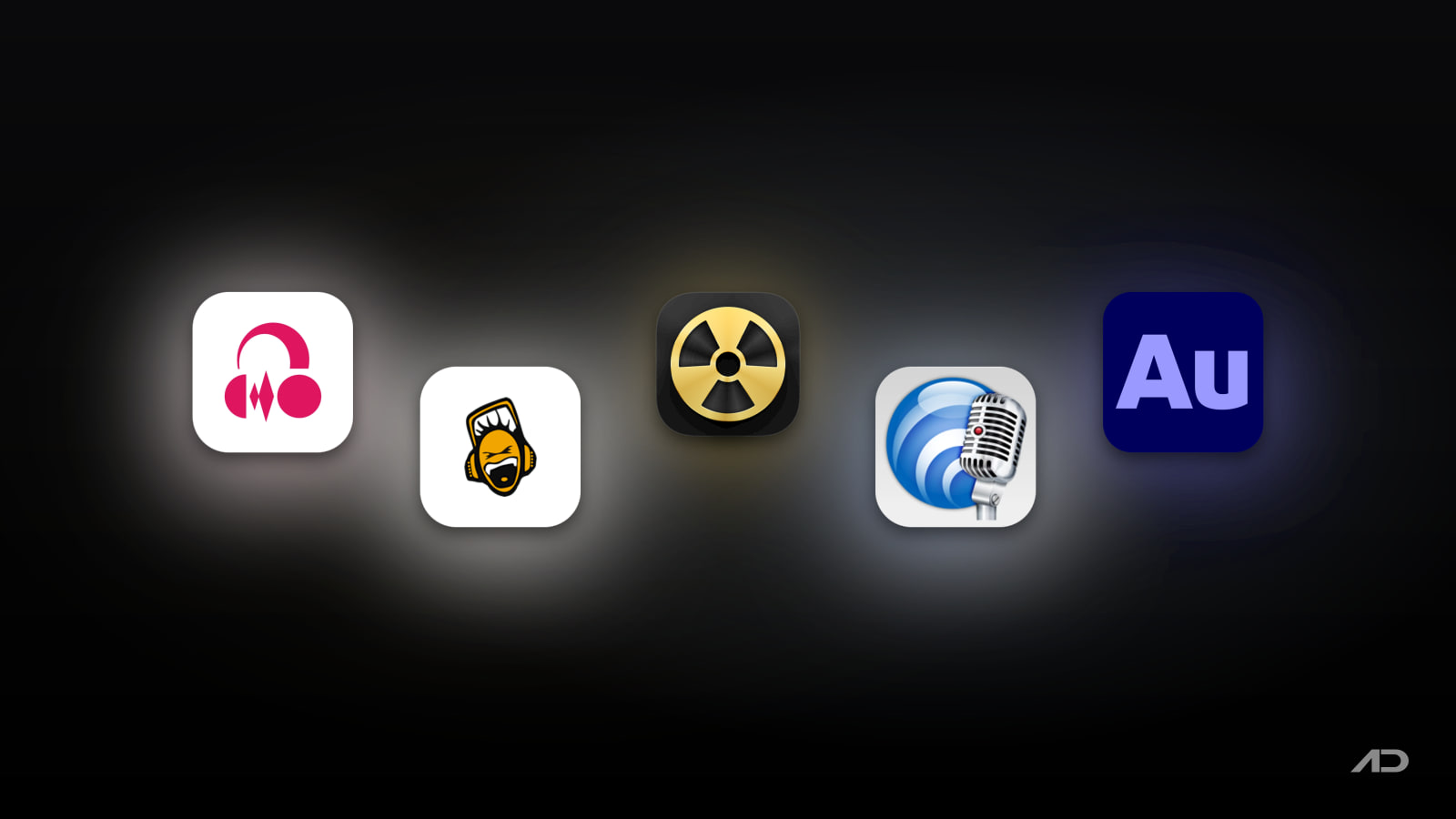
Audacity Alternatives for Mac: Ocenaudio, Fission, TwistedWave, and Adobe Audition Compared
Audacity is the audio editor almost everyone tries first: it's free, open source, and runs on every platform. In September 2026 the team shipped Audacity 4, the biggest rewrite in the app's history, with a new Qt-based interface, a clip-based editing model, workspace presets, and support for LV2, VST3, and Audio Unit plugins side by side.
Audacity 4 is a big step forward, but it also changes a workflow many people have used for years, and its new .aup4 project format can open older .aup3 projects without saving back to them. If you're reconsidering your audio editor anyway, now is a good time to look at the alternatives. Ocenaudio is a free editor with real-time effect previews, Fission is a simple, lossless Mac editor from Rogue Amoeba, TwistedWave is a fast, Mac-native editor for detailed waveform work, and Adobe Audition is the professional option for restoration and multitrack mixing.
This guide compares them on editing style, effects, file handling, and price.
Quick Verdict
Choose Ocenaudio if you want a free, easy editor that previews effects in real time and handles large files well.
Choose Fission if you mostly trim, join, split, and convert files, and want edits to MP3 and AAC without re-encoding.
Choose TwistedWave if you want a fast, Mac-native editor with plugins, batch processing, and spectrogram editing, and don't mind a subscription.
Choose Adobe Audition if you need professional noise reduction, restoration, and multitrack mixing, especially alongside Premiere Pro.
Stay with Audacity if you want a free multitrack editor with a big plugin ecosystem and are willing to learn its new layout.
Feature Comparison
| Feature | Audacity | Ocenaudio | Fission | TwistedWave | Adobe Audition |
|---|---|---|---|---|---|
| Best for | Free multitrack editing | Free, quick single-file edits | Lossless trims and conversions | Fast, detailed waveform work | Professional restoration and mixing |
| Editing style | Multitrack, clip based | Single file, multi-selection | Single file, simple | Single file, multichannel | Waveform, spectral, and multitrack |
| Plugins | LV2, VST3, Audio Units | VST | Not listed | Audio Units and VST, effect stacks | Audio Units and VST |
| Spectrogram | Yes | Yes | No | Yes, with spectral editing | Yes, with spectral editing |
| Lossless MP3/AAC edits | No | No | Yes | No | No |
| Standout tools | Clip groups, workspace presets, audio.com cloud saves | Real-time effect preview, fast on long files | Smart Split, batch converter, podcast chapters | Batch processing, ZTX time-stretch, silence splitting | Essential Sound panel, noise reduction, Remix |
| Platforms | Mac, Windows, Linux | Mac, Windows, Linux | Mac only | Mac, Windows, iPhone/iPad, web | Mac, Windows |
| Current pricing snapshot | Free | Free | $35 one-time | $9.99/mo or $99.90 first year | $22.99/mo (annual plan) |
Audacity: The Benchmark
Audacity is free and open source, runs natively on Apple Silicon, and handles everything from recording a voiceover to cleaning up an interview. Version 4 rebuilt the whole interface on Qt, so it looks and feels far more modern on a Mac, with better HiDPI support. Clips are now first-class objects: you can click a clip header to select and move it, group clips together, and trim or stretch them with handles. Per-track meters, markers and regions, loop controls, and redesigned effect windows round out the update. Plugins in the LV2, VST3, and Audio Unit formats all load directly, and you can save projects to the cloud through audio.com.
The downsides are familiar. Audacity is still a general-purpose editor, so simple jobs like trimming an MP3 re-encode the file on export. The Audacity team tests the Mac version on macOS 14 and 15, and it asks for fast local storage, warning that network drives and consumer external drives can cause problems. And Audacity 4's new editing model takes some getting used to if you learned the old one.
Stay with Audacity if you need free multitrack editing and a deep plugin ecosystem. Look elsewhere if you want something simpler, more Mac-like, or more specialized.
Ocenaudio
Ocenaudio is the closest free alternative and often the one people switch to first. It's a single-file editor rather than a multitrack one, which keeps the interface clean. Its standout feature is real-time preview: you hear the effect while you adjust EQ, gain, or filter settings, instead of applying, listening, and undoing.
It also supports multi-selection, so you can select several parts of a file and apply an edit or effect to all of them at once. A spectrogram view helps you spot noise and clicks, VST plugins extend the built-in effects, and its memory management keeps editing fast on very long recordings. The current version (3.22) is a universal app for macOS 14.4 or later, with a legacy build for macOS 10.14 and up.
Ocenaudio isn't a good fit for layering several tracks, such as music under a voiceover. For that you still need Audacity, GarageBand, or a paid editor.
Choose Ocenaudio if you want a free, friendly editor for quick edits, cleanups, and long recordings.
Fission
Fission from Rogue Amoeba is built for the jobs most people actually do with an audio editor: trimming, cropping, joining files, adding fades, and converting formats. Its key feature is lossless editing for MP3 and AAC, so cutting the start off a podcast episode or a recording doesn't re-encode the file and lose quality.
It also has a batch converter for MP3, AAC, Apple Lossless, FLAC, AIFF, and WAV, Smart Split to divide a file automatically at silences (handy for digitizing records), chapter support for AAC and MP3 podcasts, cue sheets, normalizing, and metadata editing. It pairs naturally with Rogue Amoeba's recording app, Audio Hijack: record with one and edit with the other.
Fission is not a full editor. There's no multitrack mixing or spectrogram view, so it won't replace Audacity for noise reduction or detailed cleanup. Version 2.9.5 supports macOS 14 through macOS 27. It costs $35 as a one-time purchase, with a discount when bought with Audio Hijack, and the free trial works fully but adds limitations until you buy a license.
Choose Fission if you want the simplest, fastest way to trim, split, and convert audio on a Mac without losing quality.
TwistedWave
TwistedWave is a professional editor that feels fast and native on a Mac. It's built for recording, mastering, converting, and batch processing. It supports Audio Unit and VST plugins with effect stacks, spectrogram-based editing, multichannel files, time-stretching and pitch-shifting via Zynaptiq's ZTX, silence detection and auto-splitting, and metadata editing across formats. Optional add-ons sync a waveform to a text script with speech recognition, or let you edit a video's soundtrack while watching it.
The current release (34.1) supports macOS 10.15 through macOS 27 on Apple Silicon and Intel, and the developer also offers Windows, iPhone/iPad, and browser versions.
TwistedWave is now sold as a subscription that covers Mac and Windows: $9.99/month, or yearly at $99.90 for the first year, $79.90 for the second, and $59.90 from the third year onward. A perpetual fallback license lets you keep using your version if you cancel. There's a 30-day fully functional trial and a 90-day money-back guarantee.
Choose TwistedWave if you edit audio often, want plugins and batch processing in a focused single-file editor, and prefer a native Mac feel to Audacity's cross-platform interface.
Adobe Audition
Adobe Audition is the heavyweight here. It combines waveform, spectral, and multitrack views in one app, with professional noise reduction and restoration tools, the Essential Sound panel for quick, consistent dialogue and music cleanup, and a Remix tool that rearranges music to fit a set duration. It also works closely with Premiere Pro and After Effects, which is why video editors often end up using it.
Audition is subscription only. The single-app plan costs $22.99/month on an annual plan, and it's included in Creative Cloud Pro, which also covers Photoshop, Premiere Pro, and the rest of Adobe's apps. For someone who only trims a recording now and then, that's a lot to pay.
Choose Audition if audio cleanup is part of your job, or if you already pay for Creative Cloud.
Other Options Worth Knowing
- GarageBand is free on every Mac and handles basic multitrack voice and music projects well. If you outgrow it, see our Logic Pro vs Ableton Live vs FL Studio vs GarageBand comparison.
- Text-based editors such as Descript let you edit speech by editing a transcript, which can be faster for podcasts and interviews. Our Descript alternatives guide covers the options.
- Recording Mac audio before editing it is a separate job. See our Audio Hijack alternatives guide.
Which One Should You Choose?
Use Ocenaudio if you want a free replacement for single-file editing and like hearing effects before you apply them.
Use Fission if your editing is mostly trimming, splitting, joining, and converting, and you want MP3 and AAC edits without quality loss.
Use TwistedWave if you want a polished, plugin-capable Mac editor for frequent, detailed work and are fine with a subscription.
Use Adobe Audition if you need professional restoration and multitrack mixing, or already pay for Creative Cloud.
Stay with Audacity if you need a free multitrack editor, and give version 4 a fair try before switching.
A simple way to decide: install Ocenaudio alongside Audacity and use whichever you reach for on your next few edits. If most of your work is trimming podcast or voice memo files, try Fission's trial. If you keep wishing for plugins, batch processing, and spectral editing in a faster app, try TwistedWave's 30-day trial before committing to Audition.
Final Verdict
Ocenaudio is the best free Audacity alternative for most single-file editing. Fission is the best value for simple, lossless edits and conversions at a one-time $35. TwistedWave is the best Mac-native editor for serious, frequent work, and Adobe Audition is the professional choice for restoration and mixing. Audacity 4 is still the best free multitrack editor, but you no longer have to put up with it if your needs are simpler or more demanding.
Catch these apps on sale: many paid Mac apps, including audio apps, run discounts at least once a year, most often around Black Friday. Subscribe to the Apps.Deals newsletter to hear when the deals arrive.
Note: Features and prices are current as of October 2026. Prices can vary by region and plans change, so check each developer's official page before buying.

KeyScreen: Show your keystrokes on screen.
Display key presses with custom themes, layouts, multi-display support, and global shortcuts. Made for tutorials, streams, and live demos.